41
Pick ID of connected kit out of drop-down list in the field "Kit ID replacement".
Pick one to be replaced from the drop-down ID list. Press the button .
Switch off and switch on the kit again in a customary mode.
For Domination and Utility boxes:
Power on UB or DB.
Wait until device connects with server and text box OnLine appears: select yes
nearby the ID number in the appropriate box of the game devices status panel ("UB"
or "DB" tab).
Select ID from the drop-down list of the connected devices in the field "DB ID
replacement" or "UB ID replacement".
Pick one to be replaced from the drop-down ID list. Press the button . .
Switch off and switch on device again.
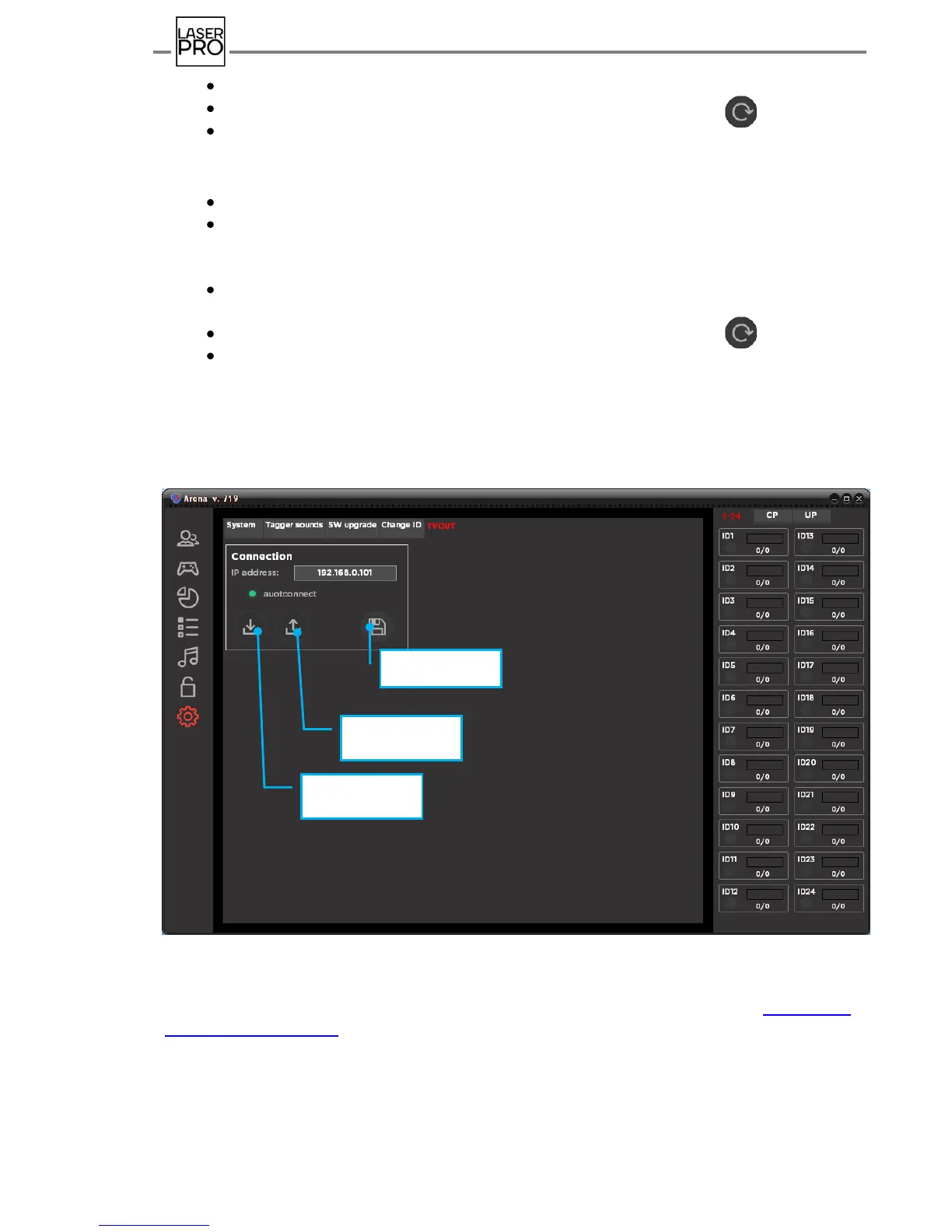
9.8.5. TV OUT
Supplied MONITOR OUT Program is designed for streaming operative information of
game process on the PC server display, additional monitor, TV set or projector.
Fig 43 "TV OUT" tab
Current released version is available for download at link: http://laser-
tag.pro/monitor_out.zip
Downloaded zip-file shall be unpacked in any folder.
Monitor Out Program is supplied in a portable version and for its start-up does not
require any installation procedure to hard disc of PC.



 To Next Page