37
9.8.
System Configuration
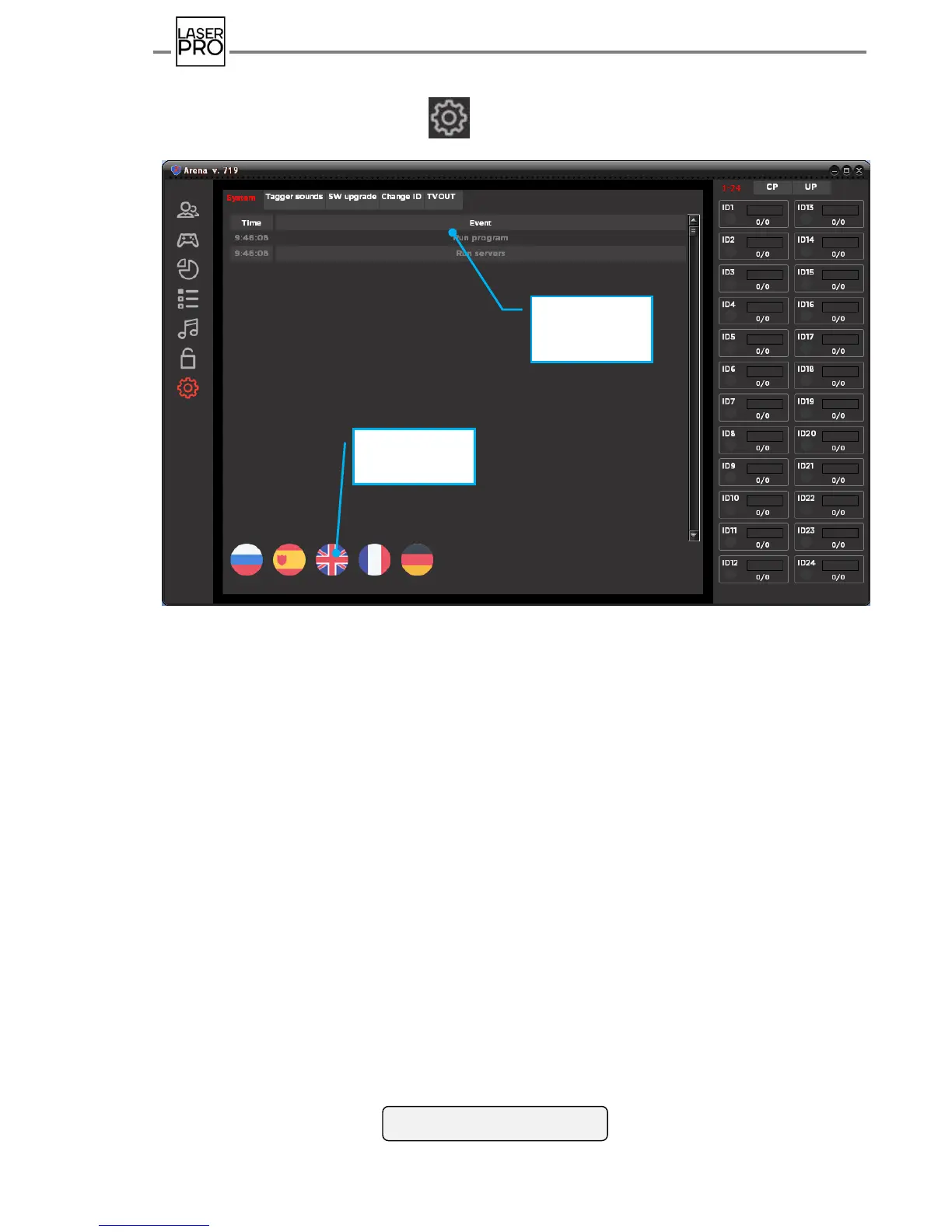
Pressing the most bottom icon places program into a mode "System
configuration".
Fig 39 "System configuration" mode
Mode window contains five tabs: "System", "Sound in blaster", "Software update", "ID
change", "TV OUT".
9.8.1. System
Information about all system events is displayed in the tab "System" with reference to
real time: "Program start", "Server start", "ID1 set switched off", "DB capture", etc.
Program language is selected on the tab. Russian, Spanish, English, French and German
languages are currently available. Selection is performed by pressing the button with
appropriate toggle. Modifications are introduced after program restart.



 To Next Page