35
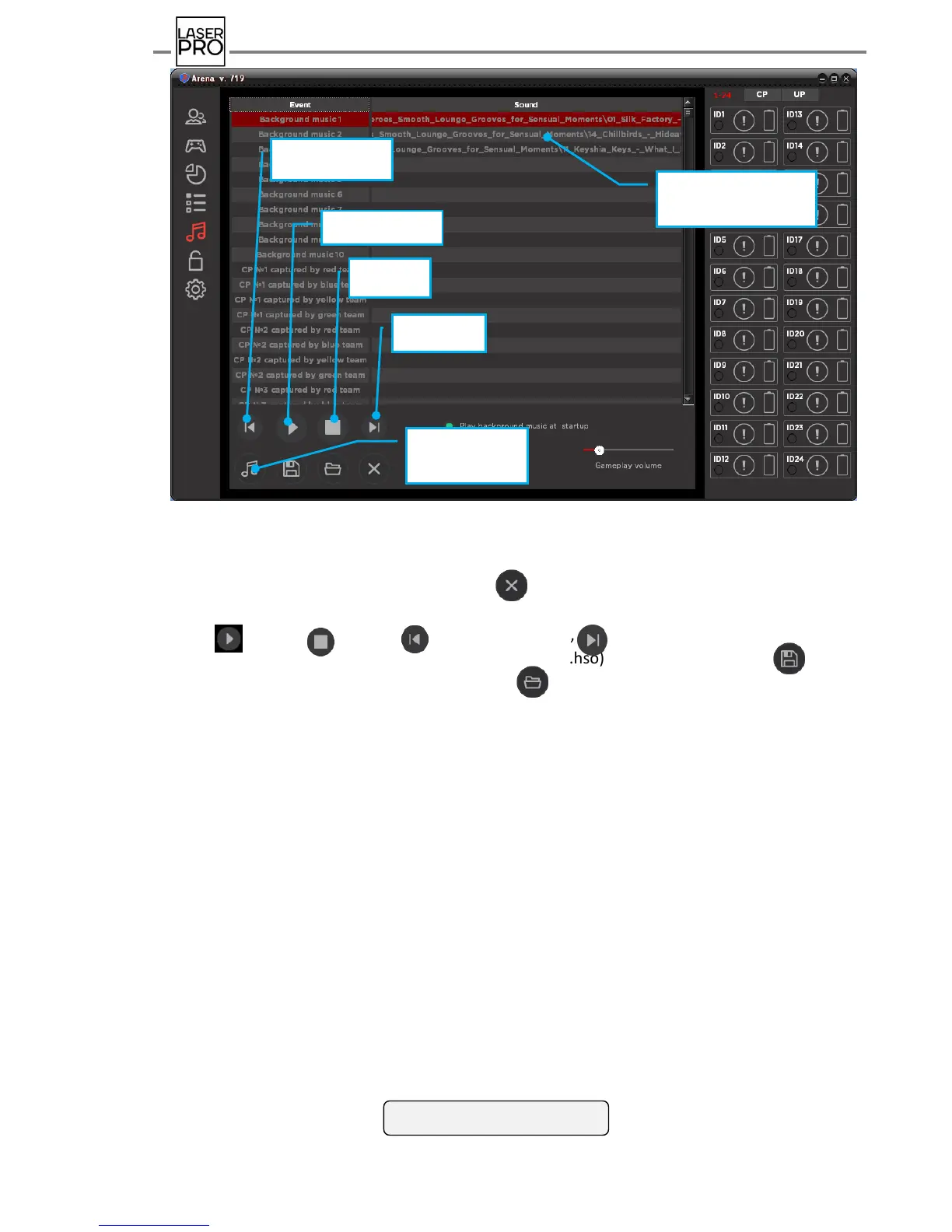
Fig 37 "Sound Effects" mode
Select necessary line and press icon to delete file from the sound chart.
Sound file playing is reproduced by means of standard buttons for media player:
- play, - stop, - play previous file, - play next file.
The possibility exists to save sound chart (suffix.hso) by pressing the icon , to
download chart recorder before – press the icon .
It is also possible to set a parameter making background music to start playing when
program launches marking the corresponding item in the panel.
Volume of reproduced background music in pauses, game music and game messages is
adjusted by means of scroll boxes: to the right – louder, to the left – quieter.



 To Next Page