w
w
w
w
ww.foscam.
ww.foscam.
com
com
Shenzhen
Shenzhen
Foscam
Foscam
Intelligent
Intelligent
Technology
Technology
Co.,
Co.,
Limited
Limited
Tel:
Tel:
86
86
755
755
2674
2674
5668
5668
Fax:
Fax:
86
86
755
755
2674
2674
5168
5168
11
Section4 IR Lights Buttons
: Click this icon, all the IR lights will turn on.
: Click this icon to turn off IR lights.
Section5 Device Management
Device Management ------Path to Administrator Control Panel, Click it, and it will lead to
Administrator Control Panel.
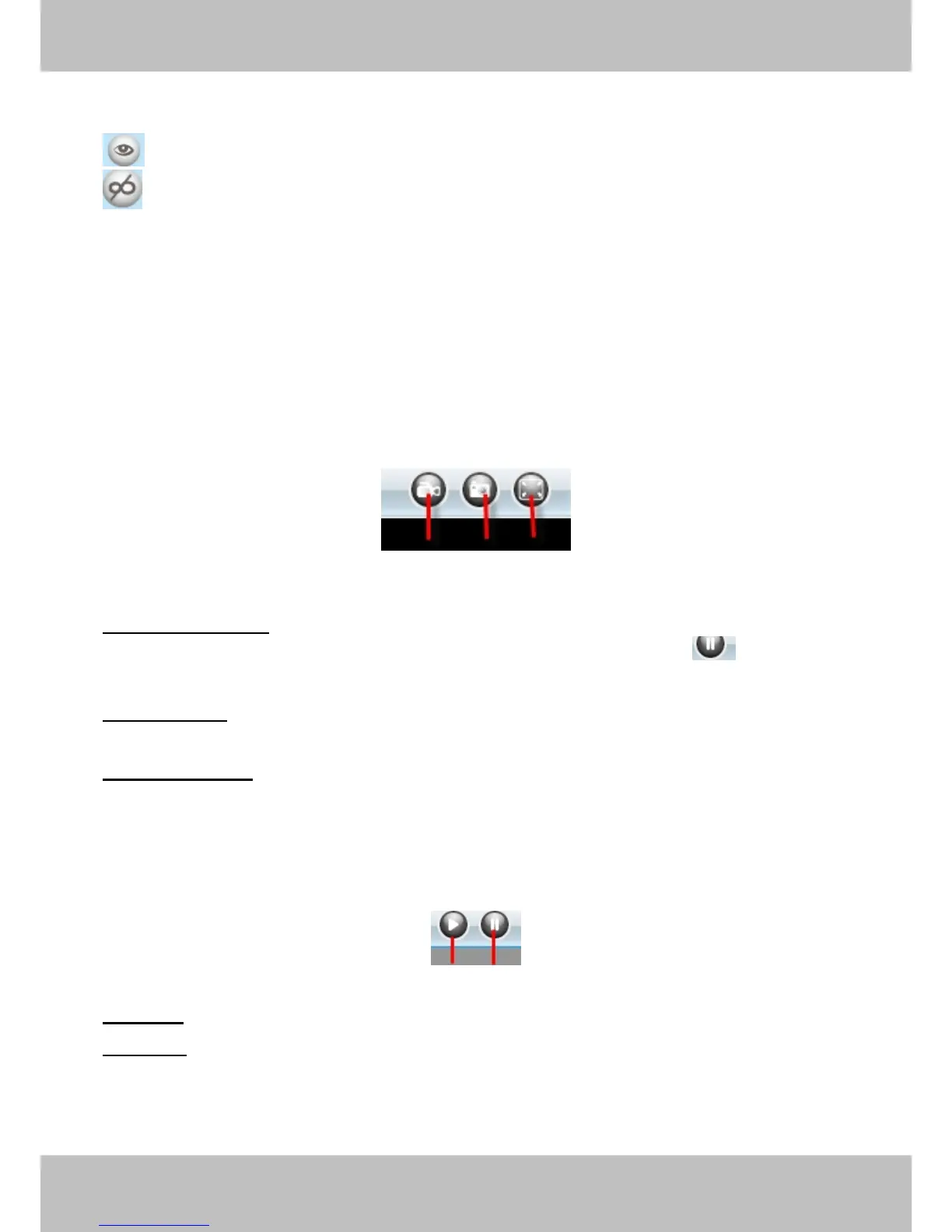
Section6 Record & Snapshot & Full Screen Buttons
1------Record Button Click it and it pop-up a path-setting window, you can select the storage
path and the record file name. At the same time the record icon changes to ,, Click it again
2------Snapshot Click it to make snapshot and it pop-up a window which picture you snapshot,
right click in the window and save the picture to anywhere you want.
3------Full Screen Click it to make full-screen, or you can double click the surveillance screen
Section7 Play/Stop Buttons
1------Play Click it to play the video of the camera
2------Stop Click it to stop the video of the camera



 To Next Page