camera will be reset back to the factory default parameter.
2) Press and hold down the RESET BUTTON about 4 seconds, then press the WPS button on
the router, then you can use the WPS function. (For more details: please read Wireless Settings
in the User Manual)
Bottom View
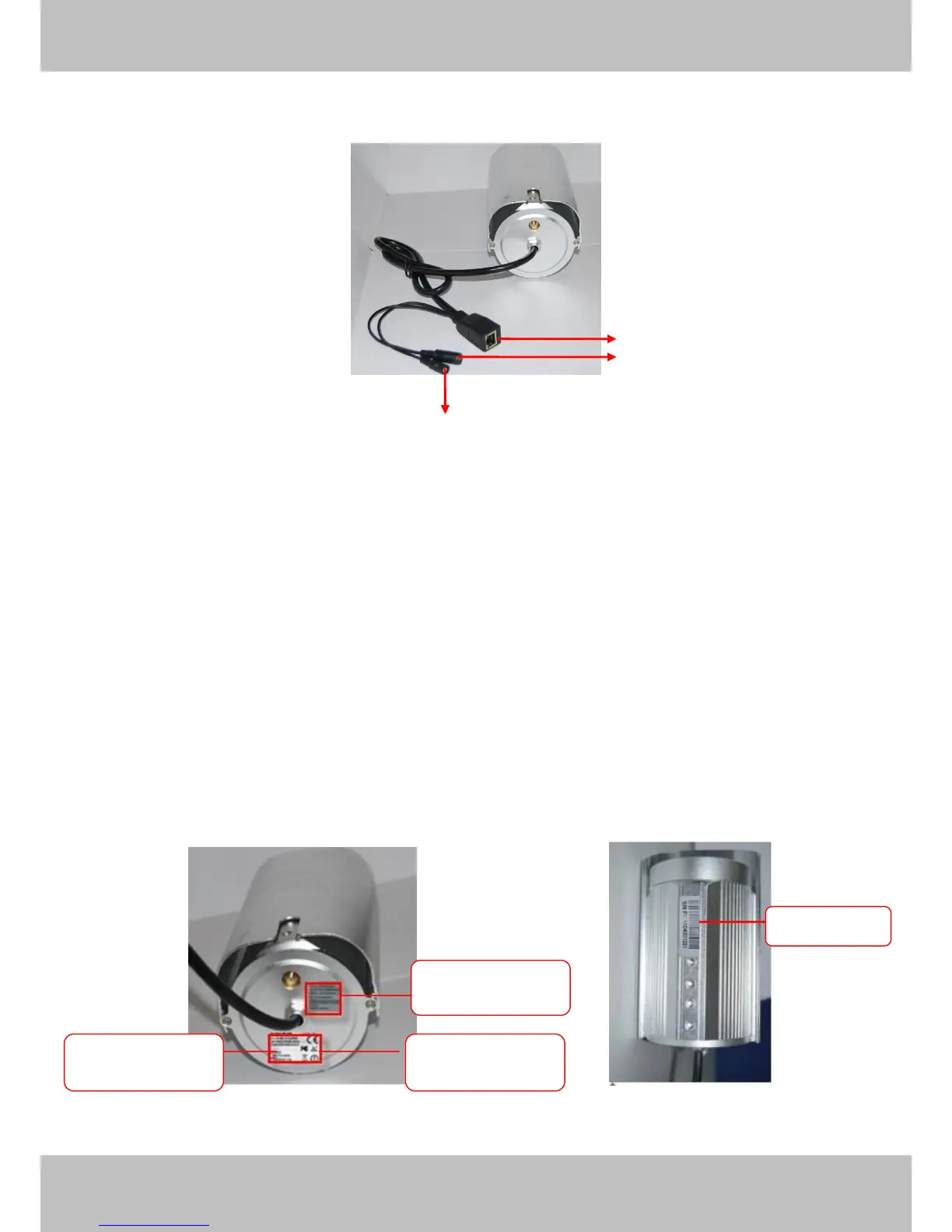
There are up to three labels located on the body of the camera; this is an important feature of
original Foscam cameras. If your camera does not have labels as shown in Figure 1.3 ,it may be
a clone one. Cloned Foscam cameras can not use original firmware and are not eligible for
warranty or technical services.
Figure 1.3



 To Next Page