EasyManua.ls Logo

Foscam FI8906W - Page 21

Foscam FI8906W
59 pages
Print Icon
To Next Page IconTo Next Page
To Previous Page IconTo Previous Page
Loading...
20
w
w
w
w
ww.foscam.
ww.foscam.
com
com
Shenzhen
Shenzhen
Foscam
Foscam
Intelligent
Intelligent
Technology
Technology
Co.,
Co.,
Limited
Limited
Tel:
Tel:
86
86
755
755
2674
2674
5668
5668
Fax:
Fax:
86
86
755
755
2674
2674
5168
5168
20
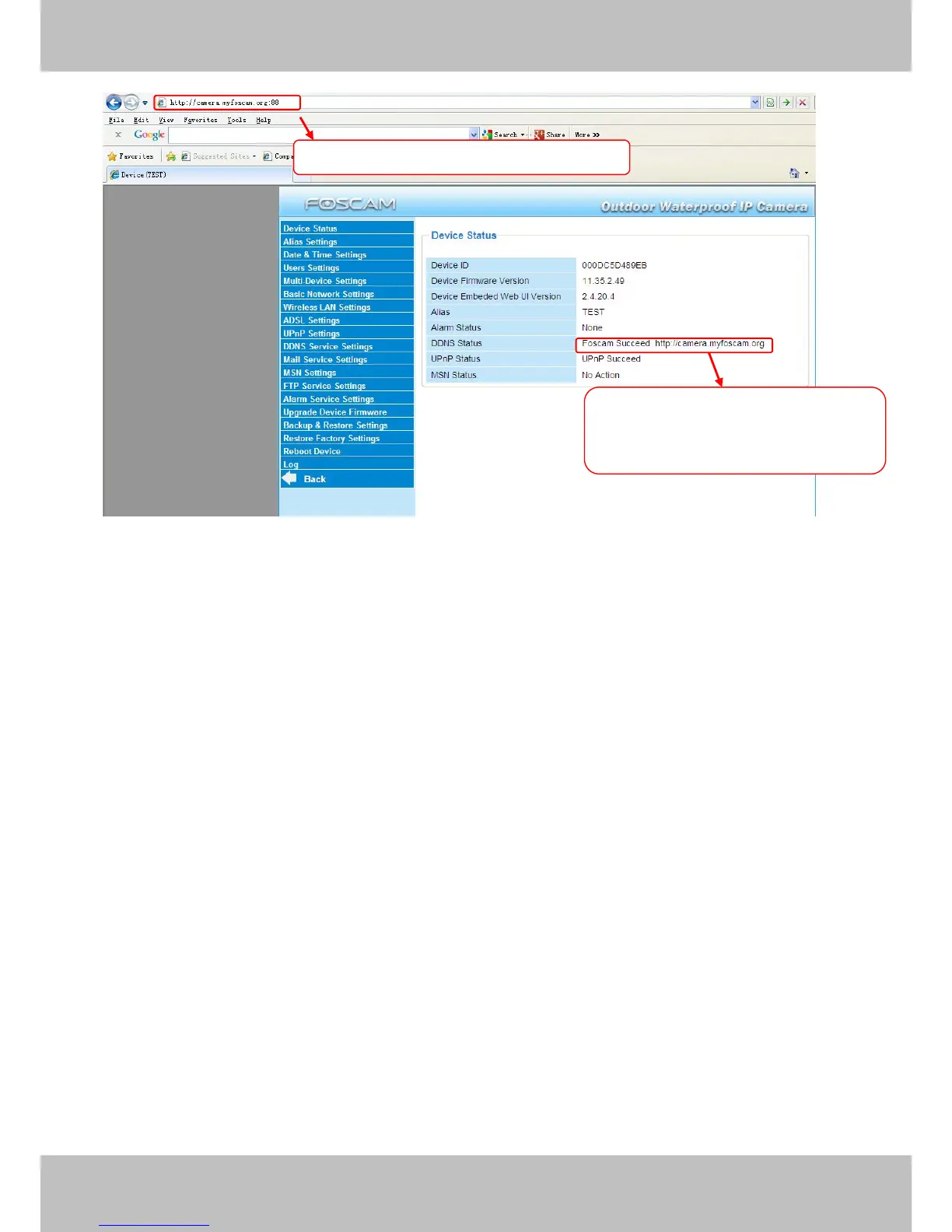
Figure 3.10
If you have several cameras, you can use the same DDNS domain name; you only need to set a
different port number for each camera.
Click Multi-Device Settings. Choose The 2nd Device. Fill in the 2nd camera’s name, DDNS
domain name, port number. Enter user name and password and then choose Add. (Figure 3.11)
NOTE: Here the Host must be entered as the second camera’s DDNS domain name, not its LAN
IP.

Use DDNS domain name and port to login
Make sure each camera you need
add could login with DDNS name and
port

Other manuals for Foscam FI8906W

Related product manuals