w
w
w
w
w
w
w
w
.
.
f
f
o
o
s
s
c
c
a
a
m
m
.
.
c
c
o
o
m
m
S
S
h
h
e
e
n
n
z
z
h
h
e
e
n
n
F
F
o
o
s
s
c
c
a
a
m
m
I
I
n
n
t
t
e
e
l
l
l
l
i
i
g
g
e
e
n
n
t
t
T
T
e
e
c
c
h
h
n
n
o
o
l
l
o
o
g
g
y
y
C
C
o
o
.
.
,
,
L
L
i
i
m
m
i
i
t
t
e
e
d
d
T
T
e
e
l
l
:
:
8
8
6
6
7
7
5
5
5
5
2
2
6
6
7
7
4
4
5
5
6
6
6
6
8
8
F
F
a
a
x
x
:
:
8
8
6
6
7
7
5
5
5
5
2
2
6
6
7
7
4
4
5
5
1
1
6
6
8
8
7
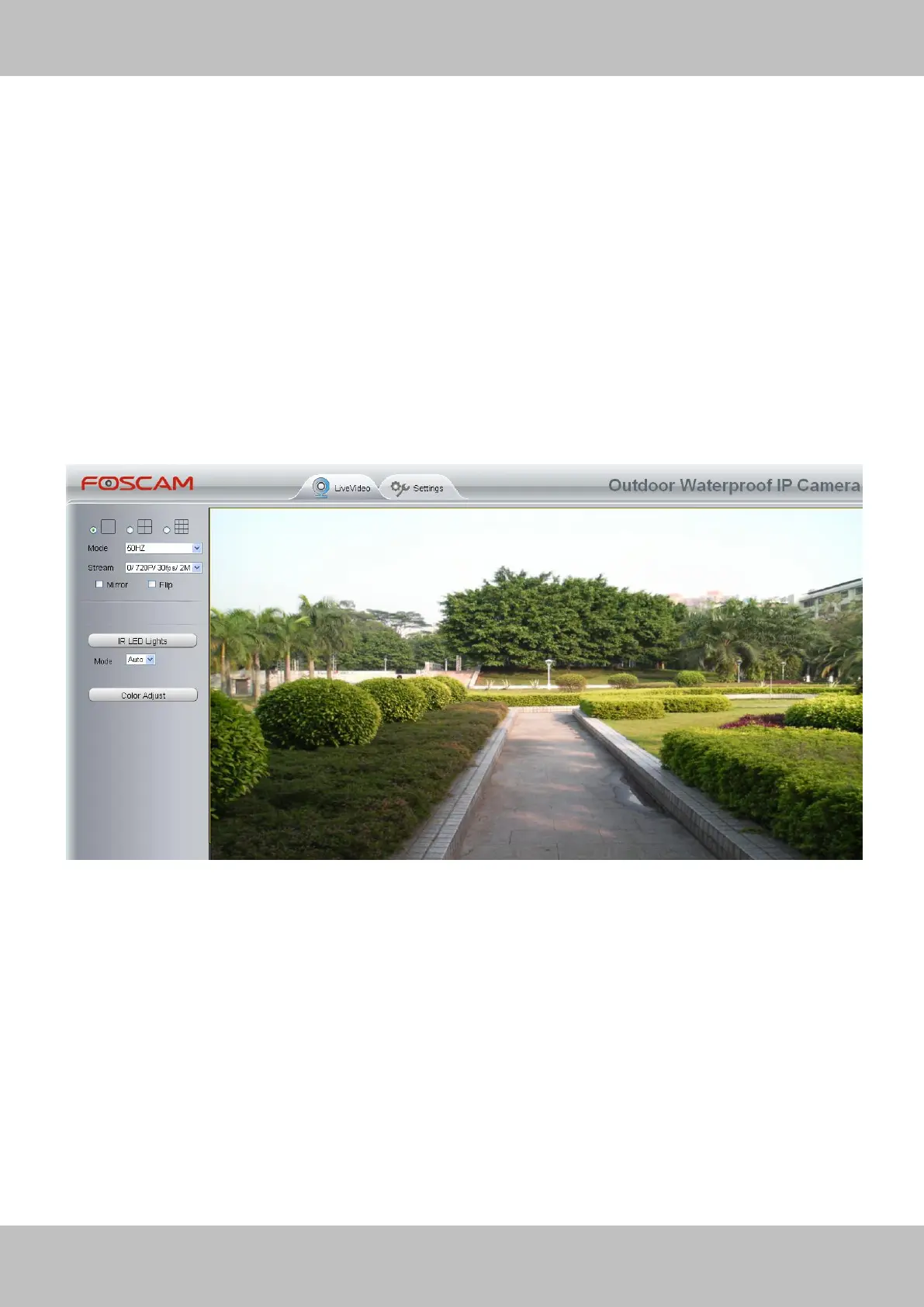
The camera supports two stream modes: Main stream and sub stream. If you want to access the
camera form LAN, here you can select Main stream. If you want to access the camera from
Internet, here we recommend sub stream.
Note: When the network bandwidth is badly you’d better select Sub Stream and the video will be
more fluency.
Section4 Select the language
You can select the language you need via click on the language dropdown list to switch.
Section5 Login the camera
Click Login button and you will see the surveillance windows.
Figure 2.2



 To Next Page