NVR User Manual
www.foscam.com
Click Save button to take effect.
Click FTP Test to see if FTP has been successfully configured.
If the test success, you can see the success information.
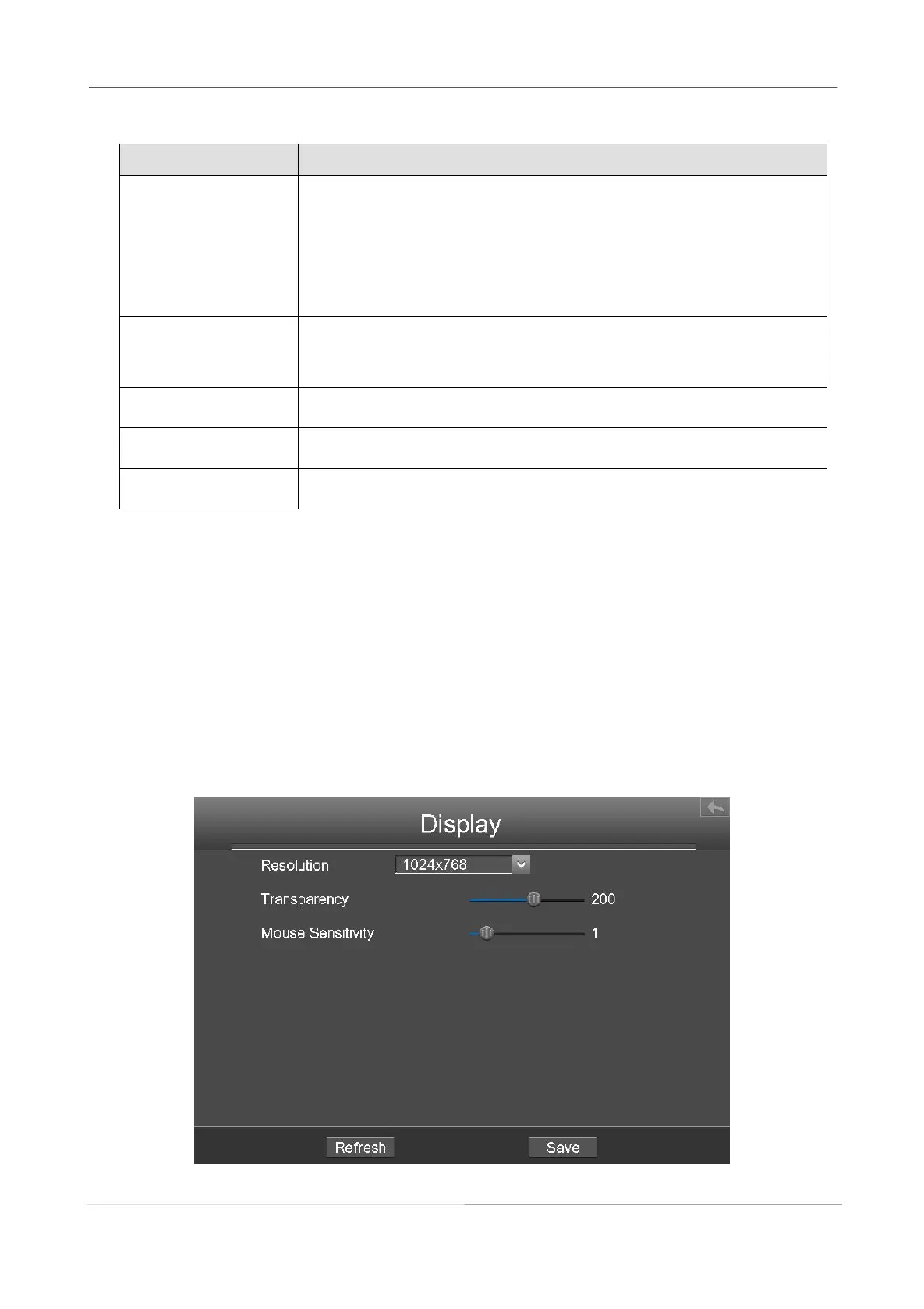
Display
Choose Menu > Settings > Display in the Menu interface. The Display interface is displayed.You
can configure the display mode, Resolution, Transparency, Mouse Sensitivity and Interval for the
NVR.
If your FTP server is located on the LAN, you can set FTP address
as ftp://IP address/dir.(eg.ftp://192.168.1.103/dir).
If your FTP server is located on the WAN, you can set FTP
address as ftp://domain name/dir.(eg.ftp:test.no-ip.org/dir).
Default port is 21.You can also change this port manually through FTP
server.
Here supports two modes: PORT and PASV.
The user account of FTP server.
The user password of FTP server.



 To Next Page