WDR: WDR stands for High Dynamic Range. It usually refers to the method of capturing images having
"greater dynamic range between the lightest and darkest areas of an image than current standard digital
imaging methods or photographic methods". You can select ON from the dropdown list under sunlight or with
bright background.
NAA: NAA (Network Auto-Adaptability) can make IP Camera changing the real-time rate to adapt different
network conditions, which can supply better preview experience. It is OFF as default.
Section4 IR LED Lights
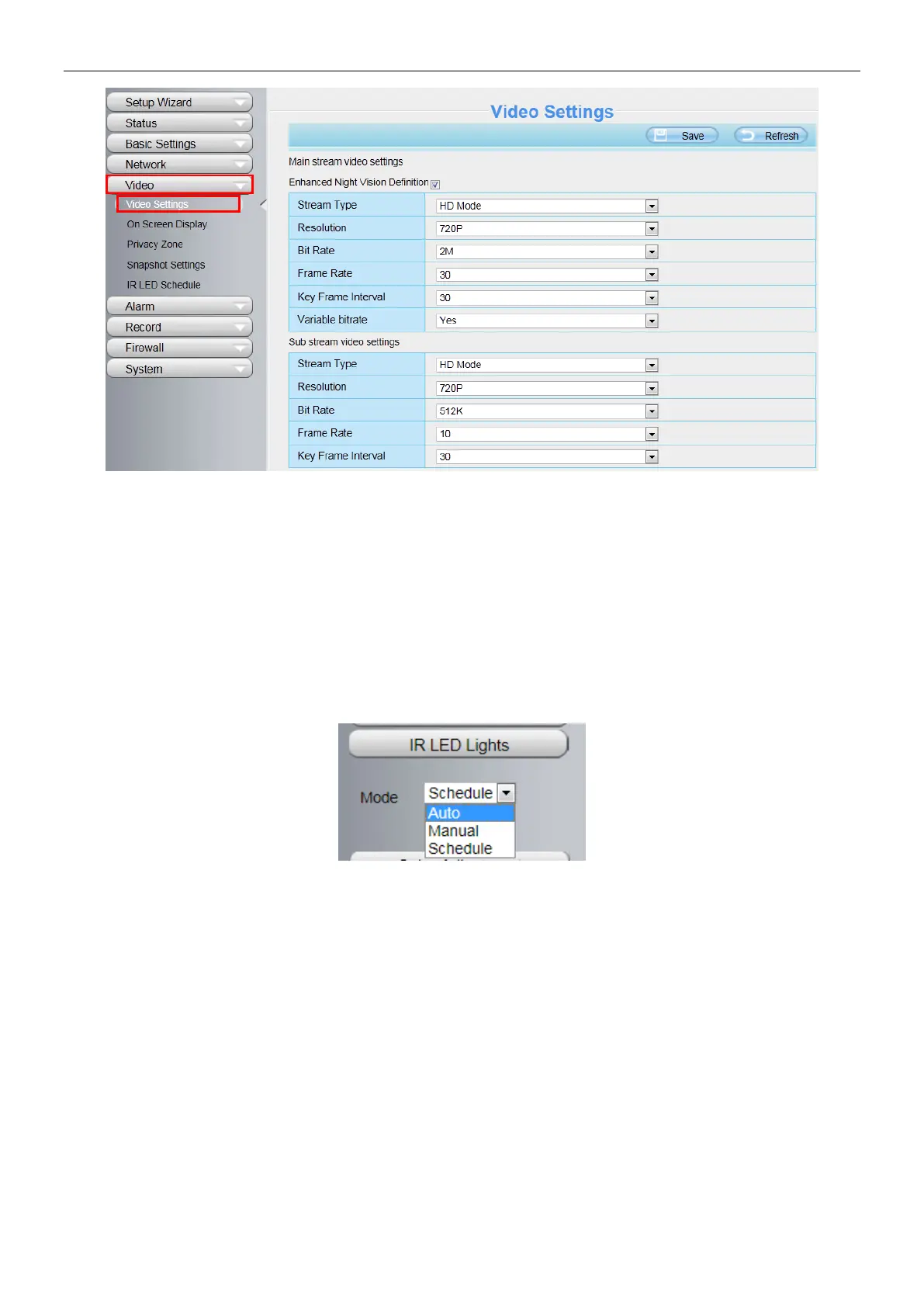
Click Infra led and there are three modes to adjust the infrared led: Auto, Manual and Schedule.
Auto: Select it and the camera will adjust the infra led (on or off) automatically.
Manual: Select it and turn off the infra led manually.
Schedule: Select it and the IR led light will be off at the schedule period. If you want to define or change the IR
led lights schedule time, please go to Settings > Video > IR LED Schedule page.
Section5 Color Adjustment
In this page, you can tune Hue, Brightness, Contrast, Saturation, and Sharpness to get higher quality.



 To Next Page