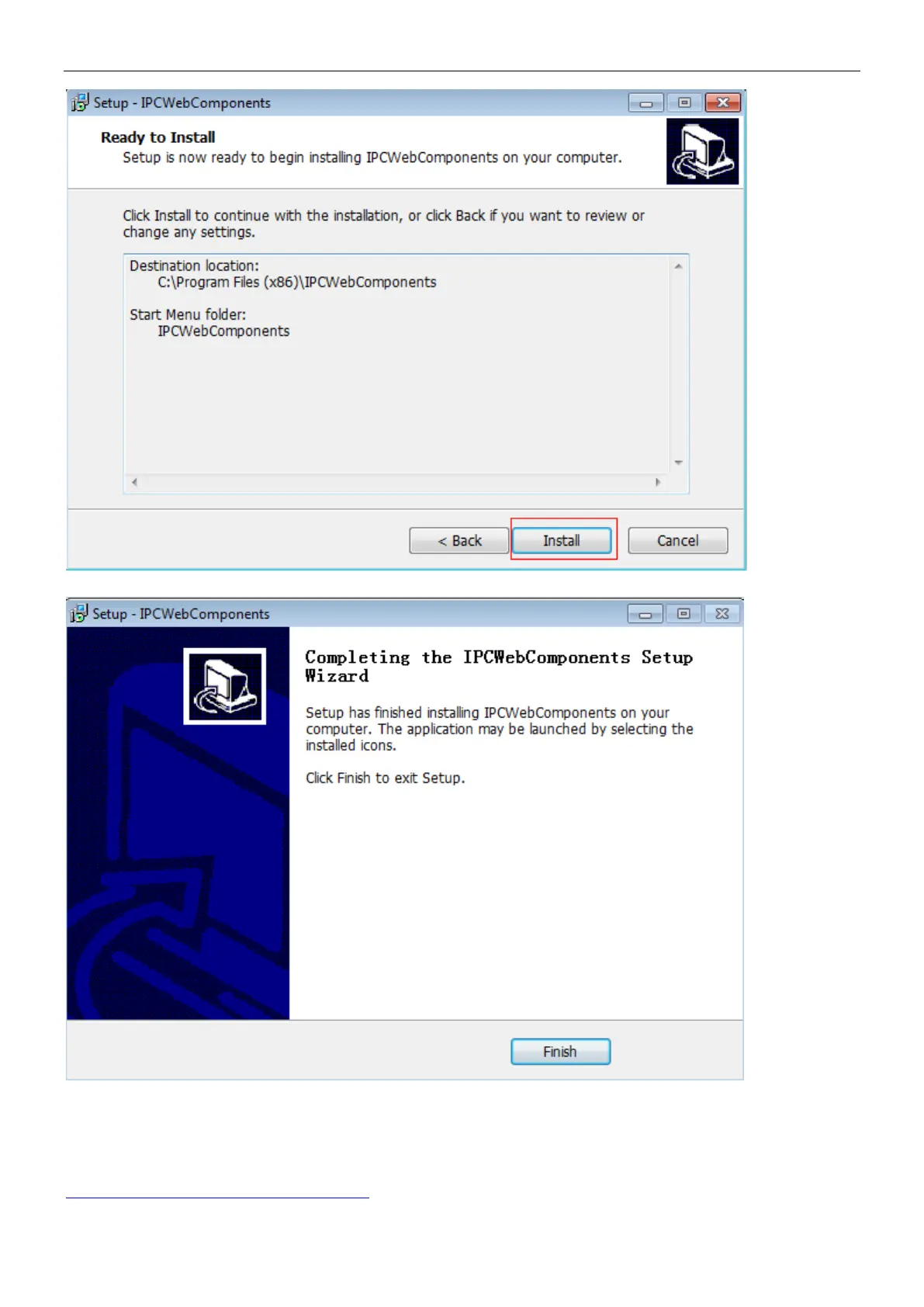
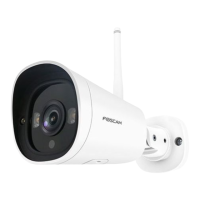
Step 4: Click Finish and reboot IE browser to log in the camera.
Note, for Safari on MAC OSX it’ll show a link “Plugins are not found, click me to download” just above login windows
of the camera. Please click it to download plugin and follow wizard to install. See this link for help if after installed
plugin but still cannot login camera:
http://www.foscam.com/faqs/view.html?id=14



 To Next Page