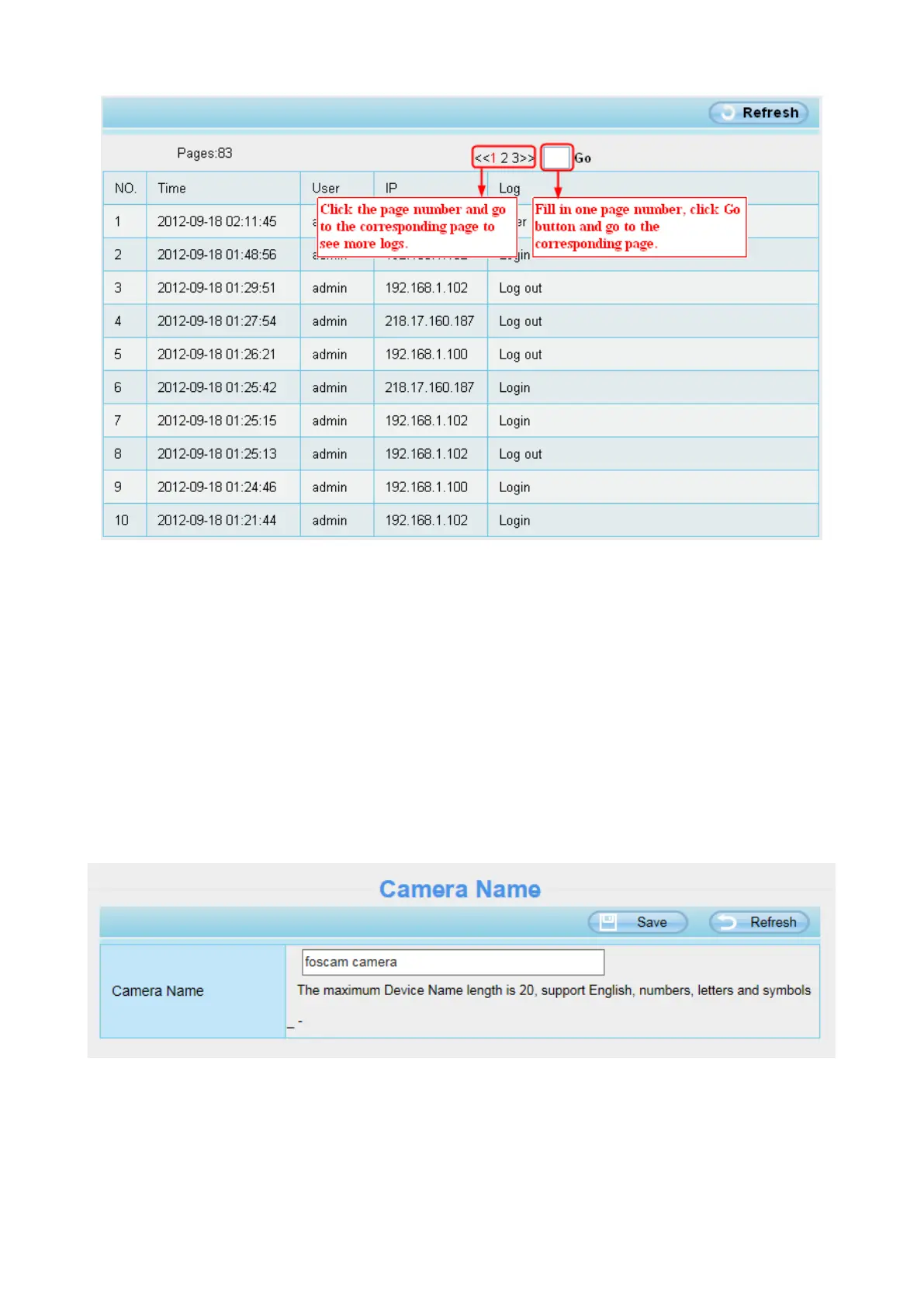
Reboot the camera and clear the log records.
4.3 Basic Settings
This section allows you to configure your camera’s Name, Time, Mail, User account and Multi-Device.
4.3.1 Camera Name
You can define a name for your camera here such as apple. Click Save to save your changes. The alias
name cannot contain special characters.
4.3.2 Camera Time
This section allows you to configure the settings of the internal system clocks for your camera.



 To Next Page