
 To Next Page
K
Kara LewisJul 27, 2025
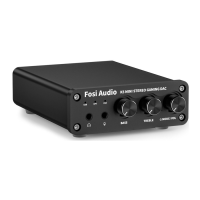
How to fix Fosi Audio Amplifier K5 not recognized on Windows?
- MMary FrederickJul 27, 2025
If the Fosi Audio K5 amplifier is not recognized on Windows, try these steps: First, search for and open 'Device Manager' from the Start menu. Expand 'Universal Serial Bus controllers'. Uninstall each device listed by right-clicking and selecting 'Uninstall'. After uninstalling all devices, restart your computer to automatically reinstall the USB controllers. If the issue persists after a Windows update, ensure all Windows components are updated, then reboot and retest.
 General