84
When mixdown starts from non-“ABS 0”
1. When the unit stopped, press the [CLIPBOARD IN] key.
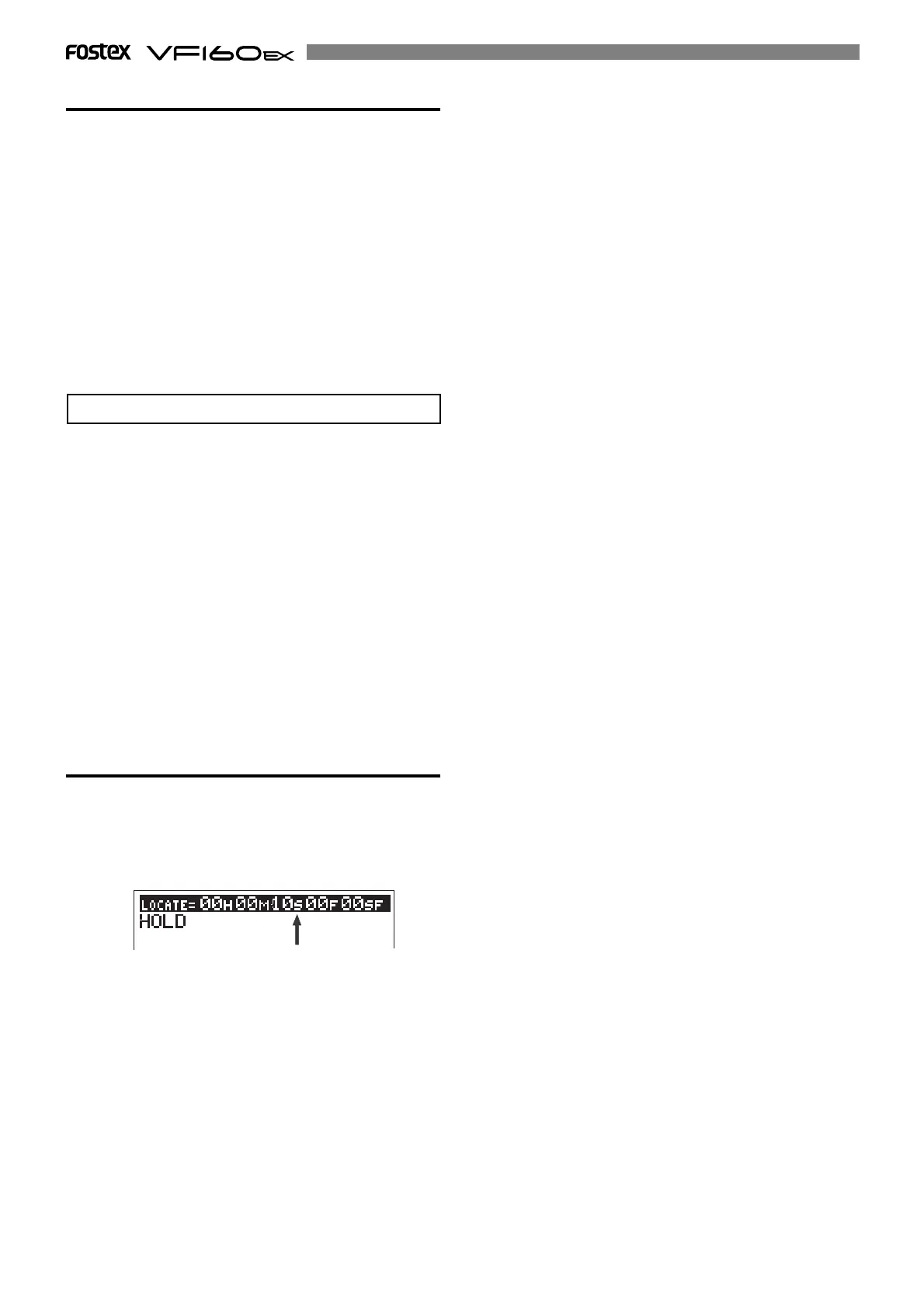
The time registered with the [CLIPBOARD IN] key is shown
(in this tutorial, “ABS 00M 10S 00F 00SF”), and “S” on the
display flashes, showing that you can now edit the
“second” field.
• Change the “CLIPBOARD IN point”.
You can make a silence at the beginning of a program
which is not mixed down from “ABS 0” by setting the
“CLIPBOARD IN point” appropriately.
In the following description, we assumed that the cur-
rent program is a 5-minute length program which is
mixed down from “ABS 00M 10S 00F 00SF”, in which
the [CLIPBOARD IN] and [CLIPBOARD OUT] keys hold
“00M 10S 00F 00SF” and “05M 10S 00F 00SF” respec-
tively, and audio immediately starts from “00M 10S
00F 00SF”.
And you are now going to create a 3-second silent
space at the beginning of the song.
9. When the unit is stopped, press the [F FWD] key while
holding down the [STOP] key.
The unit immediately locates the “REC END point”.
10. Press the [STORE] key followed by the [CLIPBOARD
OUT] key.
The “REC END point” is now registered as the “CLIPBOARD
OUT point”.
The display returns to the Normal display.
By changing the “CLIPBOARD OUT point”, you can now cre-
ate an audio CD without loosing the last part.
• Change the “CLIPBOARD OUT point”.
2. While “S” flashes, enter “07” using the [JOG] dial.
3. Press the [STORE] key followed by the [CLIPBOARD IN]
key.
“00M 07S 00F 00SF” is registered with the “CLIPBOARD IN
point”.
Now you made a 3-second silent space at the beginning
of the song by changing the “CLIPBOARD IN point”.
See “Making an audio CD” in “Save/load using CD-RW/CD-R”
described later for details about how to make an audio CD
from the mixed-down song.
Flashing



 To Next Page