-22-
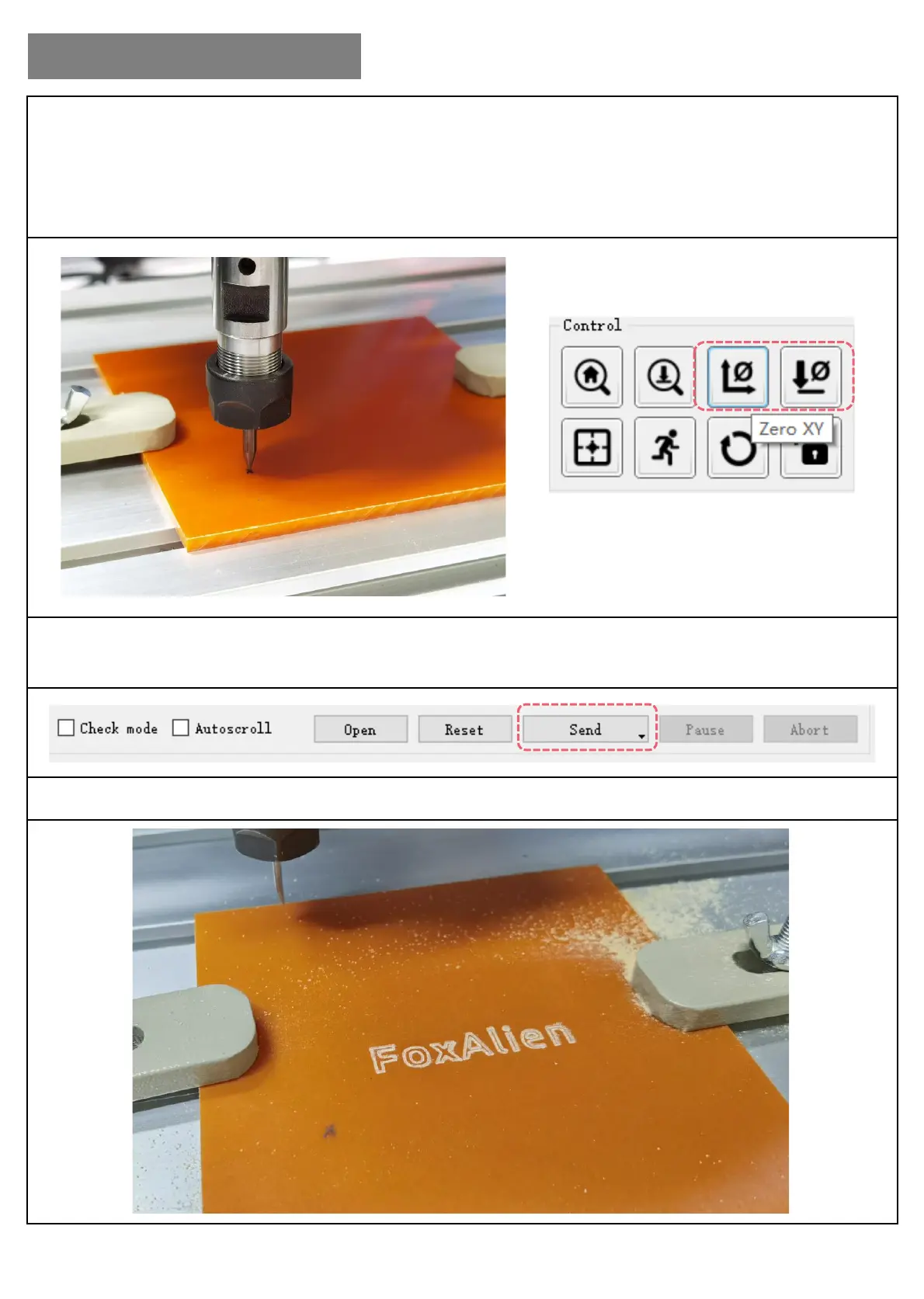
Step 6: Click the direction button to move the bit to the surface of the object. The proper gap between
the bit and object’s surface is that only an A4 paper can move through tightly.
Click “Zero XY” & “Zero Z” (as below picture shows) to set zero.
(Z-probe will be introduced in Part-3)
Step 7: Close the door, click “Send” to start engraving.
Step 8: Engraving Finished.
II. Software & Debugging
Zero XY & Zero Z


 To Next Page