CD INSTRUCTION
48
Exit
Click this button to exit the program.
Minimum
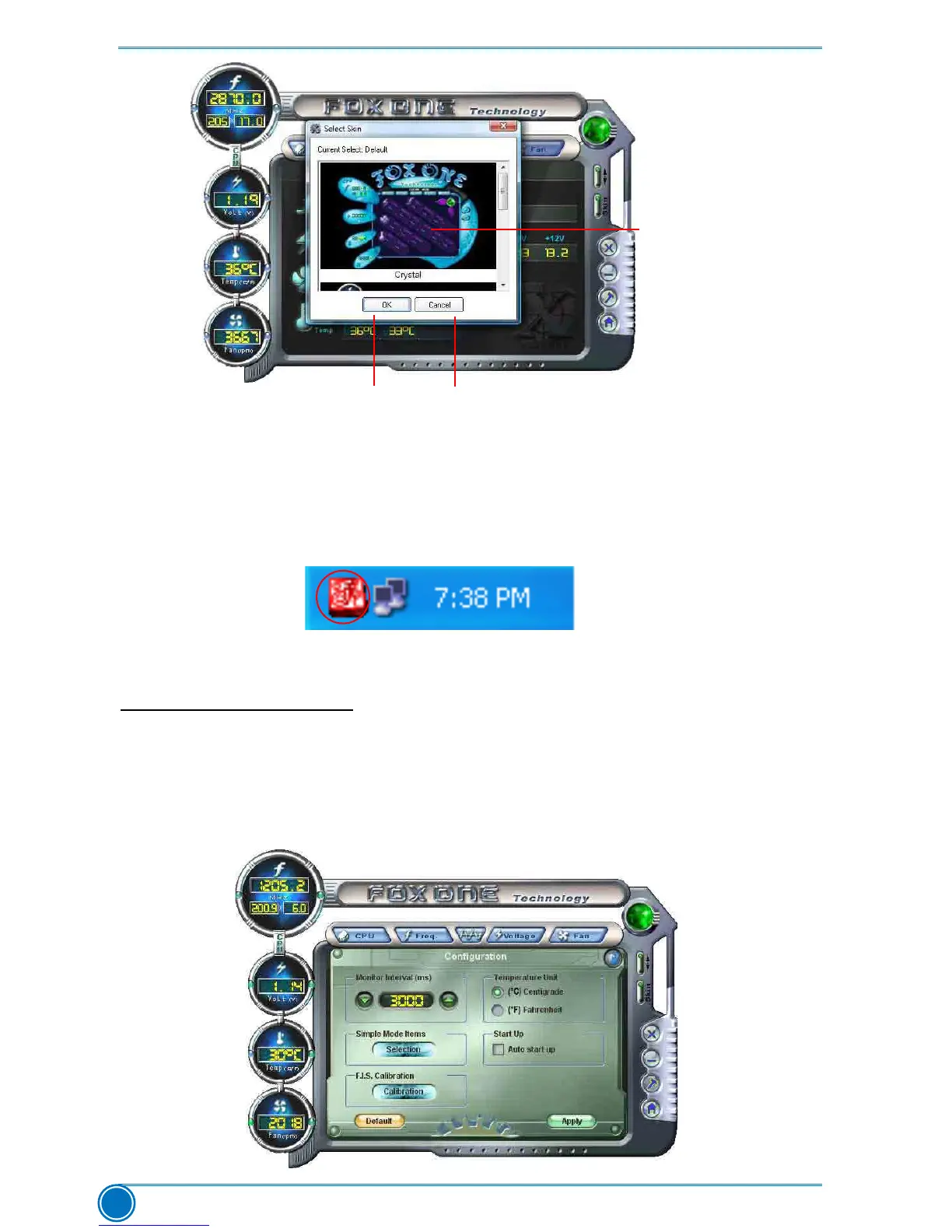
Click this button to drop the FOX ONE to Windows system tray located at the lower right corner
of your screen.
Homepage
Click this button to visit Foxconn motherboard website :
http://www.foxconnchannel.com
Conguration
1). Monitor interval (ms) :
This is to dene the interval of different messages of system settings which are to be displayed
on Simple Mode screen. Minimum value is 1 second.
Apply the changes
Click the new skin
picture to select
the new skin
Cancel the changes



 To Next Page
 Loading...







