20
Warning!
Power to the unit must be turned on only after installation work has been completed.
All electrical connections must be carried out by qualified personnel in accordance
with legislation in force in the country of installation.
5.10 Inverter Switch Off
Please follow the below steps to switch off the inverter:
a) Switch off the inverter AC isolation switch.
b) Switch off the DC isolation switch and allow 5 minutes for the inverter to power down completely.
6. Operation
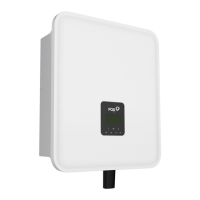
6.1 Control Panel
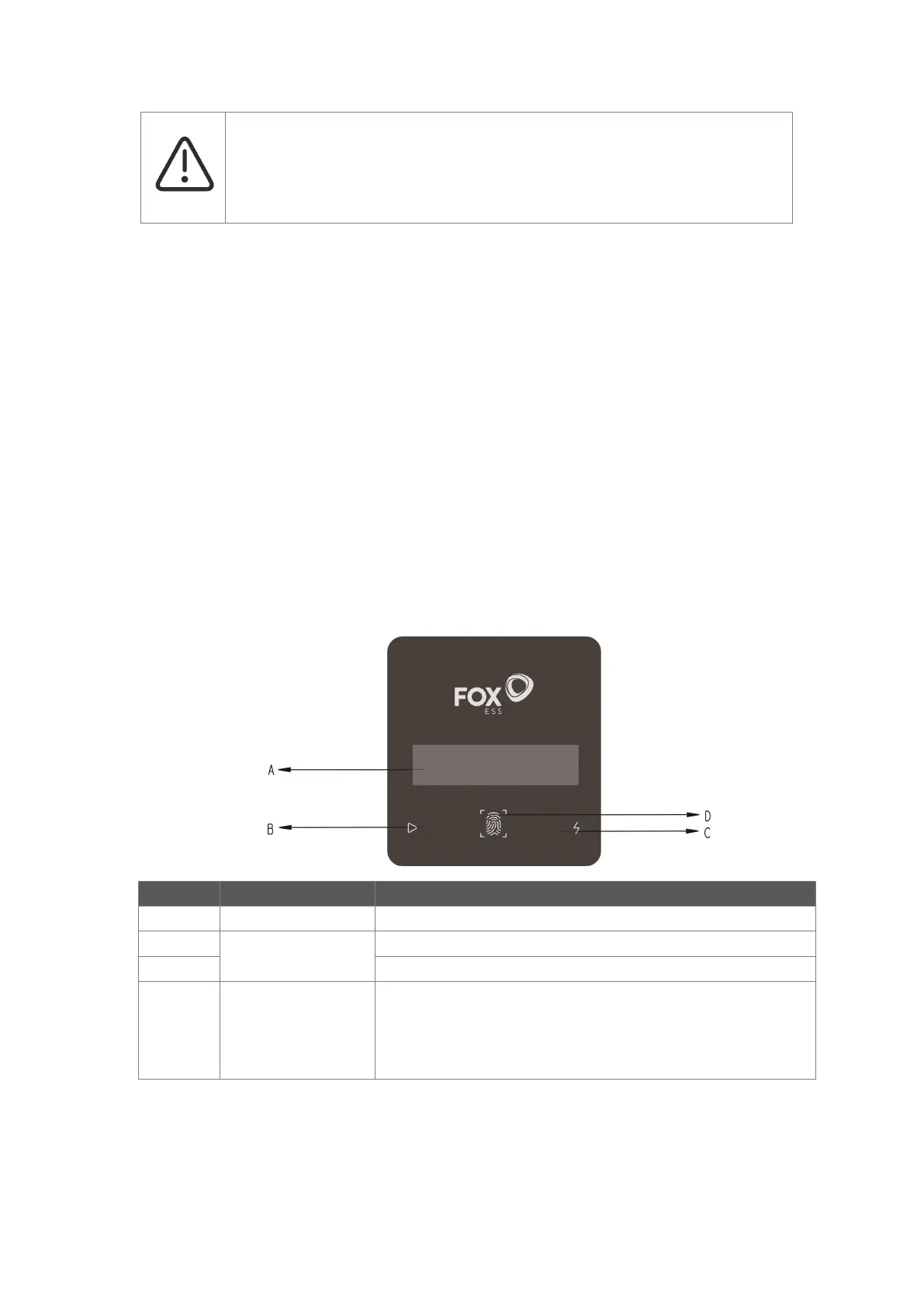
Display the information of the inverter.
Green: The inverter is in normal state.
Red: The inverter is in fault mode.
The touch key is used to set the LCD to display different parameters.
Press time <1s (short press): Next;
Press time >2s (long press): Enter.
Wait time 15s: Return to start.



 To Next Page