XI.Battery
Mounting the battery:
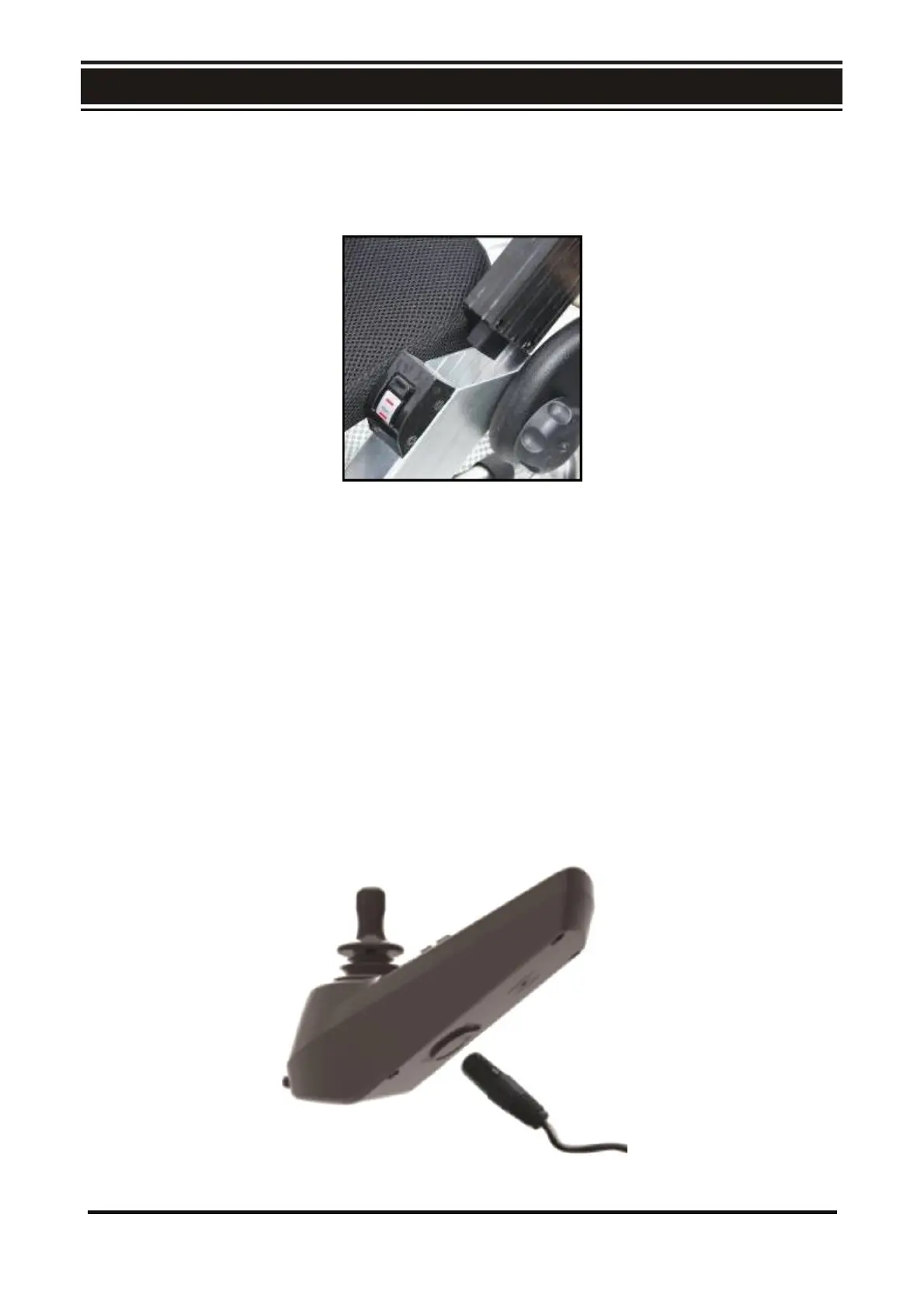
1. Hold the battery grip and plug in the battery with the battery bottom aligned to the mouth of
the battery holder (Fig. E3). When a click sound is heard, the battery has been mounted firmly.
E3
Charging the Battery
The battery can be charged with normal AC power (AC 110-220 V, 50-60 Hz). The charging port is
located under the front part of the control panel. Before charging, ensure the chair is powered off.
1. Plug the off-board charger 3 – pin cable into the charging port under the front part of the
control panel (Fig. E4)
2. Plug the off-board charger into a power outlet. When the red LED is on, it is charging.
3. When the LED on the charger changes from red to green, keep charging for an additional 30
minutes to allow the battery to be fully charged.
4. Unplug the off-board charger from the power outlet before unplugging from the charging port
of the control panel.
5. Please charge the battery in an appropriate temperature. The recommended ambient
temperature for charging is between 5° C to 40° C.
E4
24



 To Next Page