27
XII.Unfolding and Folding
F4
F6
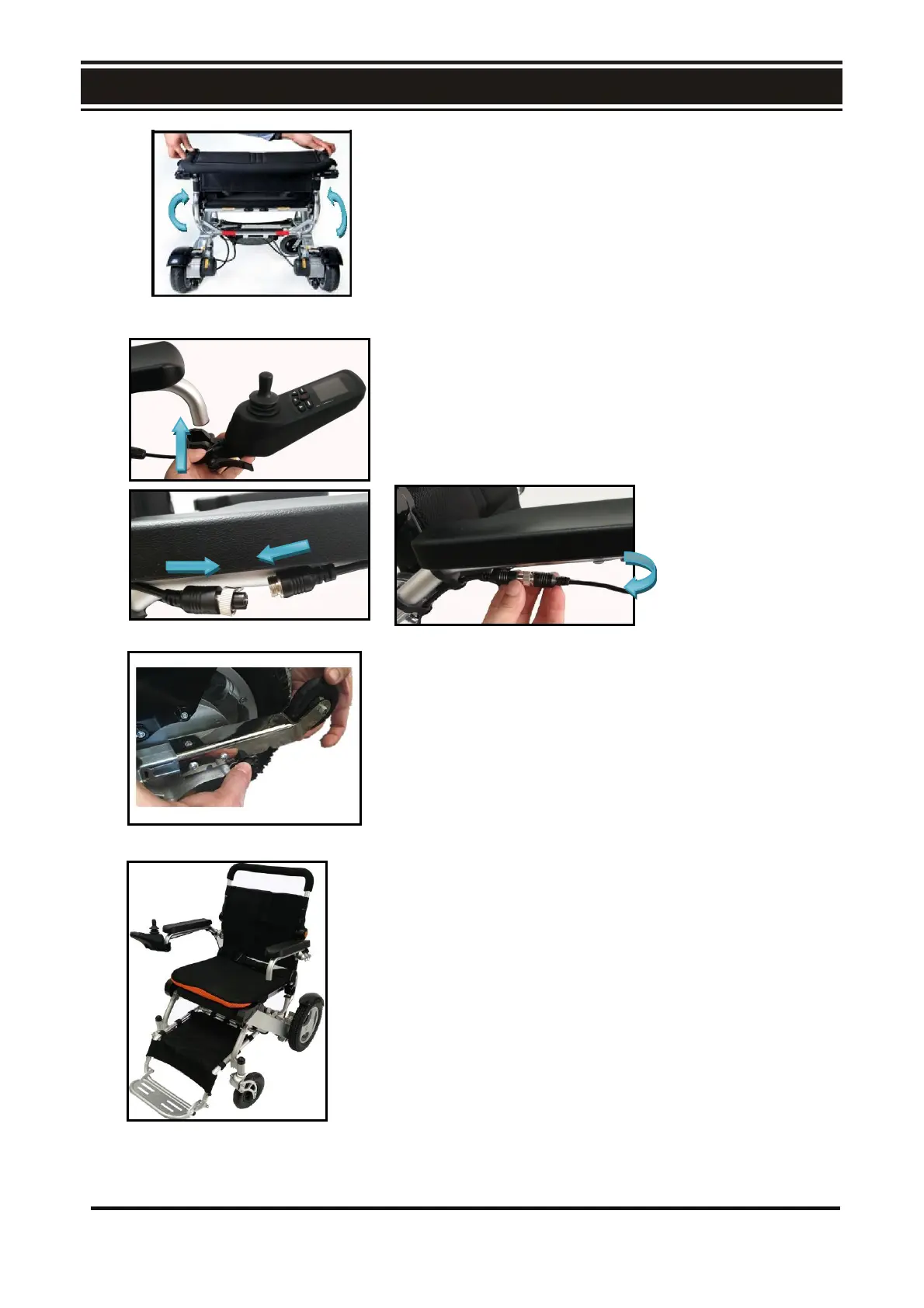
4. As shown in Fig. F4, press the backrest adjusting button
and turn the back rest in the direction shown in the figure
until a click sound is heard.
5. Mount the control panel and plug in the 4 –pin control
cable in accordance with Fig. F5. (refer to the instructions
on mounting the Control Panel)
F5
6. As shown in Fig. F6, press the anti-tipping wheel button
and pull out the anti-tipping wheel.
7.Fully expanded power wheelchair. Fig. F7
27



 To Next Page