DRAFT v0.3 English, 01 Mar 2012
- 16 -
8.3 Extension Lines: Setting the dialed code
In systems where an exchange digit is used to get an extension line, the dialed digit(s) must be
entered. This may be a simple digit, for example, ‘9’ or a more complicated code.
Enter the code using the numeric keypad. Sometimes
there must a pause or wait period after the code has
been entered to allow the telephone system to receive
the dialing tone from the outside line. You can enter
such a pause use the ‘P/W’ key.
If you make a mistake, use the CE (bottom right key) to
successively correct the last entries.
That is all the information that is needed. You will be
shown the confirmation screen (here) and PostBase
will attempt to make a connection.
8.4 Final steps
After you touch ‘Save’ the meter will test the
connection.
If it can’t connect, the wizard will return to its starting
point. In this case, you should first check the
connections, then the settings you have entered.
If all goes well, PostBase will now continue with the remainder of its configuration…
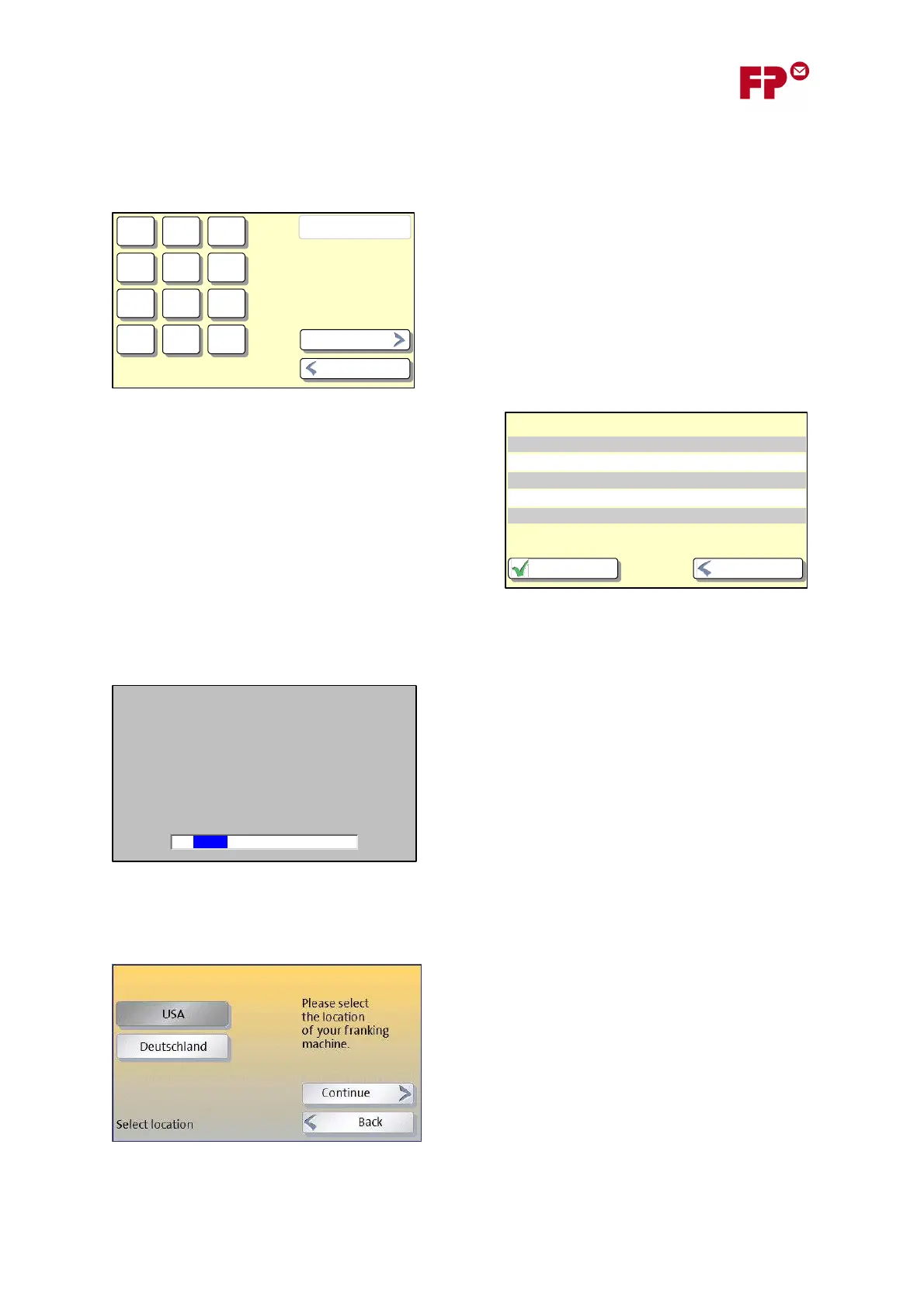
Note that you will next be asked to confirm the
country in which the meter is located - this is needed
so that the correct telephone number can be used.
2
0p
W = Warten
P = 2 s Pause
Kennziffer eingeben
1 3
54 6
87 9
0
CE
P/W
Weiter
Zurück
Verbindungseinstellungen
Verbindungsart USB-Modem
Wählverfahren (fest) Tonwahl
Anschlussart Nebenstelle
Amtsholung mit Kennziffer
Zurück
Kennziffer 0p
Speichern
IP-Einstellungen werden automatisch bezogen.
Dieser Vorgang kann einige Minuten dauern.
18



 To Next Page