DRAFT v0.3 English, 01 Mar 2012
- 4 -
Dynamic Host Configuration Protocol
(DHCP) allows the automatic allocation of
an ‘IP address’ for the device within your
network by your router or network server.
Using DHCP makes the configuration
process much
simpler.
3 First Steps: Type of connection, Ethernet or modem?
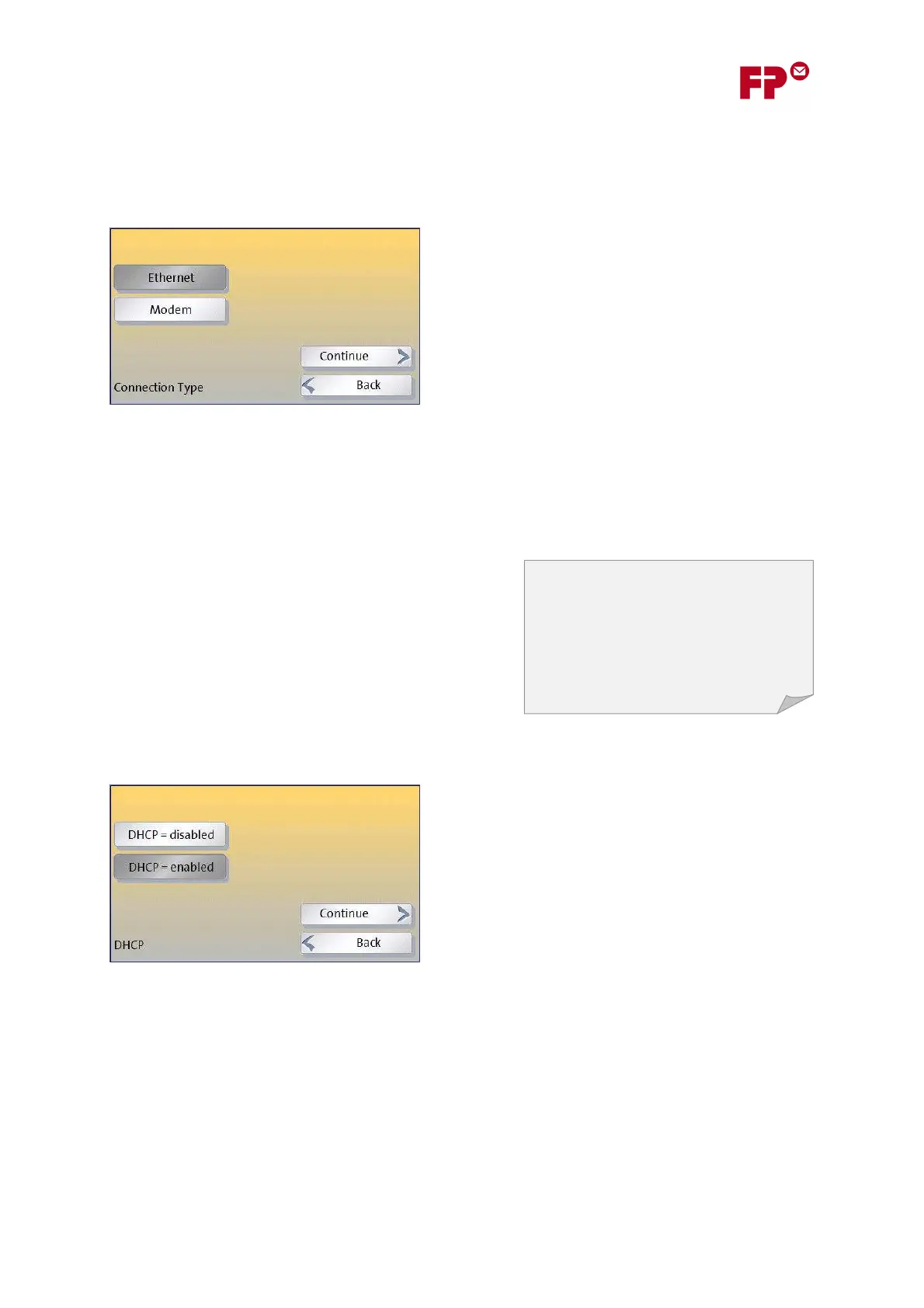
In the wizard you will first be asked whether you want to use an Ethernet or Modem based
connection.
Select the type of connection in the first screen of the
wizard.
The set up for Ethernet connections is described in the
next section.
For modem connections see section 8.
4 Setting up Ethernet Connections
4.1 DHCP: Is the IP Address assigned automatically?
For an Ethernet connection, you will next be asked
whether ‘DHCP’ connections can be used in your network
or not. Using DHCP simplifies the configuration and so
we recommend this if possible.
If you are not sure whether DHCP is supported, we
suggest you simply try making a connection with DHCP. If
it isn’t supported, then you will get an error later and will simply have to run through the wizard
again.
Simply touch your chosen option and then ‘C
ONTINUE
’.
For another way of finding out whether DHCP is
supported, see section 7. Otherwise, if you have a
system administrator, ask them.



 To Next Page