DRAFT v0.3 English, 01 Mar 2012
- 15 -
8 Setting up Modem Connections
If you do not have access to an Ethernet connection, then PostBase can be configured to use a
modem connection. In this case the PostBase USB modem must be used. Connect the modem to the
USB interface and telephone connection before proceeding. Then in the first step (see section 3
“First Steps: Type of connection, Ethernet or modem?”), select modem.
8.1 Direct Line
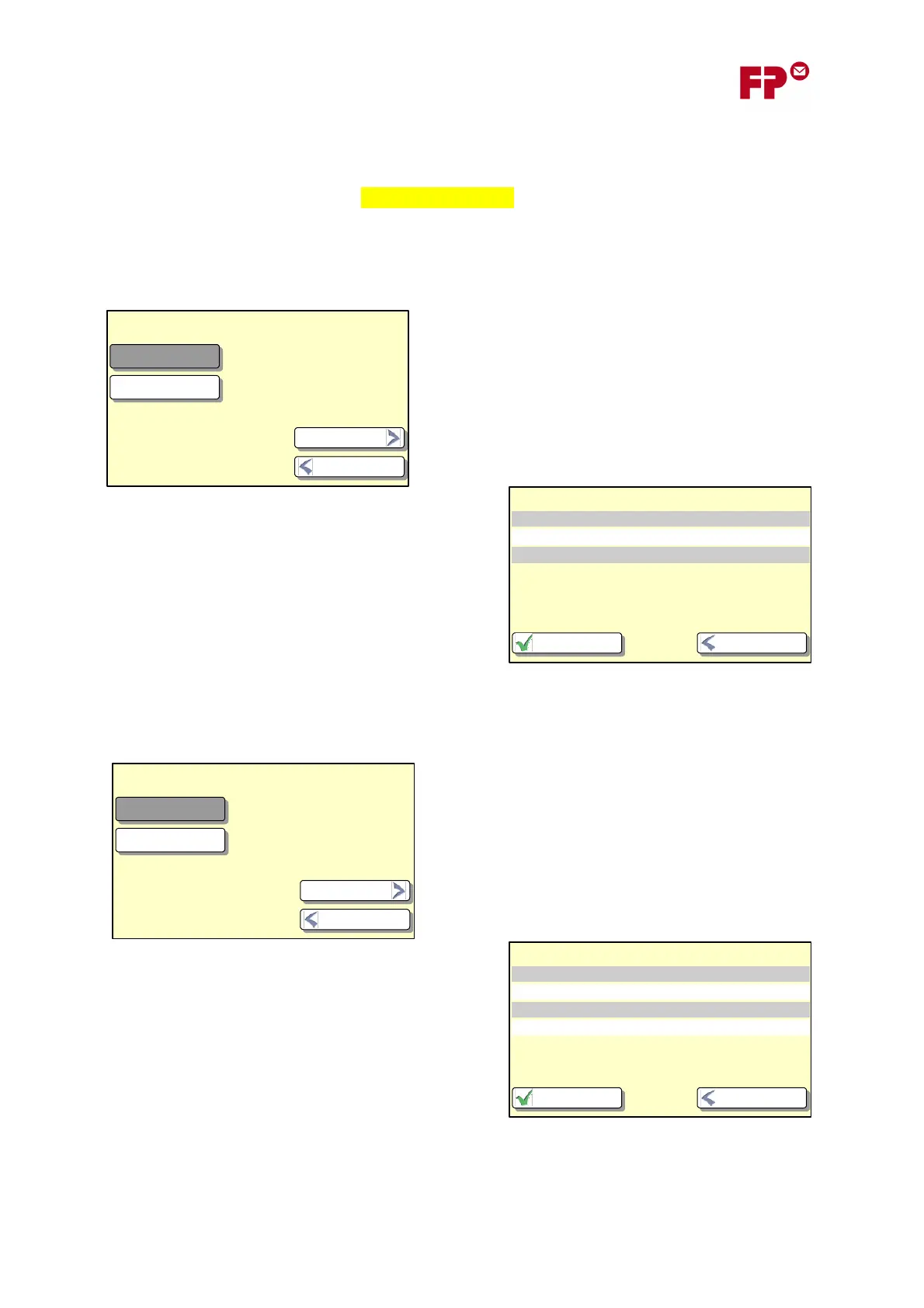
Next you will be asked to confirm the type of telephone
line: Direct Line or Extension.
If you chose Direct Line, then that is all the information
that is needed. You will be shown the confirmation
screen (as below) and PostBase will attempt to make a
connection.
8.2 Extension lines: Hook Flash or Exchange Digit
If you have chosen an extension line above, then you
will next need to configure the way in which the
modem obtains an outside line. There are two ways:
either where the modem uses an electrical signal
(‘hook flash’) or where the modem dials a special
‘exchange digit’ (e.g. a ‘9’).
If the method is hook flash, then you will have entered
all that is needed and will be shown the confirmation
screen (here). The meter will then attempt to make a
connection.
Nebenstelle
Hauptstelle
Anschlussart
Zurück
Weiter
Verbindungseinstellungen
Verbindungsart USB-Modem
Wählverfahren (fest) Tonwahl
Anschlussart Hauptstelle
ZurückSpeichern
Kennziffer
Hook Flash
Amtsholung
Zurück
Weiter
Verbindungseinstellungen
Verbindungsart USB-Modem
Wählverfahren (fest) Tonwahl
Anschlussart Nebenstelle
Amtsholung Hook Flash
ZurückSpeichern



 To Next Page