DRAFT v0.3 English, 01 Mar 2012
- 5 -
4.2 Specifying a proxy server
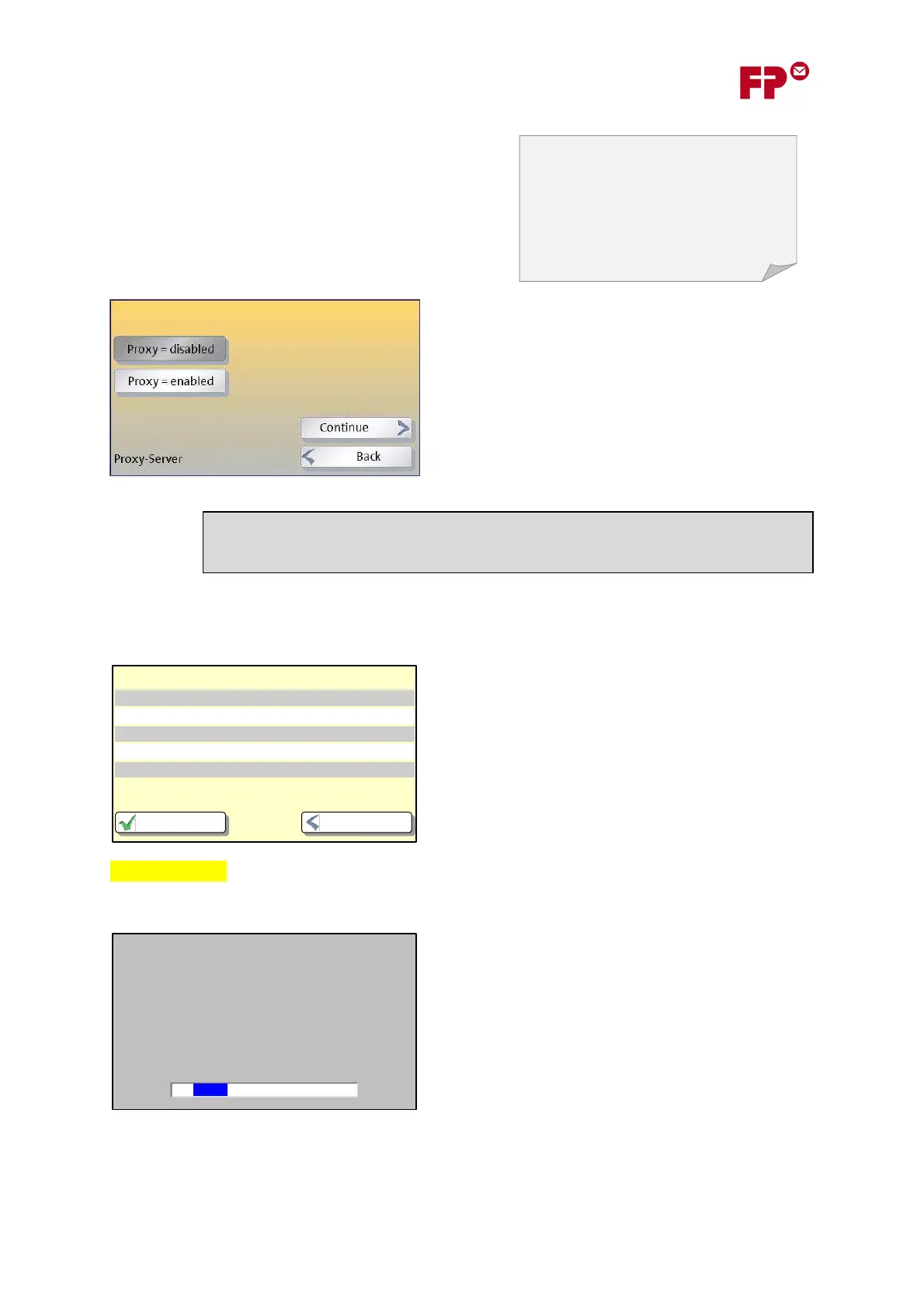
Next, you will be asked about a ‘Proxy Server’. If your
organization uses one, you will have to enter its details
so that the meter can get access to the Internet.
If you are in a small office, it may be that you have a
direct connection to the Internet through your router.
In this case you should answer ‘
DISABLED
’ here.
Otherwise, answer ‘
ENABLED
’.
4.3 Final steps
Finally you will be shown a confirmation of all the
entries you have made.
Check you have entered the details correctly.
Graphics missing
After you touch ‘C
ONTINUE
’ the meter will test the
connection.
If it can’t connect, the wizard will return to its starting
point. In this case, you should first check the
connections, then the settings you have entered. You
can also look at the guide in section 7, or check the
settings with your system administrator.
If all goes well, PostBase will now continue with the remainder of its configuration…
IP-Einstellungen werden automatisch bezogen.
Dieser Vorgang kann einige Minuten dauern.
18
Proxy servers are used in most larger
organizations as a bridge between their
internal networks and the Internet. It can
protect the computers in the internal
network against attack from the wider
Internet.
Verbindungseinstellungen
Verbindungsart Ethernet
DHCP aktiviert
DNS-Server Automatisch
Proxy deaktiviert
ZurückSpeichern
MAC-Adresse 00-90-4B-12-93-CE
ENABLED
ollow the instructions in section
“Entering Proxy Server Settings”.



 To Next Page