All information contained within this document is proprietary to Fingerprint Cards AB.
4.3 Installing an SPI filter for the FTDI board.
In addition to the packages above, a filter driver for SPI is needed for using the FPC5832 board
with Windows.
Connect your FPC5832 board to your computer using a USB cable. Drivers will
automatically start installing. When the drivers have finished installing, you’re ready to
install the SPI filter.
Download “libusb-win32-bin-1.2.6.0” from:
https://sourceforge.net/projects/libusb-win32/files/libusb-win32-releases/1.2.6.0/
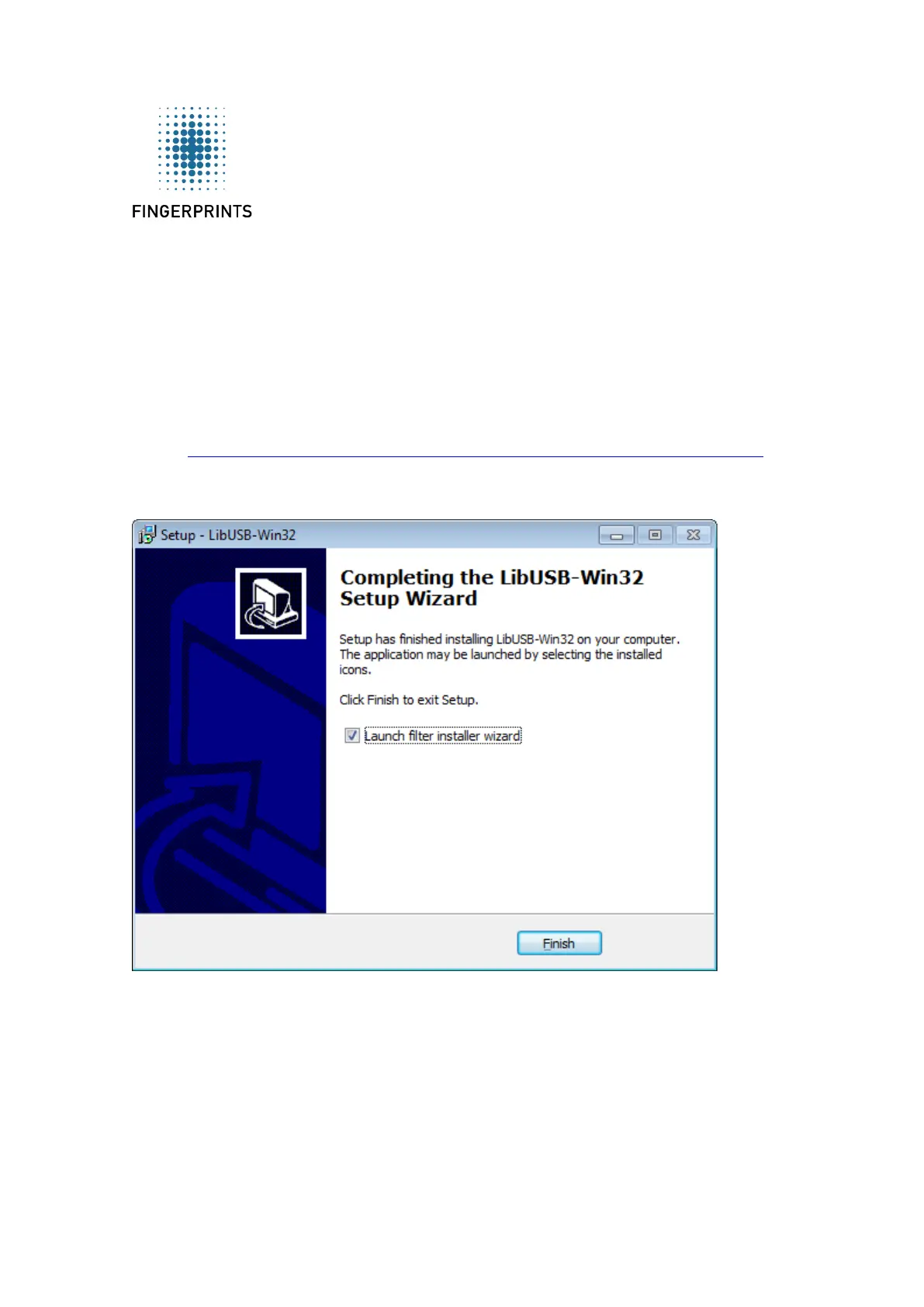
Run “install-filter-win.exe” and follow the installation wizard until the installation is
complete. Then choose “Launch filter installer wizard” before clicking finish.
This will open the “libusb-win32 installer” in a new window. Choose “Install a device
filter” and press “Next”.


 To Next Page