Frama F-Link
17
5.4 Proxy Settings
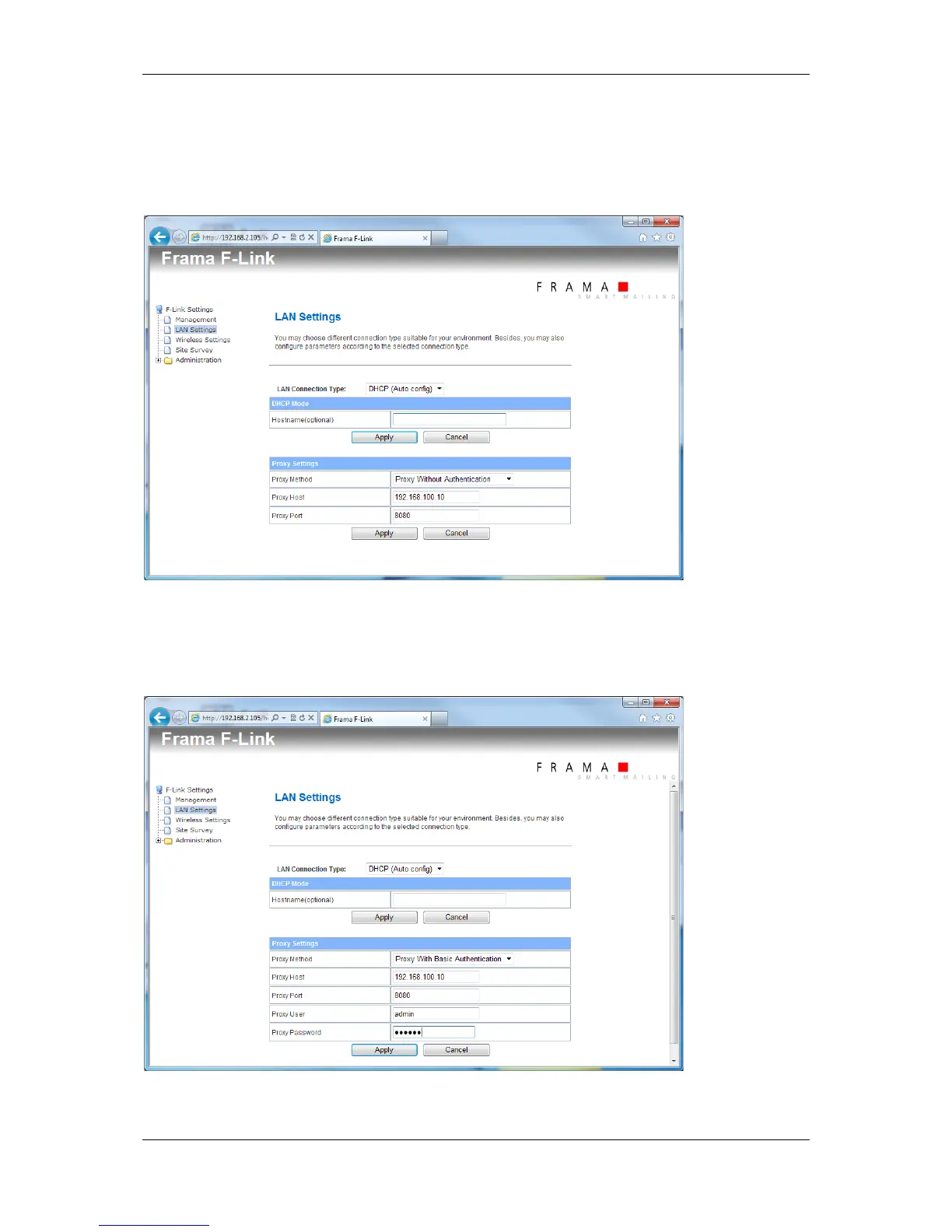
When F-Link is forced to use a proxy server without authentication then set the proxy method to
“Proxy Without Authentication“. Enter the IP address of the proxy server into the field “Proxy Host”.
Enter the port number of the proxy server into the field “Proxy Port”.
When F-Link is forced to use a proxy server with authentication then set the proxy method to “Proxy
With Basic Authentication“. Enter the IP address of the proxy server into the field “Proxy Host”. Enter
the port number of the proxy server into the field “Proxy Port”. Enter the proxy username into the field
“Proxy User” and the proxy user password into the field “Proxy Password”.
Consider also chapter 4.4.



 To Next Page