Frama F-Link
14
5 Configuration Page Features
5.1 Login
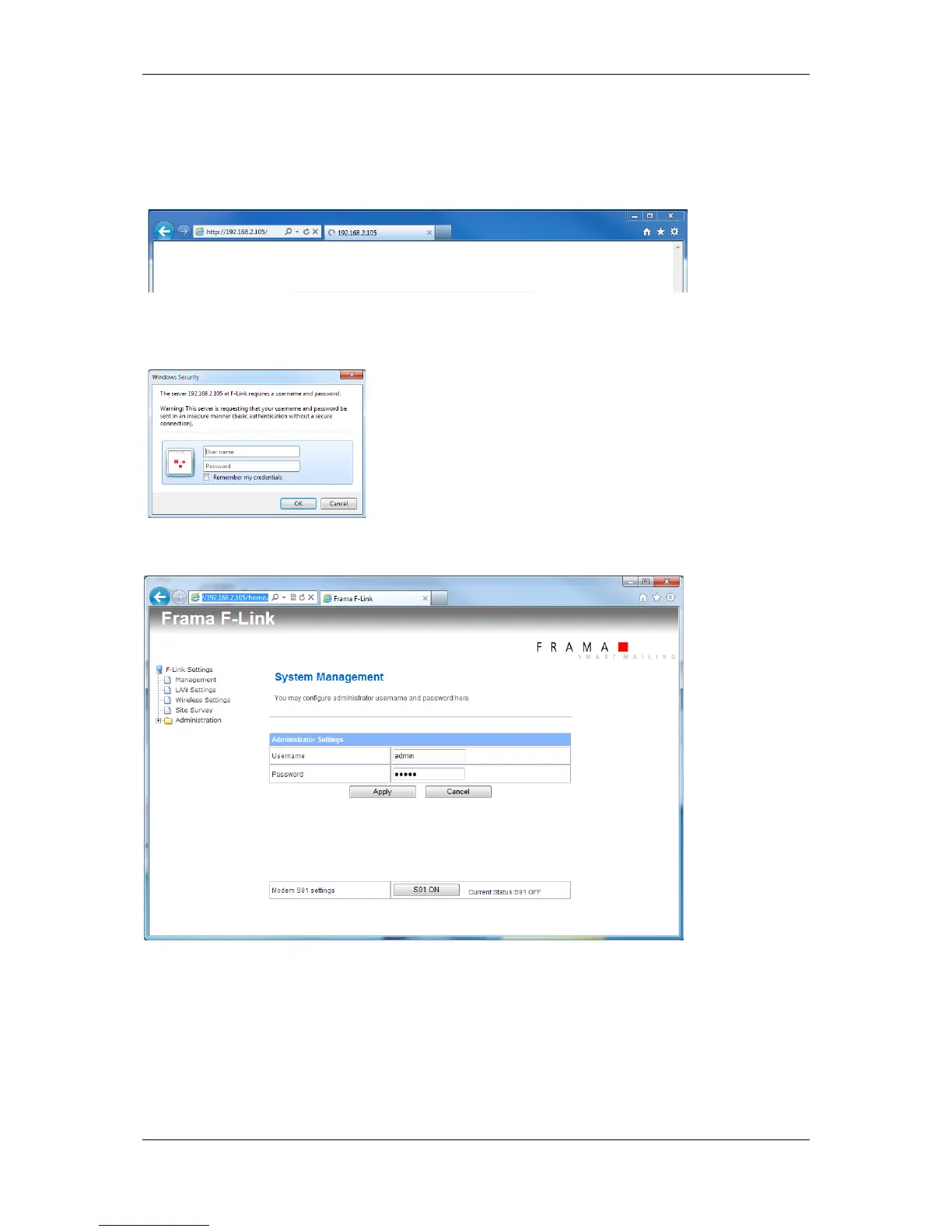
Enter the IP address of the F-Link into the address field of the internet web browser.
Enter the username and the password into the login window:
(Default username: “admin” and password: “admin”)
Press button OK.
Now you are on the home screen. Over the configuration page you can change the settings of the F-
Link, display the actual status and the logged data. Use the menu on the left side to navigate.
All changes on the configuration page are stored only when you press the “Apply” button below the
settings fields.



 To Next Page