EasyManua.ls Logo

Franke F3D3S - User Manual

Franke F3D3S
34 pages
Print Icon
To Next Page IconTo Next Page
Loading...
D
G
U
V
T
e
s
t
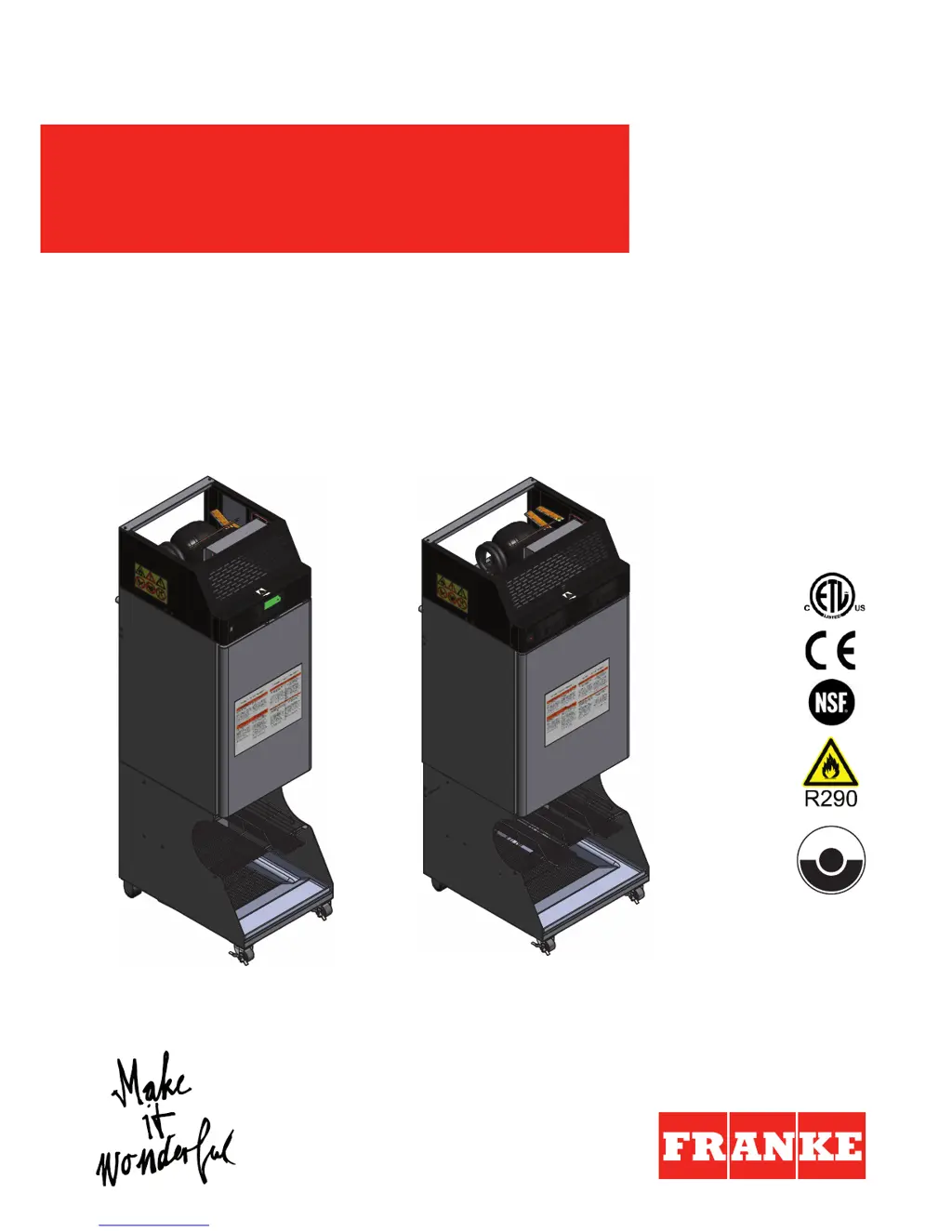
F3D3–Dual Lane
F3D3P–Dual Lane
F3D3S–Single Lane
F3D3SP–Single Lane
USER MANUAL
Original instructions
en
Single Lane/Dual Lane (with R404A or propane (R290) refrigerant)
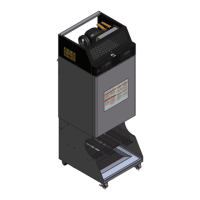
FROZEN FRY DISPENSER F3D3S/F3D3/
F3D3SP/F3D3P

Other manuals for Franke F3D3S

Questions and Answers

  • P
    Patricia MorseAug 20, 2025
    What to do if Franke Dispenser freezer is not running?
    • A
      Alex ConradAug 20, 2025
      If the Franke Dispenser freezer isn't running even when the power switch is on, there are a few things to check: * Ensure the power connector is properly plugged into the socket. If it isn't, connect it and switch on the power. * Try plugging the connector into another power socket to rule out a faulty socket. If the socket is faulty, have it repaired by an electrician. * Check the fuse to see if it has tripped. If it has, reset it.
  • F
    Frank WilliamsonAug 21, 2025
    Why is my Franke F3D3S Dispenser freezer not cold enough?
    • D
      David RamirezAug 22, 2025
      If your Franke Dispenser freezer is running but not reaching the required temperature of -18°C, consider the following: * Check for ice formation on the inside walls, especially on the temperature sensor. If there's ice, remove all items from the appliance and defrost it. To prevent ice buildup, avoid leaving the freezer door open longer than necessary and defrost daily. * Inspect the filter for soiling and clean it if necessary. * Examine the condenser ribs for soiling and clean them if needed.
  • J
    Jason NorrisAug 25, 2025
    What to do if Franke F3D3S Dispenser shows Err04 and won't dispense?
    • S
      Sandra EllisAug 25, 2025
      If your Franke Dispenser isn't dispensing and shows error message Err04, it means: * The hopper is empty. You should fill the hopper with fries and press the [Reset] button to begin the filling process. * Fries are baked together in the hopper forming a hard "bridge". You should shake the hopper to redistribute the fries and break up the clumps, carefully so as not to break the fries. If necessary, remove very hard clumps, then press [Reset] to start the filling process.
  • M
    mcdonaldmarkAug 26, 2025
    Why is the reset button flashing on my Franke F3D3S Dispenser?
    • B
      Brandon BrownAug 26, 2025
      If the ACTION-3 [Reset] button on your Franke Dispenser is flashing, it indicates: * The filling process was prematurely aborted. Press the [Reset] button to restart the filling process. * Fries in the hopper have formed a "bridge." Shake the hopper to redistribute the fries, carefully breaking up any clumps.
  • C
    Corey DrakeAug 28, 2025
    What does low product warning mean on Franke Dispenser?
    • K
      Kyle DuncanAug 28, 2025
      If you see the [Low product warning] error message on your Franke Dispenser, it means: * The hopper has a low filling level (only 3–4 fillings left). Refill the hopper with fries. Be aware that if the machine dispenses until the hopper is completely empty, the filling process will be aborted, and error message Err04 will appear. * Frozen fries have created a hollow space around the sensor in the hopper. Shake the hopper to redistribute the fries and close the hollow space, being careful not to break the fries.
  • A
    Angela WilliamsAug 30, 2025
    Why won't the drum turn on my Franke F3D3S Dispenser?
    • G
      gregorymckayAug 30, 2025
      If the drum on your Franke Dispenser isn't turning, it could be due to: * An empty hopper. If the screen displays the error message Err04 and the Action–3 [Reset] button is flashing, fill the hopper with fries and press [Reset] to begin the filling process. * Fries baked together forming a "bridge" in the hopper. If the screen displays the error message Err04 and the ACTION–3 [Reset] button is flashing, shake the hopper to redistribute the fries and break up the bridge. Proceed carefully so as not to break the fries, then press [Reset] to start the filling process.
  • B
    Brandon ColonSep 1, 2025
    Why are the loading weights incorrect on my Franke F3D3S?
    • A
      angelabellSep 1, 2025
      If the loading weights on your Franke Dispenser are consistently incorrect, check the following: * Ensure the deflector is present in the hopper. If it's missing, slide it in. * Inspect the deflector for any damage, such as cracks. If damaged, replace it. * Verify that the freezer bottom is correctly positioned. If not, take it out and reinsert it properly.
  • R
    raymond62Sep 3, 2025
    How to turn on dispenser lanes on Franke F3D3S Dispenser?
    • R
      Ryan FrancoSep 3, 2025
      If you're unable to switch on the dispenser lanes on your Franke Dispenser, check these: * Make sure the unit has line power by switching on the power switch. * Ensure you press the ON/OFF button for a full 4 seconds until the button LEDs light up.
  • M
    Melissa KelleySep 5, 2025
    What to do if Franke F3D3S shows Err02 or Err07?
    • K
      Kenneth SchneiderSep 5, 2025
      If your Franke Dispenser isn't dispensing and shows error message Err02 or Err07, it means the bucket is missing. Insert the bucket.
  • A
    Amy ClarkeSep 7, 2025
    Why won't the freezer door close on my Franke Dispenser?
    • D
      Dana CampbellSep 7, 2025
      If the freezer door on your Franke Dispenser isn't closing properly, it might be because the hopper(s) is/are not correctly engaged in the drum hub. Press the hopper into the appliance, turning the drum at the handle if necessary.

Summary

Safety Guidelines and Warnings

User Manual Symbols Explained

Explains DANGER, WARNING, CAUTION, NOTICE symbols for hazard communication.

Warning and Prohibitory Signs

Covers general, flammable, and electrical warnings, and prohibitions.

Proper Use and Operator Responsibility

Defines intended use and operator responsibilities for safe operation.

Critical Safety Instructions

Details dangers from electric shock and fire hazards, requiring expert intervention.

Handling and Hazard Precautions

Covers risks during unpacking, hygiene, and physical hazards like sharp parts.

Installation Procedures and Technical Data

Technical Data Specifications

Provides detailed specifications including dimensions, electrical, and noise emission.

Removing the Packaging Box

Step-by-step guide for safely unpacking the appliance, including tilt indicator checks.

Removing the Pallet

Instructions for safely removing the appliance from its shipping pallet.

Setting Up the Appliance

Guidance on horizontal placement, clearances, and common setup configurations.

Door Hinge Adjustment

Details on how to change the default right-hinged door for user convenience.

Electrical Connection

Procedures for safely connecting the appliance to the electrical supply grid.

Final Installation Steps

Instructions for removing protective films and cleaning residual adhesive.

Appliance Description and Operation

Scope of Delivery (Components)

Lists non-removable and removable components, and optional accessories.

Control Panel Overview

Details the control panel layout, buttons, symbols, and LCD screen functions.

Initial Setup: Before First Use

Instructions for initial cleaning of all components before the first use.

Daily Startup Procedure

Steps for assembling the appliance and preparing it for daily operation.

Filling the Dispenser with Fries

Step-by-step guide on how to load frozen fries into the dispenser hopper.

Dispensing Fries

Instructions for dispensing fries, including setting load size and the dispensing process.

Basket Handling and Storage

Guidance on storing empty frying baskets and capacity details for single/dual lane models.

Daily Shutdown Procedure

Steps for emptying, defrosting, cleaning, and switching off the appliance daily.

Cleaning and Defrosting

Defrosting Procedure

Procedure for passive defrosting of the appliance, including safety precautions.

Daily Cleaning Procedure

Detailed steps for daily cleaning of the appliance interior and components.

Preventive Maintenance and Service

Cleaning the Filter

Monthly procedure for cleaning the appliance filter using dishwashing detergent.

Cleaning the Condenser Ribs

Monthly procedure for cleaning condenser ribs using a brush or vacuum cleaner.

Customer Service: Electric Components

Guidance on contacting technical service for issues with electric components.

Customer Service: Cooling System

Safety warnings and procedures for cooling system issues, requiring specialist intervention.

Malfunctions and Troubleshooting

Error Messages

Lists common error messages displayed on the control panel and their remedies.

General Malfunctions and Remedies

Details common operational problems, their causes, and recommended solutions.

Decommissioning, Storage, and Disposal

Storage Conditions and Procedures

Conditions and procedures for storing the appliance, ensuring protection and ventilation.

Appliance Disposal

Safety instructions and procedures for the qualified disassembly and disposal of the appliance.

Disposal of Electrical Appliances

Customer responsibilities and regulations for disposing of used electrical appliances.

Disposal of Refrigerant

Regulations and importance of proper handling and disposal of refrigerants.

Franke F3D3S Specifications

General IconGeneral
CategoryDispenser
ModelF3D3S
BrandFranke
Valve IncludedYes
Installation TypeDeck Mount

Related product manuals