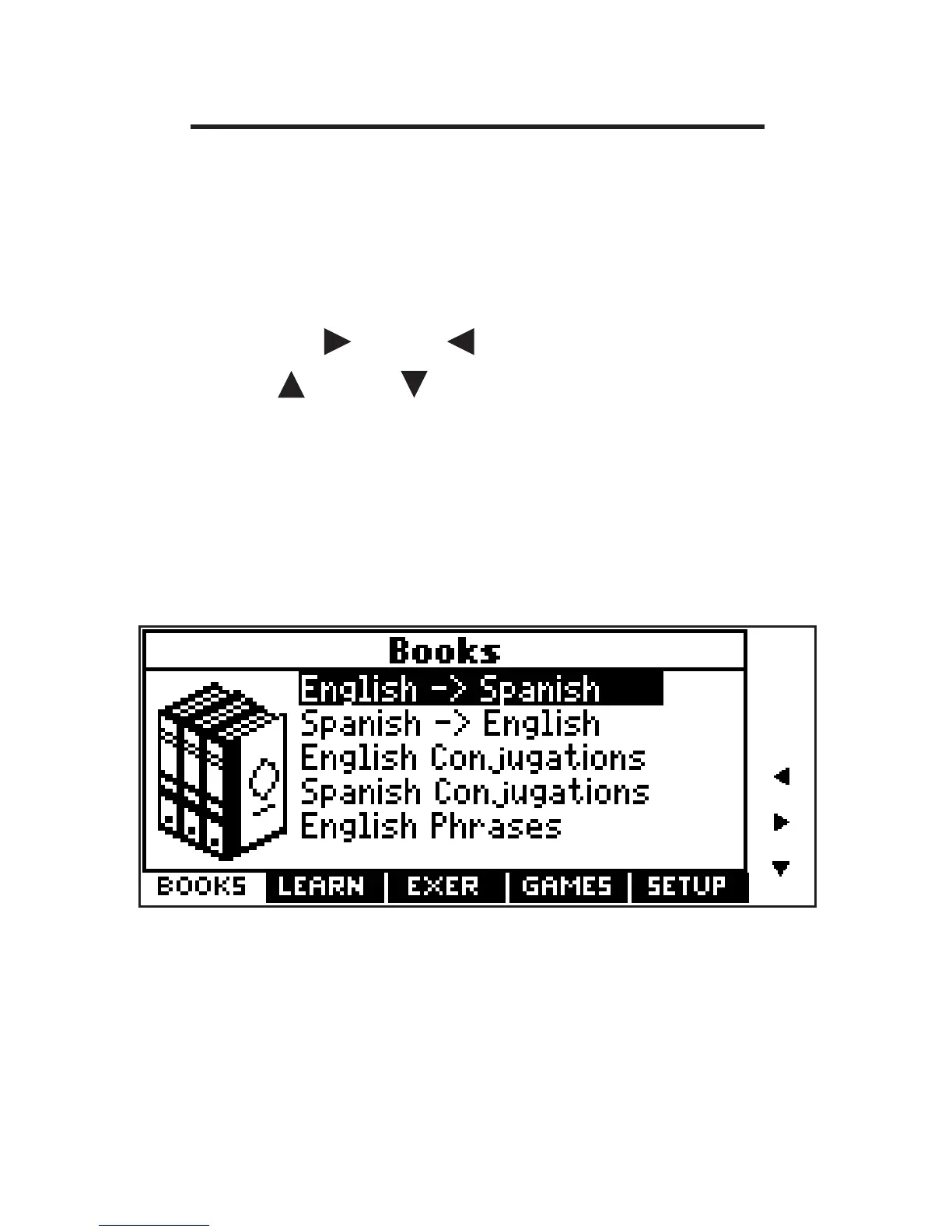
Using the Main Menu
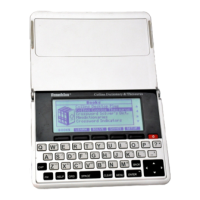
Use the main menu to quickly take you to
different books and exercises in your
device. The main menu contains five tabs:
Books, Learning, Exercises, Games and
Setup. Use and to move to another
tab. Use and to highlight the option
you want and press ENTER to select it.
You can also go directly to a tab by
pressing the tab’s respective Soft Key.
Understanding the Menus
The Books tab enables you to look up
Spanish translations of English words and
English translations of Spanish words.
You can conjugate English or Spanish
words and search for English or Spanish
14









 To Next Page