Using the Clock
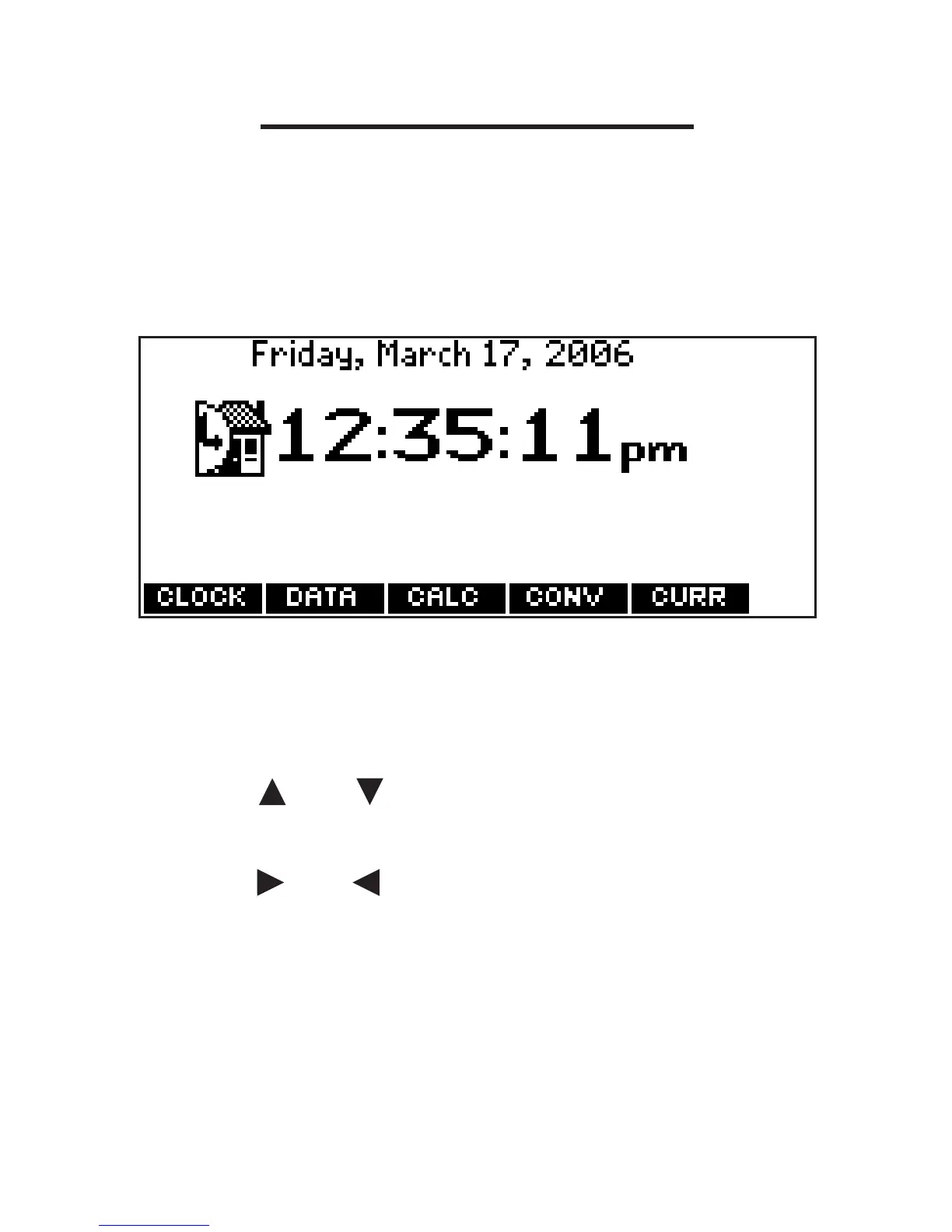
The clock displays the current time and
date. You can save two times: Home time
and World time.
1. Press ORG.
Press CLOCK to toggle between
Home time and World time.
2. Press ENTER to set the time and date.
3. Use or to scroll through the
options in the highlighted field.
4. Use or to move to another field.
5. Press ENTER when done.
Press CLEAR to exit without saving
the settings.
6. Set the World time the same way
you set the Home time.
58








 To Next Page