Playing The Games
You have seven fun games to choose
from.
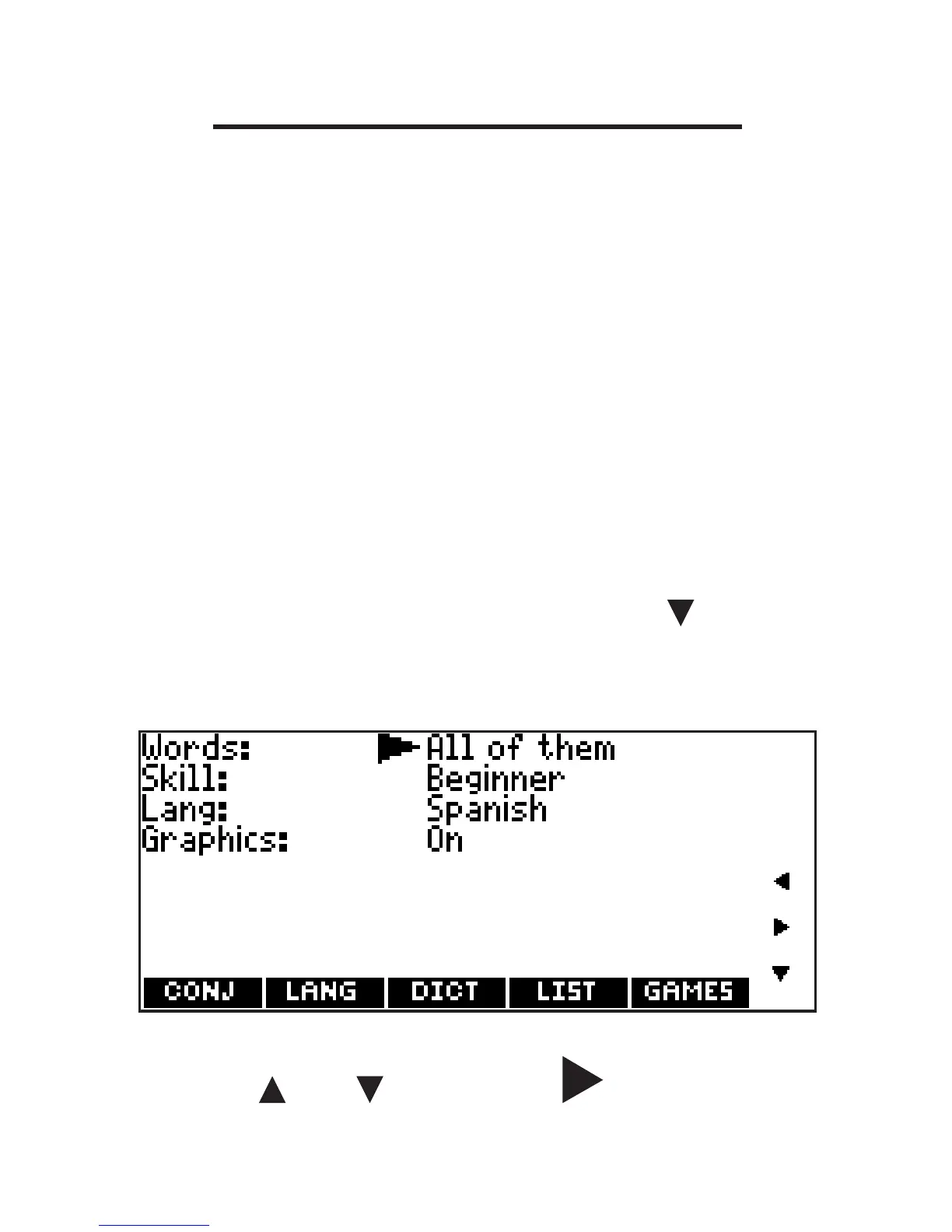
Changing Game Settings
Before you play, you can choose the
source of the words, the skill level, the
language, and whether or not graphics
will be used.
1. Press MENU.
2. Press GAMES.
3. Hold down CAP and press to
highlight Game Settings, then press
ENTER.
4. Use or to move to Words,
Skill, Lang or Graphics.
56









 To Next Page