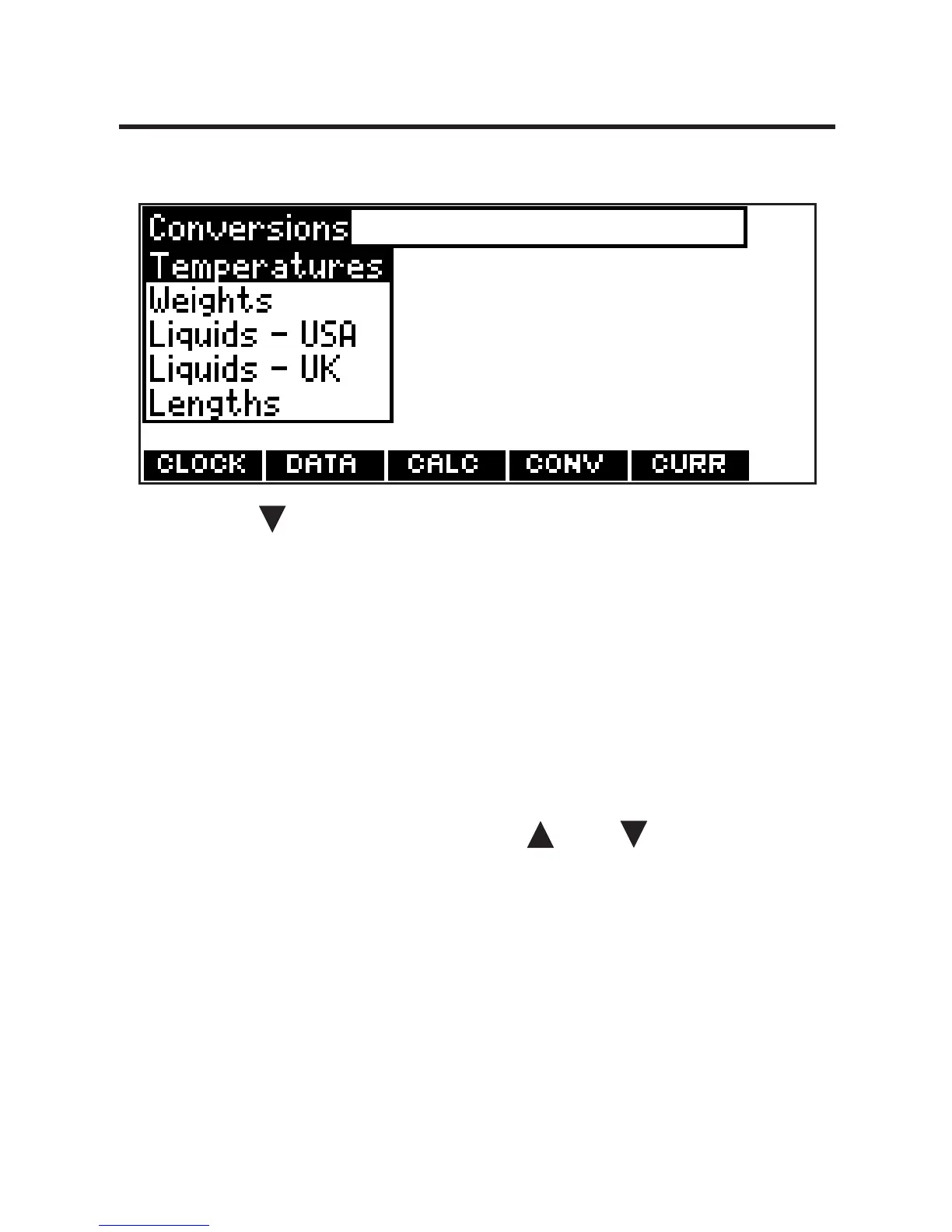
Using the Metric Converter
1. Press ORG and then press CONV.
2. Use to select a conversion
category (e.g., Weights).
3. Select a conversion (e.g.,
grams/ounces).
4. Type a number after one of the
units.
Note: Q-P will type numbers 0-9
automatically. Press or to move
between the lines. Press BACK to
delete a number.
5. Press ENTER to convert.
6. Press CLEAR to clear the current
conversion.
66








 To Next Page