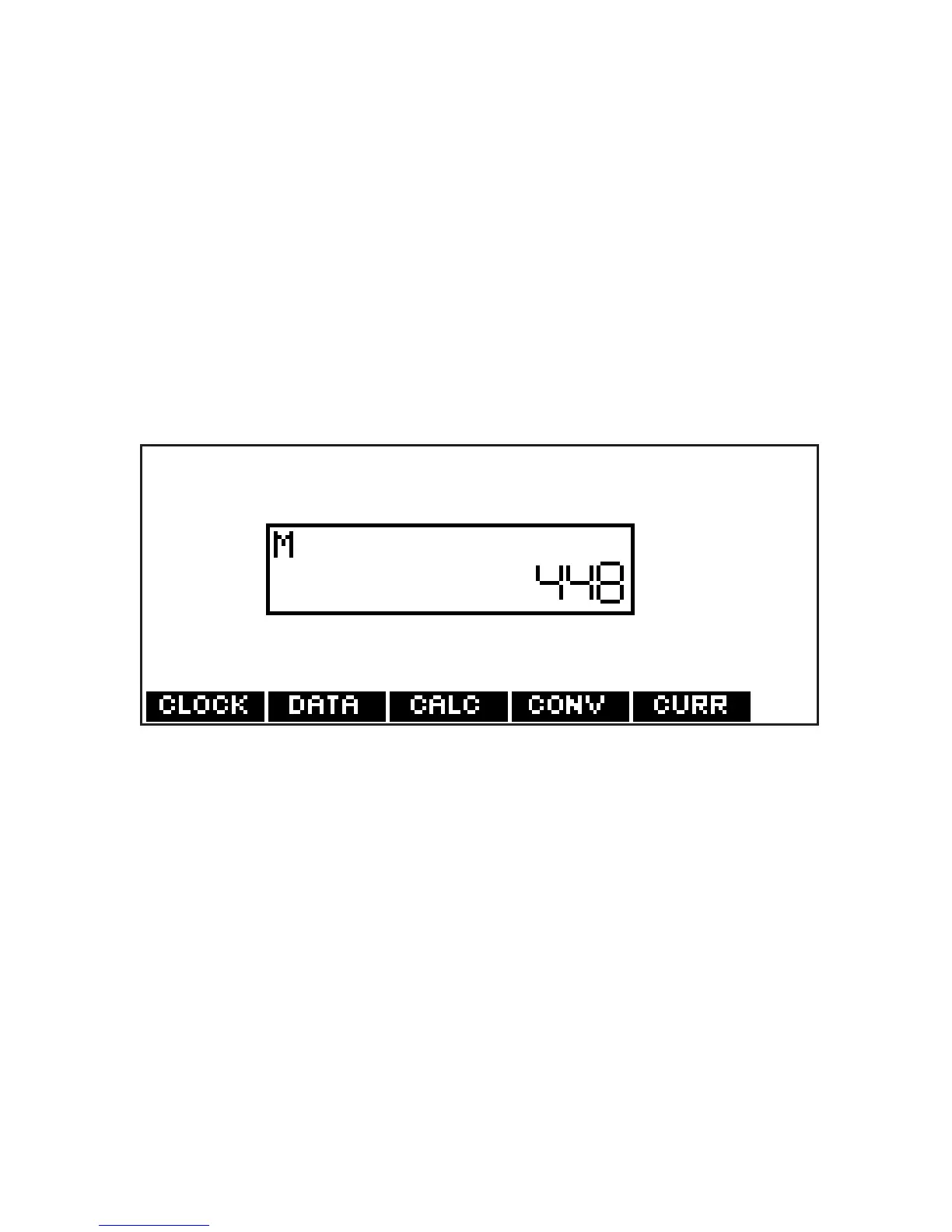
Using the Calculator Memory
1. In the calculator, make a calculation
or type a number.
2. To add the number on the screen to
the number stored in memory, press
X(
M+). To subtract the number on
the screen from the number stored
in memory, press C(M-).
M indicates the number is stored in
memory.
3. To retrieve the number from
memory, press V(
MR).
4. To clear the memory, press B(
MC).
65








 To Next Page