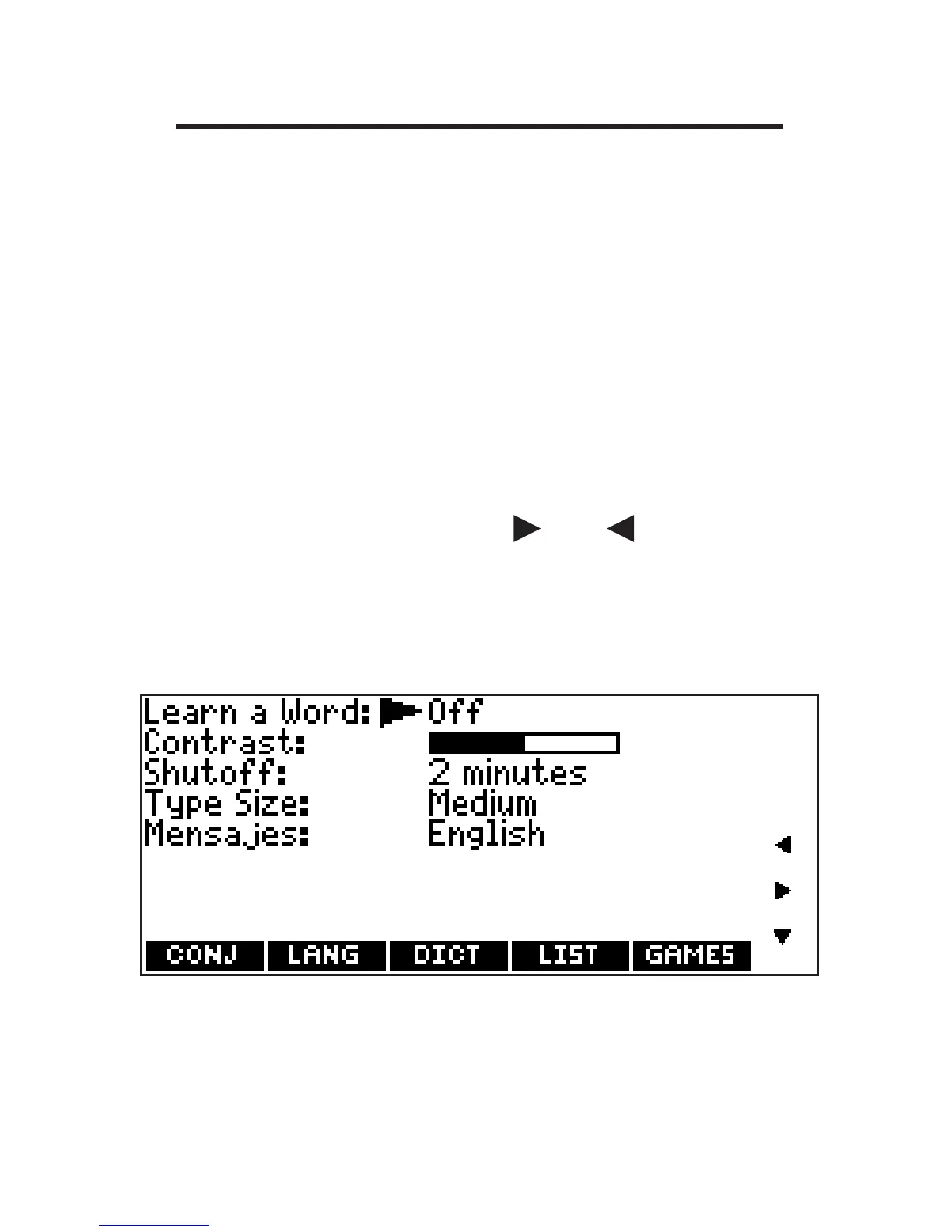
Changing the Settings
When using this device, you can activate
the Learn a Word feature, adjust the
screen contrast, the shutoff time, the type
size, and the message language. The
shutoff time is how long your product
stays on if you forget to turn it off.
1. Press MENU.
2. Press SETUP.
You can also press or until you
reach the Setup menu.
3. Settings will be highlighted. Press
ENTER to select it.
19









 To Next Page