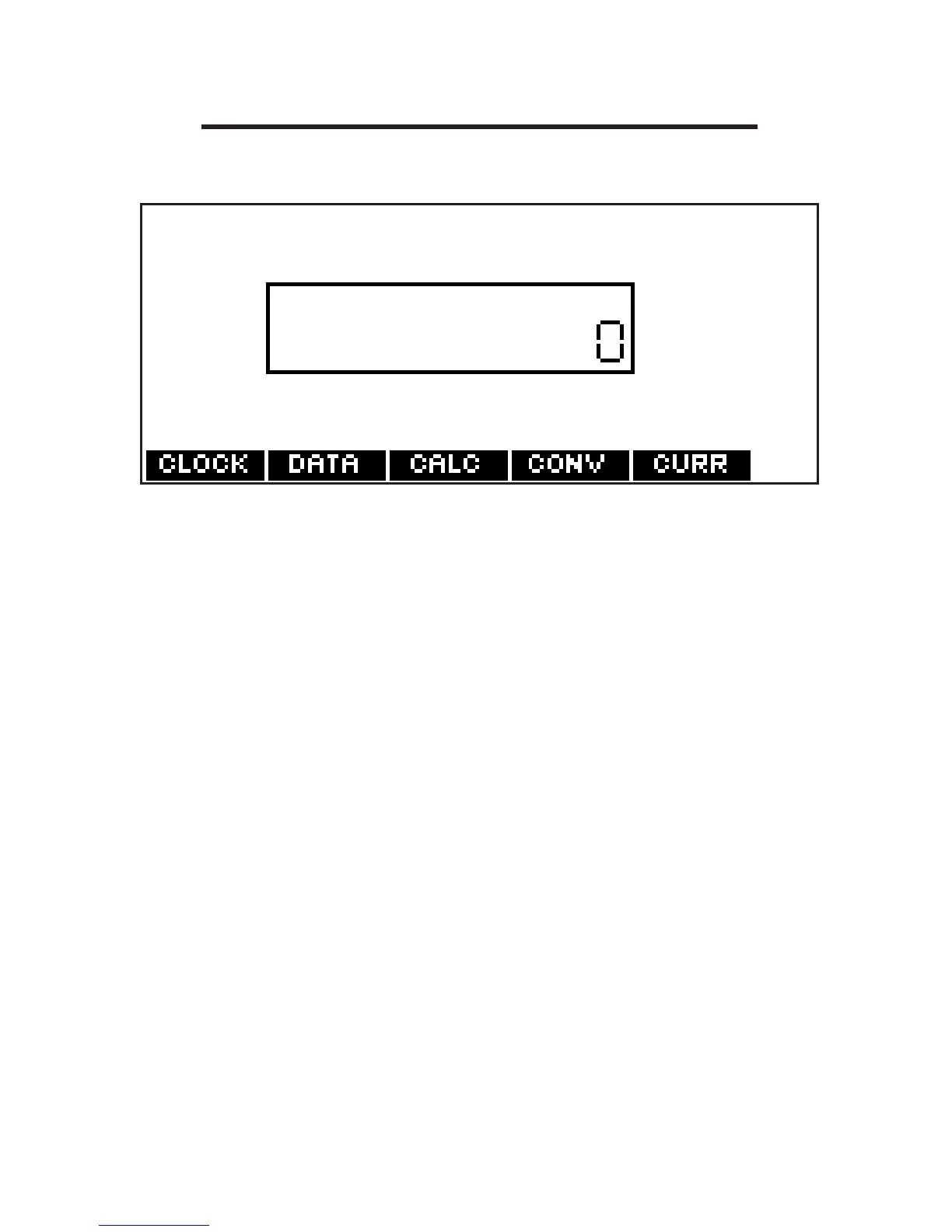
Using the Calculator
1. Press ORG and then press CALC.
2. Type a number.
Note: Q-P will type numbers 0-9
automatically. You can type up to 10
digits. To type a decimal, press G(.). To
change the sign of a number, press
Z(+/-).
3. Press a math function key.
4. Type another number.
63








 To Next Page