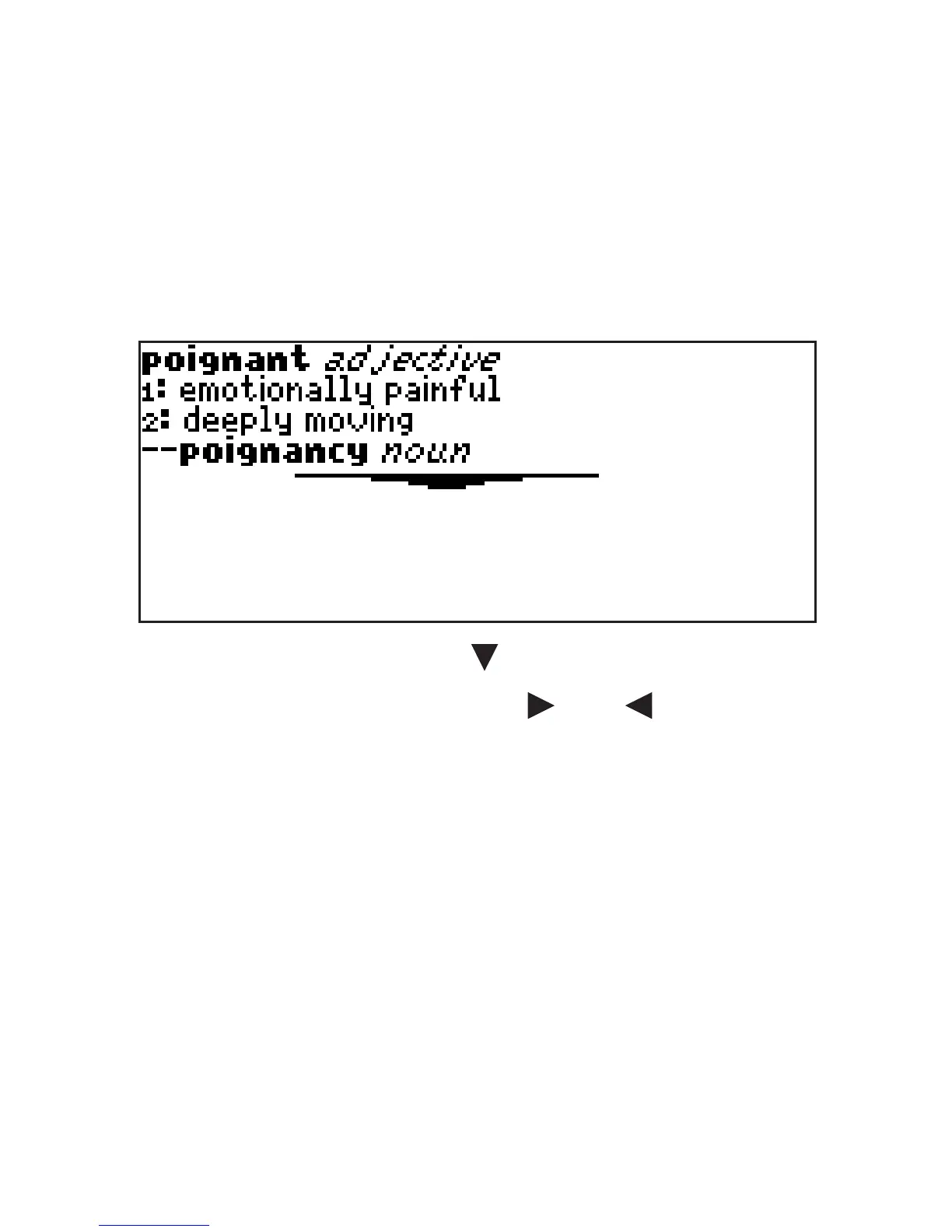
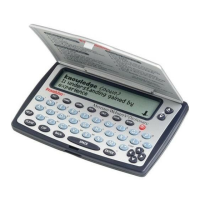
To erase a letter, press BACK.
To type a capital, hold CAP and press
a letter key. To type a number, hold FN
and press Q-P. To type a hyphen, hold
FN and press J.
5. Press ENTER to view the definition.
Press SPACE or to scroll.
6. Hold FN and press or to view
the next or previous definition.
7. Press CLEAR when done.
Press MENU to go to the main menu.
38








 To Next Page