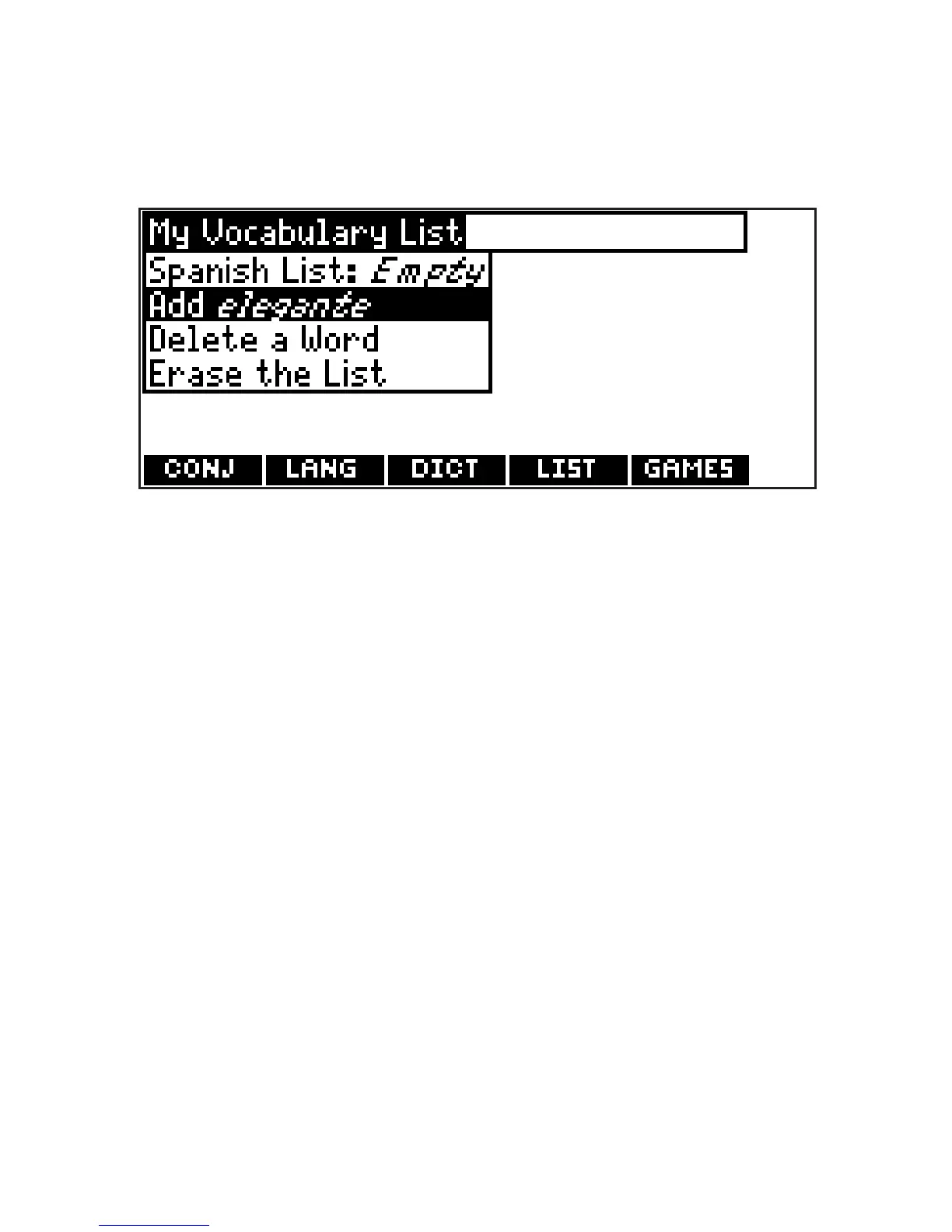
4. Type the word you want to add to
your word list (e.g., elegante).
5. Press LIST.
Your selection is included in the menu
item.
6. Press ENTER to add the word.
7. Press CLEAR to return to the word
entry screen.
Press MENU to go to the main menu.
✓ Adding Highlighted Words
You can also add words to My Vocabulary
List from definitions and correction lists
within the Spanish-to-English and
English-to-Spanish dictionaries. First
highlight a word and then press LIST.
Add “your word” will be highlighted.
Press ENTER to add the word.
42








 To Next Page