錯誤! 使用 [常用] 索引標籤將 Heading 1 套用到您想要在此處顯示的文字。 30
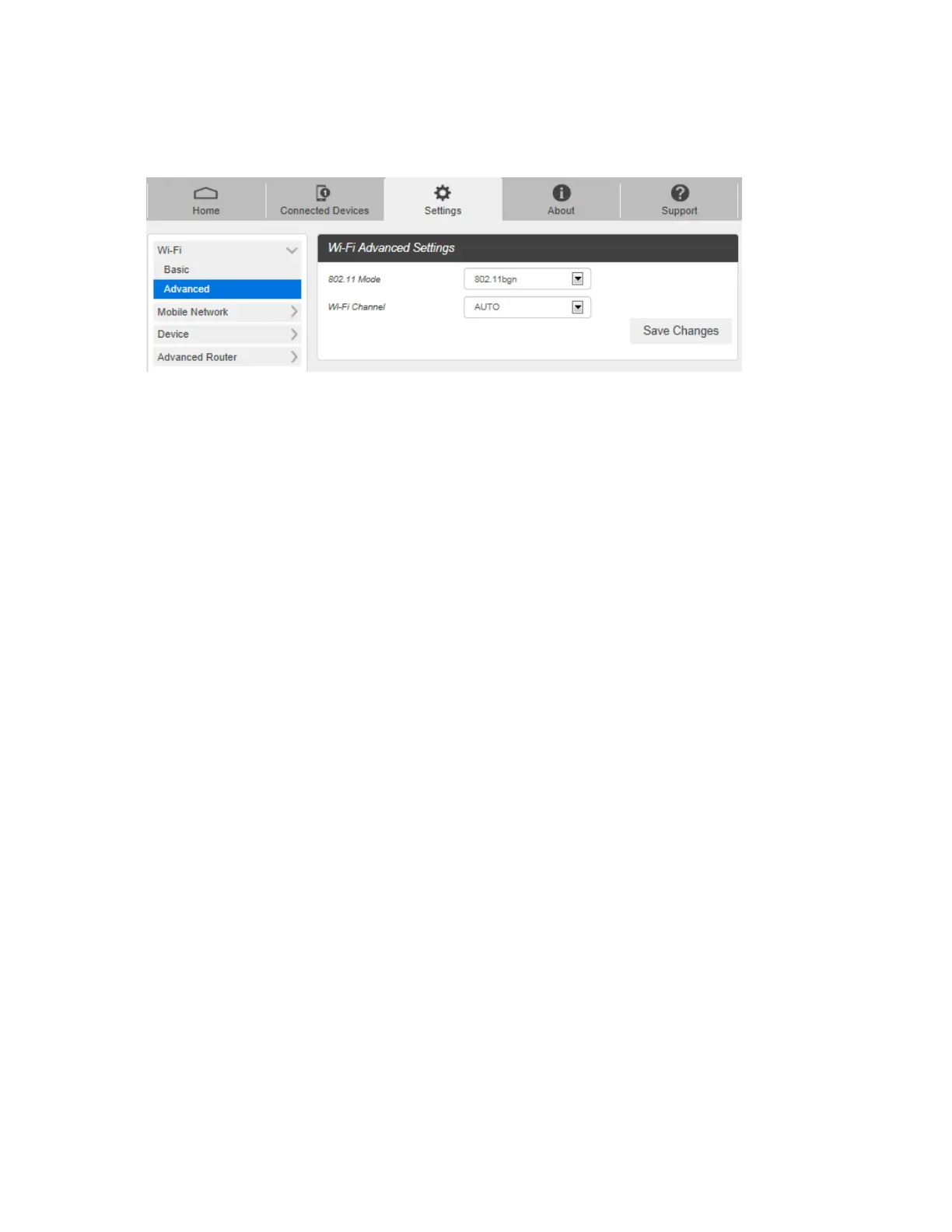
Wi-Fi Advanced Settings
1. From the Web UI, click Settings > Wi-Fi > Advanced.
802.11 Mode: Use this setting to change the Wi-Fi mode. The wireless network technology used.
802.11g+ 802.11b + 802.11n is most compatible, allowing both 802.11b,802.11g,and 802.11n
devices to connect to the wireless network..
2. Click Save Changes to save your settings.



 To Next Page