錯誤! 使用 [常用] 索引標籤將 Heading 1 套用到您想要在此處顯示的文字。 32
APN
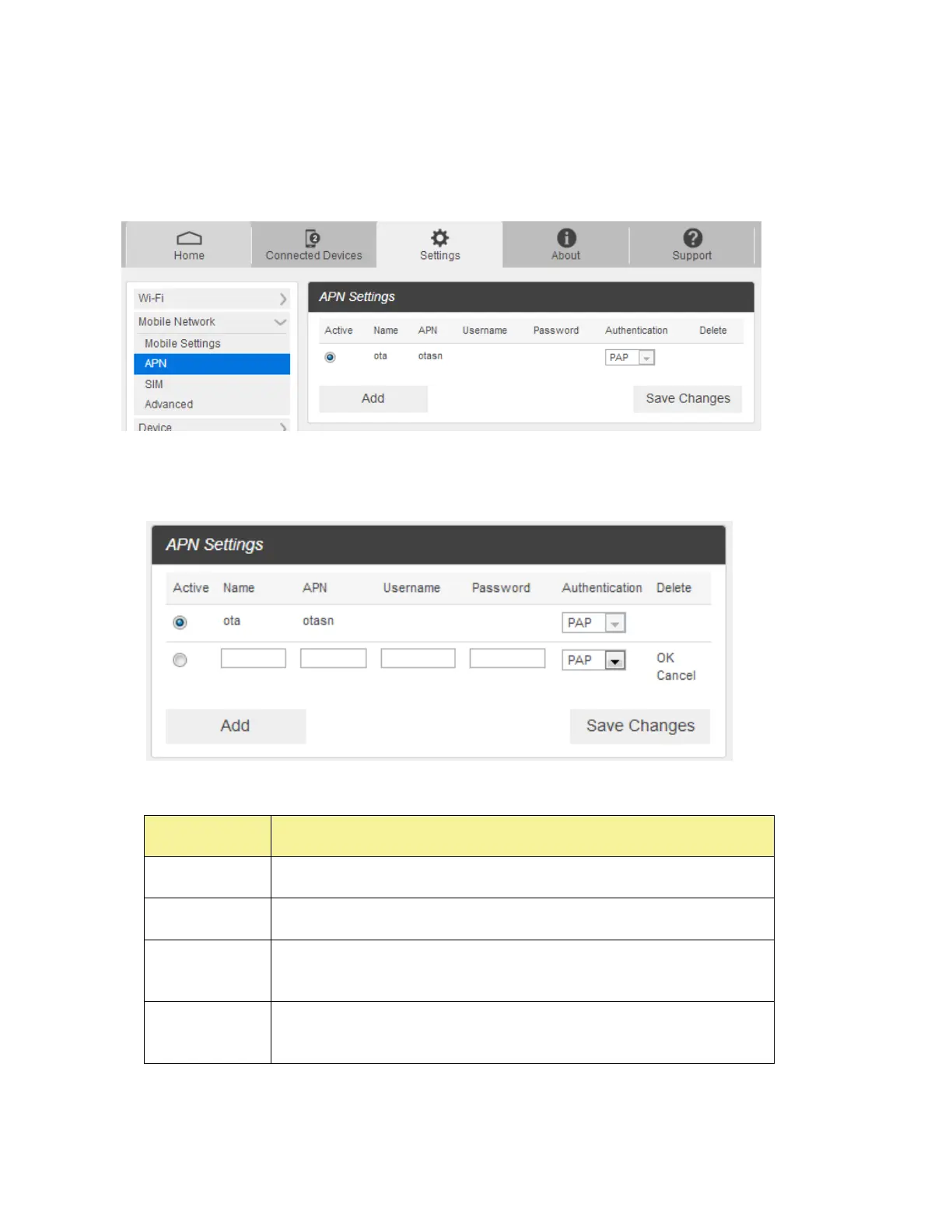
■ From the Web UI, click Settings > Mobile Network > APN. The default APN parameters are shown
in the following figure. You can use the default APN to connect to the Internet. You can also add new
APNs.
■ To add a new APN, follow the steps below:
1. Click Add to access the following page.
2. Enter the related parameters as described in the following table.
User name is used to obtain authentication from the ISP when the
connection is established.
Password is used to obtain authentication from the ISP when the
connection is established.



 To Next Page