錯誤! 使用 [常用] 索引標籤將 Heading 1 套用到您想要在此處顯示的文字。 43
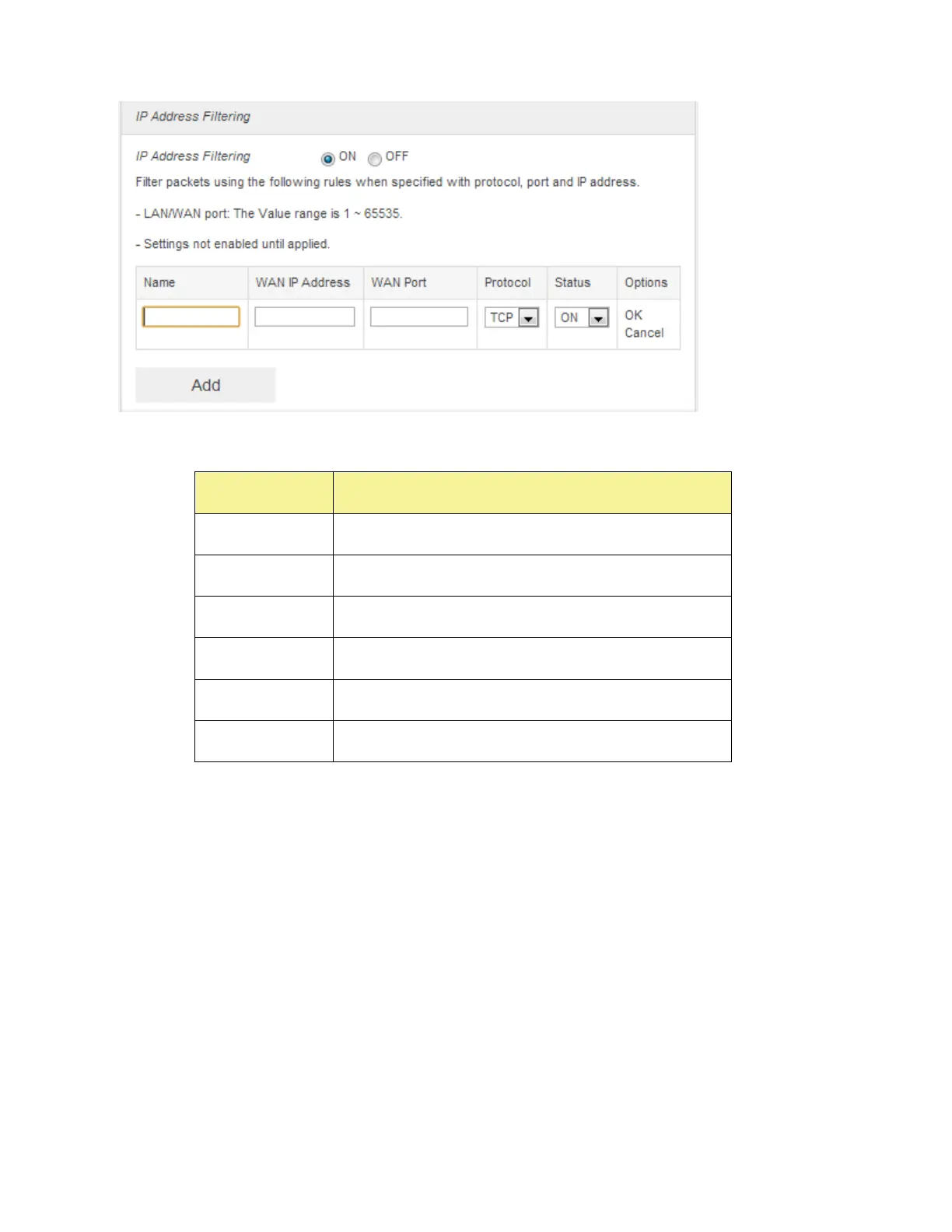
④ Enter the related parameters as described in the following table.
Enter the LAN IP address.
Enter the WAN IP address.
Set which protocol will be used for filtering.
Set how to handle the packet if it matches with the rule.
⑤ Click Save Changes to add the new filtering rule.
■ Portmapping
To set portmapping rules, follow the steps below:
① Turn on the Firewall Switch
② Turn on the Portmapping.
③ Click Add



 To Next Page