Need help?
Do you have a question about the FRANKLINWH AGate and is the answer not in the manual?
Guidelines for safe operation of the equipment.
Guidelines for choosing and preparing the installation location.
Procedures for handling fire and other emergency situations.
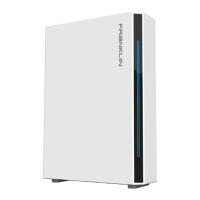
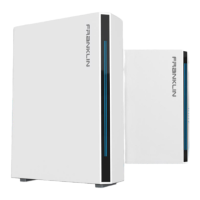
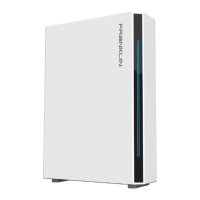
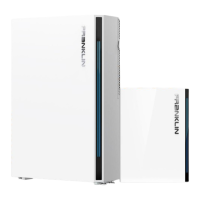
Covers purposes, parameters, and shipping list for aPower.
Covers purposes, parameters, and shipping list for aGate.
General instructions for FHP system installation.
Guidance on where to install the aPower and aGate units.
Planning fire safety systems according to standards.
Measures for protecting aGate input connections.
Instructions for safely unloading the equipment from delivery.
Procedures for moving equipment to the installation location.
Steps for unboxing the aPower unit.
Instructions on how to safely stand up the aPower unit.
Moving the aPower unit to its final installation location.
Details on mounting brackets and installation on various wall types.
Step-by-step guide for mounting on concrete/brick.
Procedures for lifting and positioning the aPower unit.
Securing the aPower to the mounting brackets.
Unpacking the aGate unit and its accessories.
Steps to remove the outer and inner panels of aGate.
Step-by-step guide for mounting aGate on a wall.
Accessing the wiring compartment of the aPower unit.
Installing circuit breakers for solar PV in aGate.
Installing the AC switch for aPower in aGate.
Installing smart load modules for remote control.
Installing the main switch for grid power.
Installing switches for optional fuel generators.
 General
| Nominal AC Voltage | 120/240V |
|---|---|
| Battery Voltage | 51.2V |
| IP Rating | IP65 |
| Warranty | 10 years |
| Product Category | Energy Storage System |
| Enclosure | Indoor/Outdoor |
| Operating Temperature | -4°F to 122°F (-20°C to 50°C) |
| Chemistry | LFP |
| Operating Temperature Range | -4°F to 122°F (-20°C to 50°C) |


 To Next Page