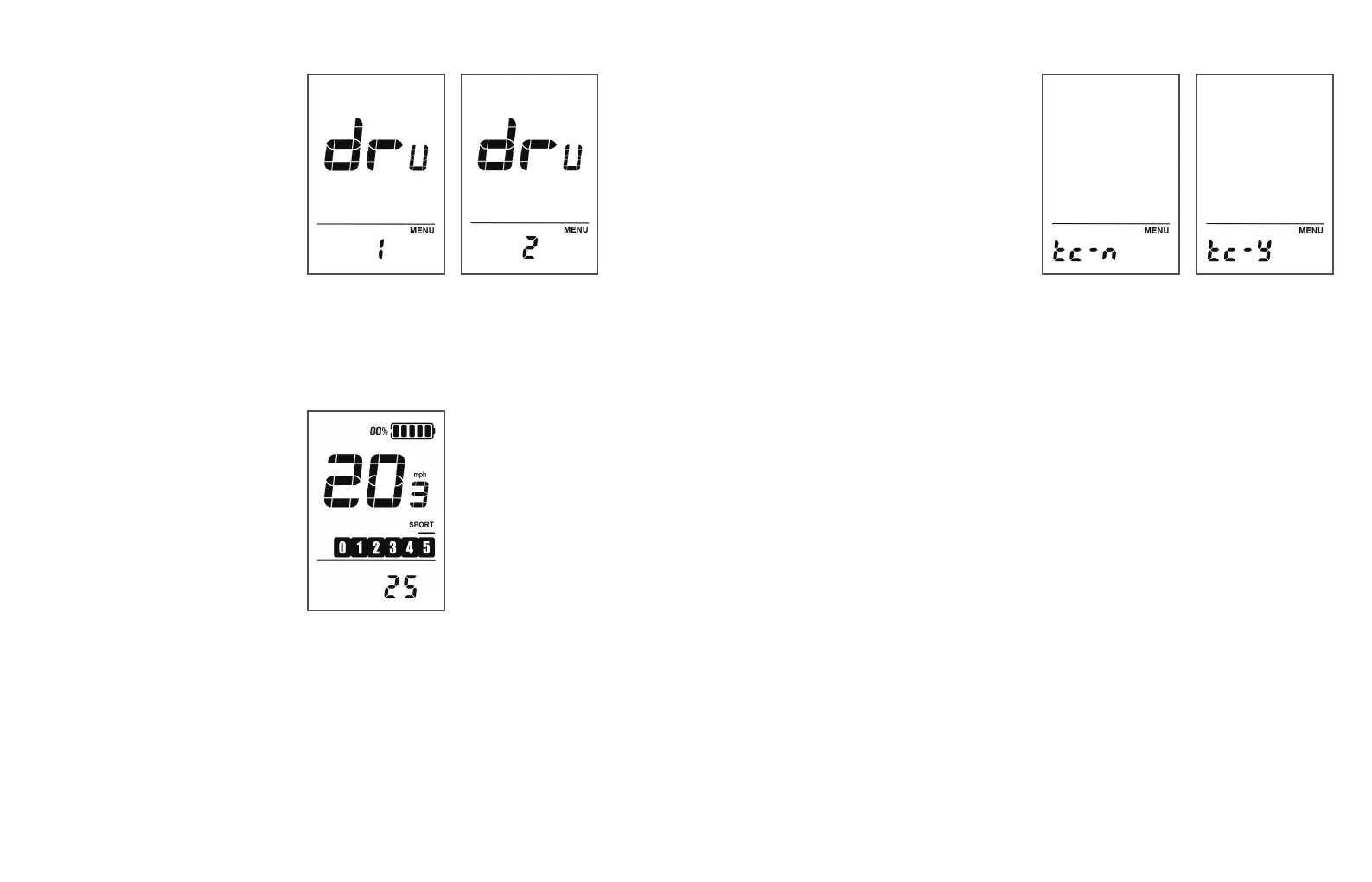
Indoor/Outdoor Mode Setting
DRU represents the
indoor/outdoor mode setting.
Press the "i" button briefly to
enter the indoor/outdoor mode
setting state. Use the "+" or "-"
button to switch between indoor
and outdoor modes, with 1
representing outdoor mode and
2 representing indoor mode. The
default mode is outdoor mode.
Press and hold the "i" button to
save and exit to the main
interface.
Resistance Setting
When the instrument is
switched to indoor mode, you
can set the resistance value on
the indoor mode main interface.
Use the "+" or "-" button to set the
resistance value on the
instrument. The resistance value
can be set within the range of
"0-100 (displayed in increments
of 5)". The default resistance
value is 25. When the resistance
value is reduced to 0, pressing
the "-" button again will still
display 0 on the screen.
Single Trip Mileage Reset
TC represents resetting the
single trip mileage. Use the "+"
or "-" button to select "Y/N",
where Y indicates resetting
the single trip mileage and N
indicates not resetting the
single trip mileage. Press the
"i" button briefly to confirm,
and press and hold the "i"
button to confirm and exit the
regular setting state.
BATTERY BAR
The battery bar indicators show the amount of battery
remaining in the battery package.
5Bar:80%-100%- 4Bar:60%-79%- 3Bar:40%-59%
-2Bar:20%-39% -1Bar:10%-19% -0Bar:0%-9%
TRIP DISTANCE (MILES/KM)
The trip distance feature keeps track of the distance traveled
by the bike until the rider resets it.
ERROR CODE SIGN
The error code sign will appear when the control system
detects an electronic malfunction at any given moment.
PAS LEVEL
The assist level indicator displays the current level of pedal
assist selected by the rider.
WALK MODE
The walk mode indicator shows the status of the walk
mode operation.
FRONT LIGHT
The headlight indicator displays the operation status of
the front light mode
41 42



 To Next Page