16
TV/Radio
Press the TV/RADIO button to switch between TV and Radio.
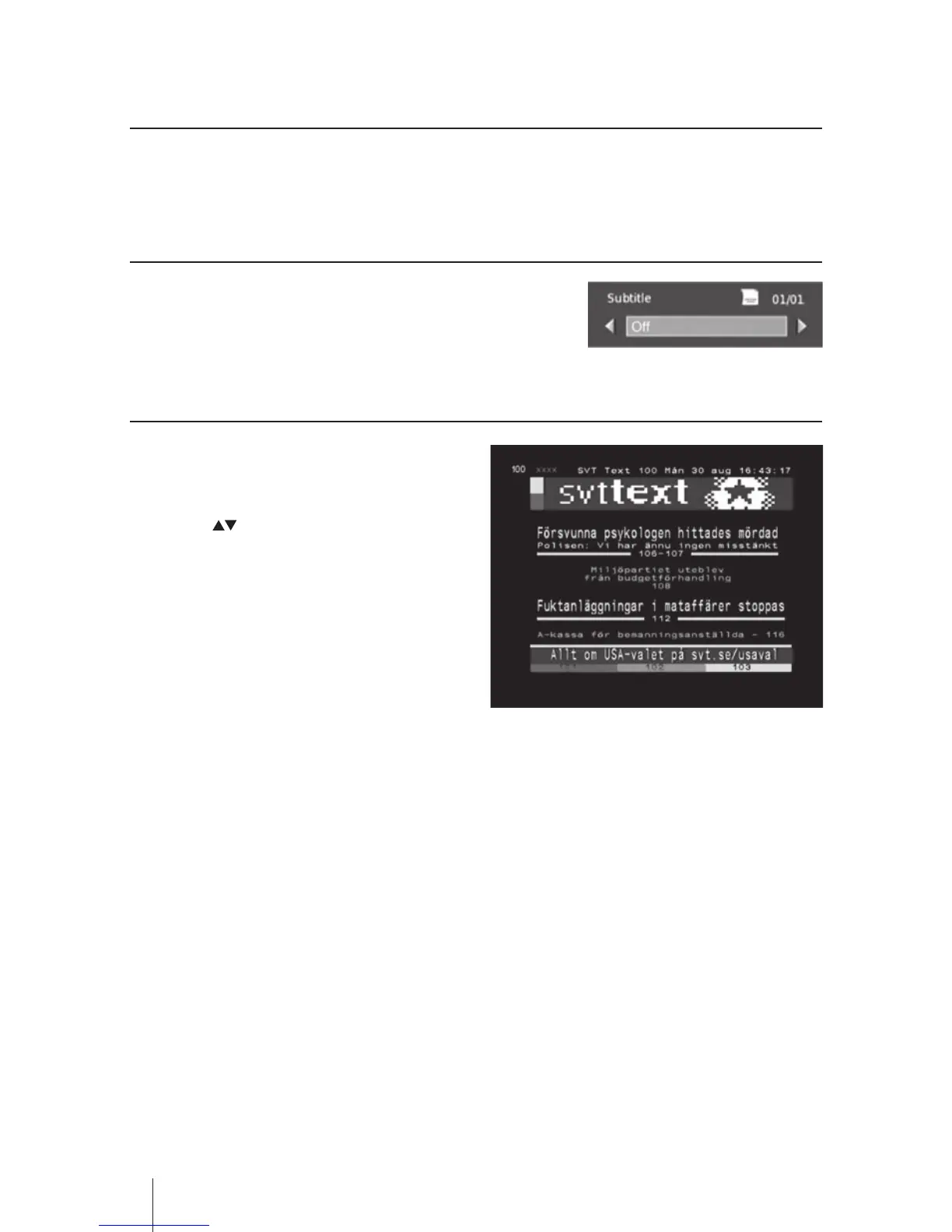
Subtitles
Press the SUB button to switch subtitles ON(English)/OFF.
Teletext Selection
• Press the TXT button and then the teletext
menu will be dispalyed if Teletext is
transmitted.
• Press the buttons to up and down the
pages and you can press the Color buttons to
select the progamme.
• Press the EXIT button to exit the menu.


 To Next Page