25
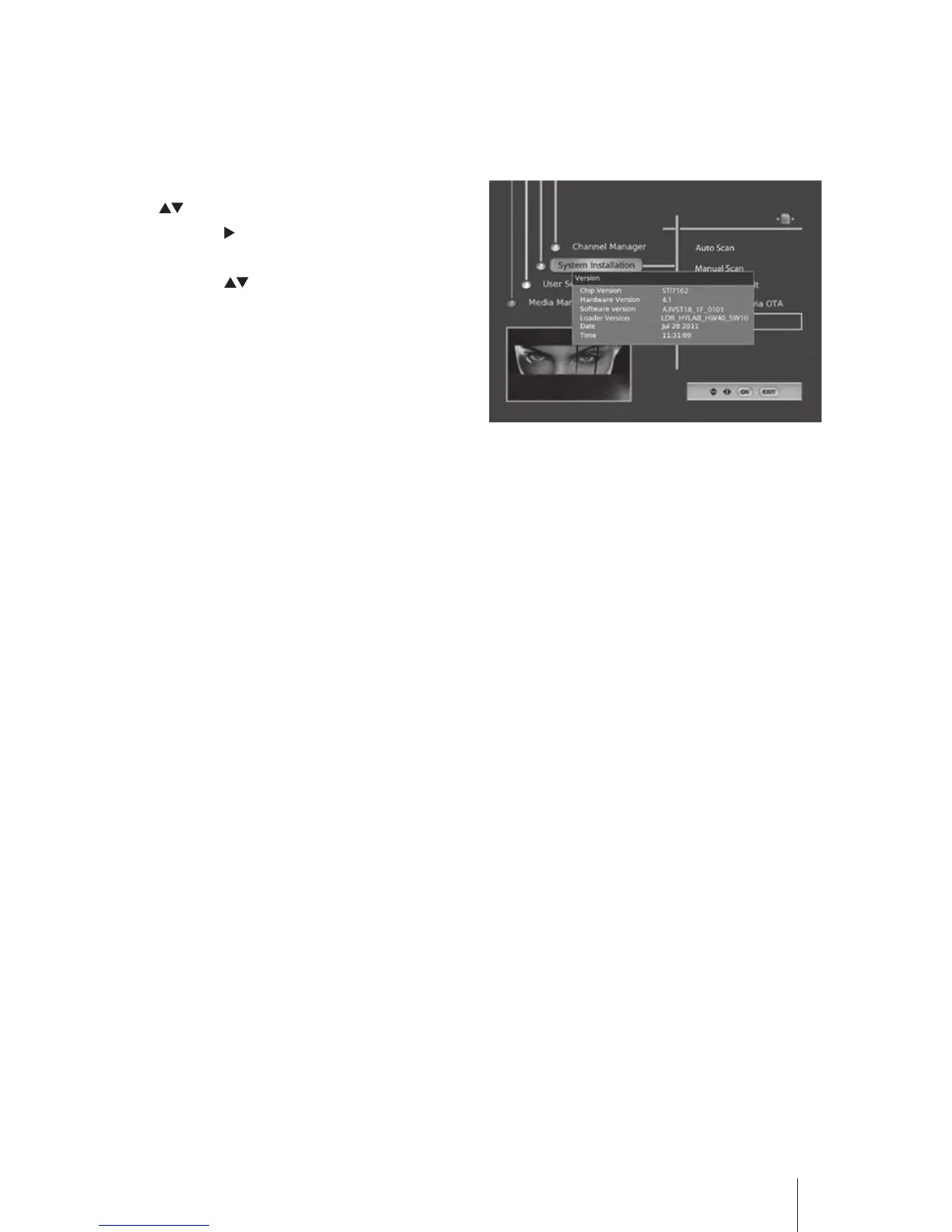
Version
The Version menu displays the Chip Version / Hardware Version / Software Version / Loader Version /
Last built date and Time of the application.
1. Press the MENU button and then press the
buttons to select System Installation.
Press the button or the OK button to
conrm.
2. Press the buttons to select Version and
then press the OK button to display the
menu.
3. Press the EXIT button to exit the menu.


 To Next Page