35
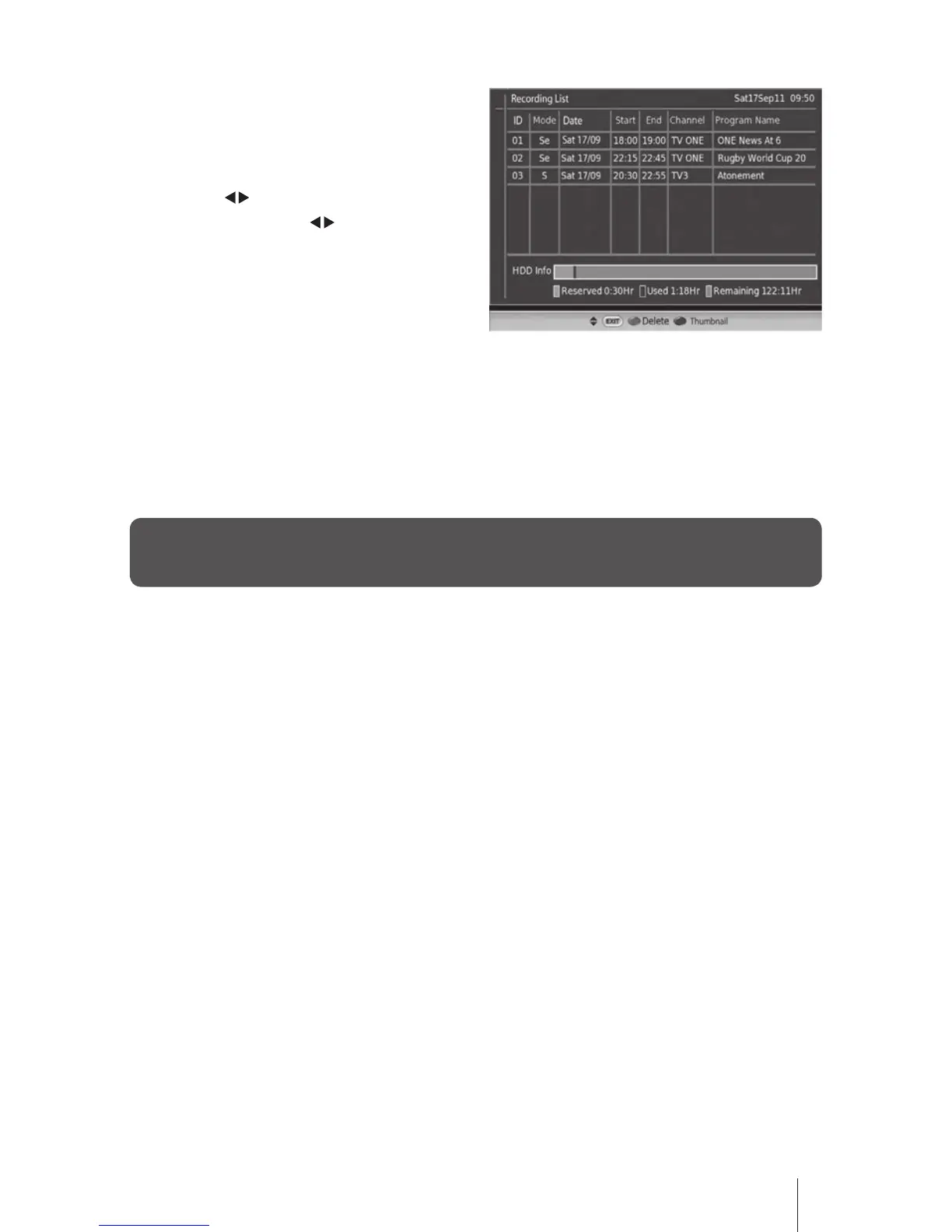
3. You can press the RED color button to
delete the event in the list.
After pressing the RED color button a
conrmation will be displayed and then
press the buttons to select Ye s to delete
the event. If press the buttons to select
No it will return to the previous menu
4. Press the BLUE button to enter the Thumbnail Browser menu.
From the Thumbnail Browser menu you can invoke toggle among Video / Audio and Photo
records by pressing TV/RADIO button.
5. Press the EXIT button to exit the menu.
If you select "Record booked list" menu when there is no booked event then "There is no event
booked for recording" message will be displayed.


 To Next Page