VYPER
™
VARIABLE SPEED DRIVE
OPERATION
100-200 IOM (FEB 09)
Page 31
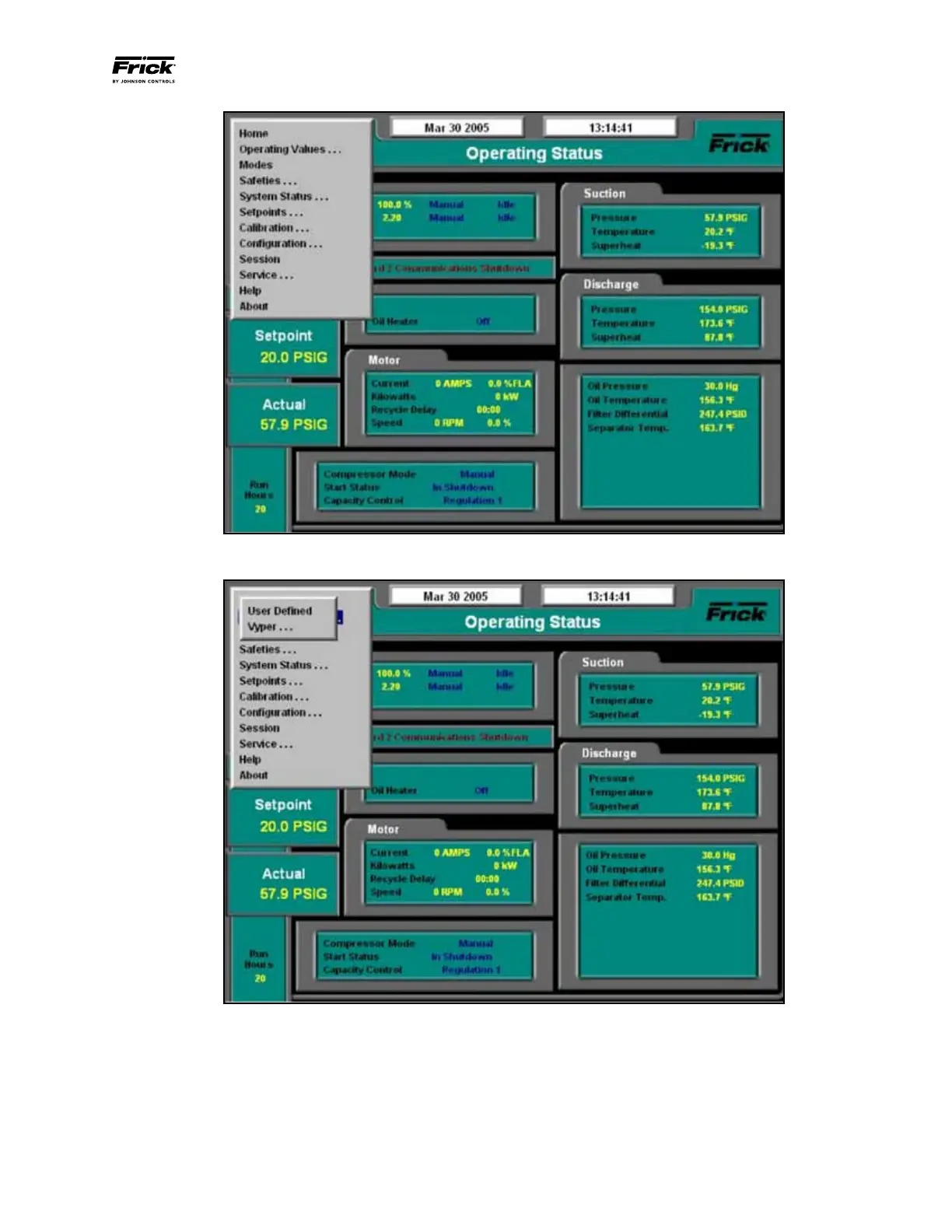
Figure 33 - Home Screen Service Level 2: Press the [Menu] Button then Select Operating Values from the Flydown
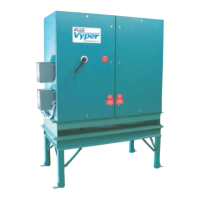
Figure 34 - Home Screen Service Level 2: Select Vyper From the Menu
The [Vyper] selection leads to an additional flyout menu
where the user can select either the [Vyper] or the [Har-
monic Filter] setup screens (See Figure 35).
The flydown menu allows the user to select either the Vyper
™
Drive setup or, if the Harmonic Filter is installed, the display
information.
THE VYPER
™
SCREEN
The Vyper Screen Level 2 (See Figure 36) displays Vyper
™
system status including operational parameters such as
internal currents, voltages, and temperatures. It also gives
detailed information on some external equipment such as
the circulation pump and the motor temperature.


 To Next Page