EasyManua.ls Logo

FRIEDLAND SA3 PLUS - User Manual

FRIEDLAND SA3 PLUS
36 pages
Print Icon
To Next Page IconTo Next Page
Loading...
ZONE 1
1
4
23
56
78
0
ENTER
ESC
#
ZONE 2 ZONE 3 ZONE 4
TAM PERFIREZONE 6ZONE 5
POWER PART ARM ARM LOW BATT.
9
!
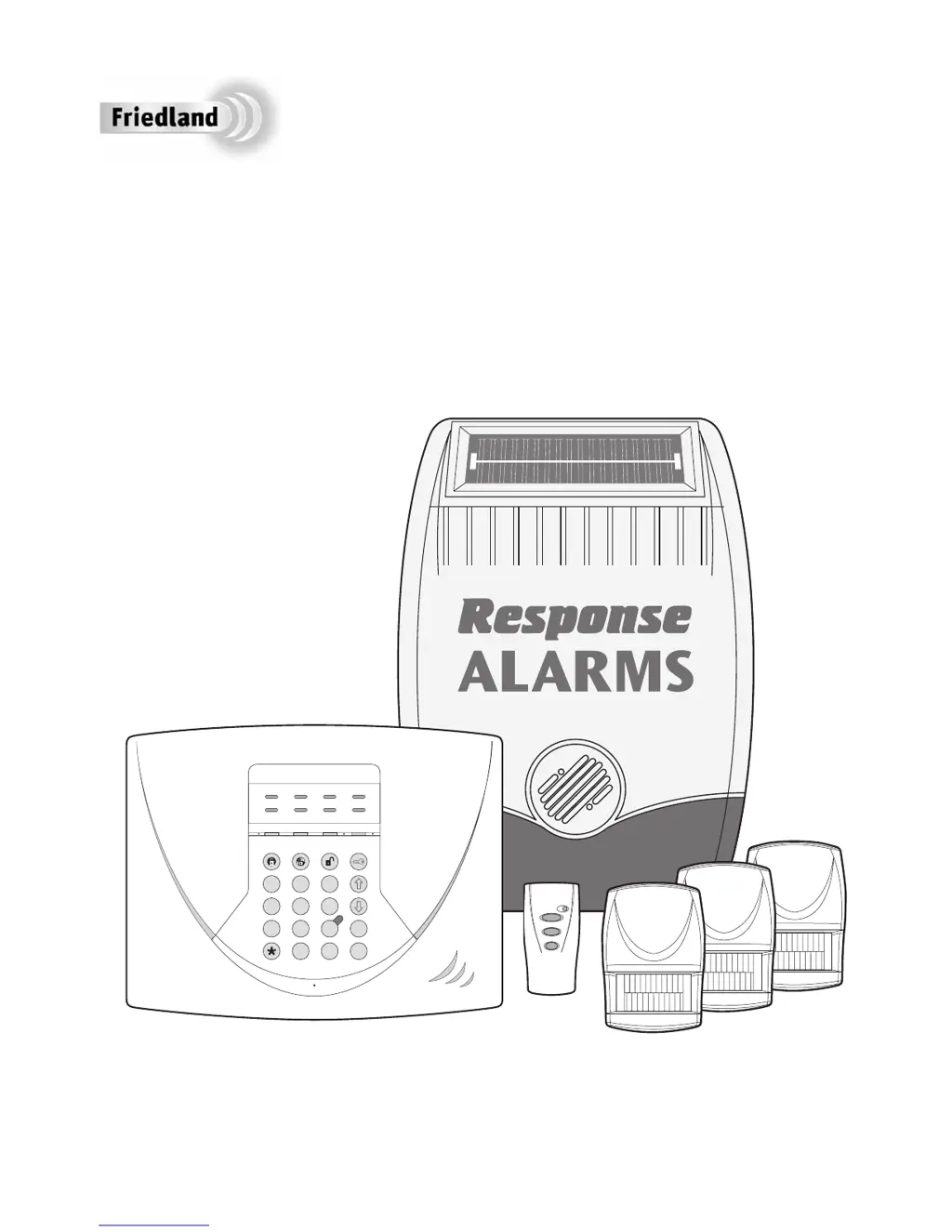
SA3 PLUS
with Telephone Dialler
Installation & Operating Manual

Table of Contents

Questions and Answers

  • V
    Valerie AndersonSep 8, 2025
    Why is the voice dialler on my FRIEDLAND SA3 PLUS Security System not operating?
    • T
      Thomas LamSep 8, 2025
      If the voice dialler is not operating, check the following: * Verify that the phone line is working by connecting a normal telephone to the socket and checking for a dialling tone. * Ensure the control panel is connected to the telephone socket using the supplied lead. * Check that the phone numbers are correctly programmed and enabled in the call routing sequence. * Confirm that an alarm message has been recorded. * Ensure the dial method is correctly set for the type of exchange (Tone/DTMF or Pulse).
  • D
    Douglas ConradSep 10, 2025
    Why is the detection zone triggered on my FRIEDLAND Security System, but no alarm is sounding?
    • J
      Jeffrey MejiaSep 10, 2025
      If a detection zone is triggered but no alarm is sounding, it could be because the entry/exit delay is still running, the alarm duration period has already expired, or the alarm duration is programmed to 'no alarm'.
  • T
    Tammy MorrisSep 12, 2025
    Why is the LED on my FRIEDLAND SA3 PLUS Security System remote control not illuminating?
    • K
      Karen JohnstonSep 12, 2025
      If the LED on the remote control isn't illuminating or is dim, ensure the battery is connected with the correct polarity, the battery connections are good, and replace the battery if necessary.
  • D
    Dana MoonSep 13, 2025
    What causes false alarms from my FRIEDLAND SA3 PLUS magnetic contact detector?
    • S
      Samantha VelasquezSep 14, 2025
      False alarms from the magnetic contact detector may occur if: * The magnet is not correctly positioned in relation to the detector. * The gap between the magnet and detector is more than 10mm. * The tamper switch below the battery cover is not depressed; check the battery cover is fitted correctly and that fixing lugs are not broken.
  • V
    Victoria LivingstonSep 15, 2025
    What does it mean when the LED on my FRIEDLAND SA3 PLUS Security System PIR movement detector flashes?
    • C
      Cody WoodSep 15, 2025
      If the LED on the PIR movement detector flashes when it detects movement, it indicates a low battery. Replace the battery.
  • M
    Miranda WalkerSep 18, 2025
    Why is the LED on my FRIEDLAND SA3 PLUS magnetic contact detector illuminated when the door or window is opened?
    • D
      dparkSep 18, 2025
      If the LED on the magnetic contact detector illuminates when a door or window is opened, it indicates a low battery. Replace the batteries.

Summary

Foreword and System Overview

System Security

Information on how the system deters intruders and provides unique identification.

Introduction and Overview

System Arming Modes

Explains the full 'Arm' and 'Part-Arm' modes for securing the property.

Voice Dialer Functionality

Describes the system's ability to notify users or call for help via telephone.

System House Code

Crucial for system security, setting a unique code for device communication.

Planning and Extending Your Wirefree Alarm System

Remote Control Unit

Control Panel

Positioning the Control Panel

Recommendations for choosing an optimal and secure location for the control panel.

Configuring Control Panel House Code

Steps to program the system's unique House Code for device communication.

Testing Control Panel & Remote Control

Procedures for testing the functionality of the control panel and remote.

Passive Infra-Red (PIR) Movement Detectors

Positioning PIR Movement Detectors

Guidance on optimal placement of PIR detectors for effective detection.

Installing and Configuring PIR Detectors

Instructions for physically installing and configuring PIR detectors, including DIP switches.

Testing PIR Movement Detectors

Steps to test PIR detector functionality and range.

Magnetic Contact Detectors

Installing and Configuring Magnetic Detectors

Steps for installing and configuring magnetic contact detectors, including DIP switches.

External Solar Siren

Positioning the Solar Siren

Guidance on optimal placement of the solar siren for visibility and performance.

Installing and Configuring the Solar Siren

Instructions for mounting, wiring, and configuring the solar siren via DIP switches.

Testing the Solar Siren

Procedures for testing the solar siren's alarm and response.

External Connections

System Testing Procedures

Detector Test

Procedure for testing individual detectors after installation.

Reset Factory Default Conditions

Programming Instructions

User Access Code Configuration

How to set or change the user access code for system operation.

System House Code Configuration

Steps to program or change the system's house code.

Instant;Delay Zone Settings

How to configure zones for instant or delay alarm response.

Entry;Exit Delay Settings

Setting the duration for entry and exit delays.

Part-Arm Configuration

Configuring which zones are armed in part-arm mode.

Alarm Duration Settings

Setting the length of time the siren and alarms will sound.

Zone Operating Modes

Configuring zones for Personal Attack, Intruder, Fire, or Test modes.

Telephone Numbers Setup

Programming phone numbers for the voice dialler.

Operating Instructions

Arming the System

Steps to arm the system using the remote or control panel.

Disarming the System

Procedures for disarming the system.

Battery Monitoring

Maintenance

Troubleshooting Control Unit Issues

Troubleshooting System Issues

False Full Alarm Conditions

Causes for false full alarm conditions.

Voice Dialler Not Operating

Steps to troubleshoot issues with the voice dialler not functioning.

Post-Installation Notices

Component Specifications

FRIEDLAND SA3 PLUS Specifications

General IconGeneral
BrandFRIEDLAND
ModelSA3 PLUS
CategorySecurity System
LanguageEnglish

Related product manuals