FC-302 Data Radio User Manual
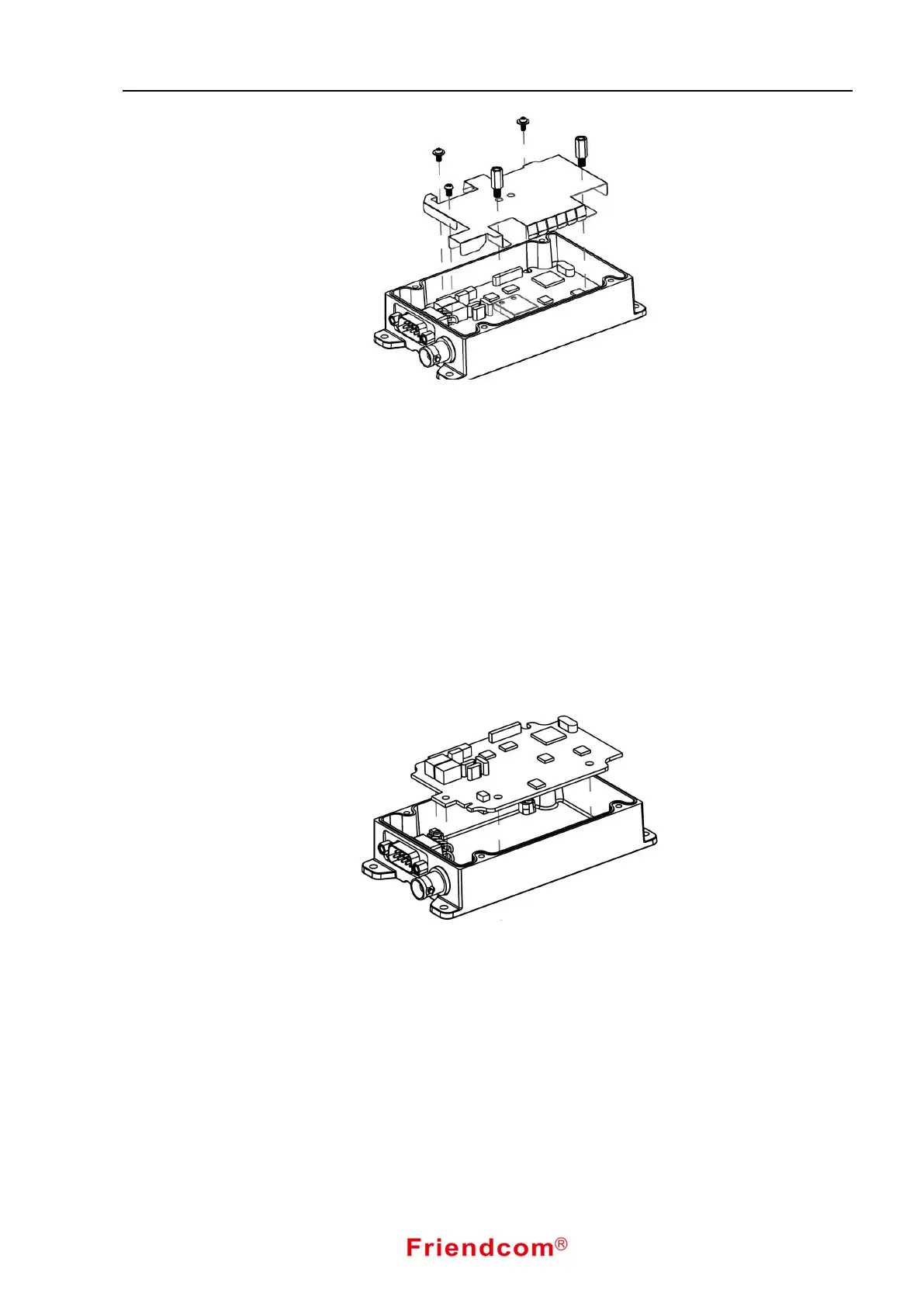
Fig. 21-Shield Plate Assembly Removal
5.4 Removing & Replacing the Main Board
1 Remove the Upper Cover (refer to Removing & Replacing the Upper Cover )
2 Remove the Power board, Modem Board & Shield Plate
(refer to Removing the Power board & Modem Board Assembly & Shield Plate)
3 Unscrew the 4 mounting standoffs.
4 Unsolder the antenna connector cable.
5 Remove the Main Board Assembly.
To replace the Main Board Assembly:
1. Reverse the steps taken to remove the Main Board Assembly.
Fig. 21-Main Board Removal


 To Next Page