EasyManua.ls Logo

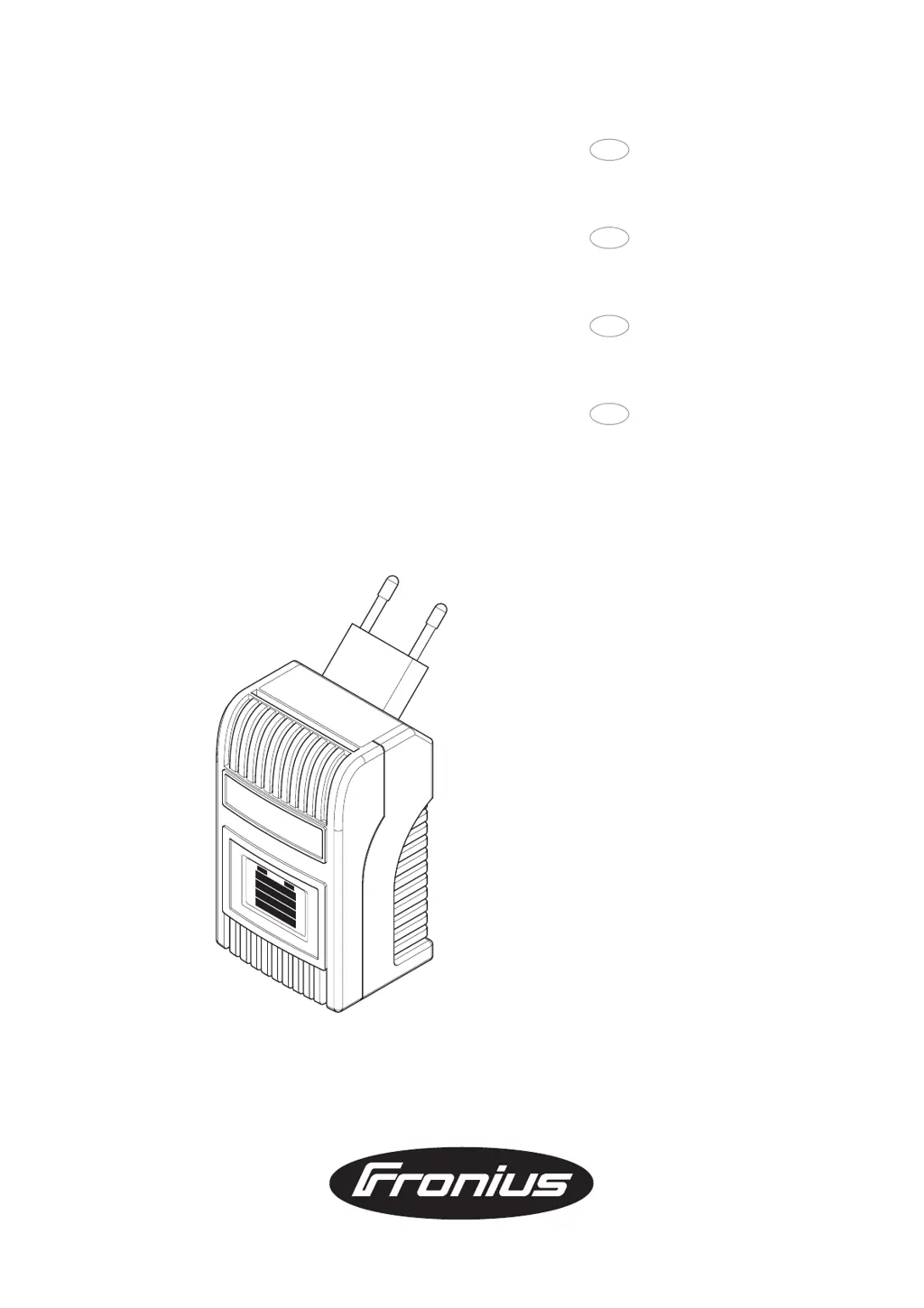
Fronius Acctiva easy Traction 1204 T - User Manual

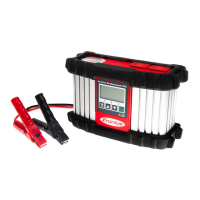
Fronius Acctiva easy Traction 1204 T
57 pages
Go to English
Print Icon
To Next Page IconTo Next Page
Loading...
Mode d’emploi
Chargeur de batteries
Bedienungsanleitung
Batterieladegerät
D
Operating Instructions
Battery Charger
Bedieningshandleiding
Accu Laadapparaat
42,0410,0836 012005
GB
F
NL
Acctiva easy 1202 / 1204 / 1206 / 2403
Acctiva easy 6/12 / 12/24
Acctiva easy Traction 1204 T / 1206 T

Questions and Answers

  • J
    Jason WardAug 7, 2025
    What to do if my Fronius Acctiva easy Traction 1204 T switches off during charging?
    • M
      Marvin ProctorAug 7, 2025
      If the Fronius Battery Charger switches off during charging, it may be due to high ambient temperature causing the charger to overheat. Allow the charger to cool down. Charging will resume automatically once it has cooled sufficiently.
  • J
    Justin MontgomeryAug 11, 2025
    What does it mean when the Fronius Acctiva easy Traction 1204 T Battery Charger displays symbols alternately?
    • A
      Andrea DavisAug 11, 2025
      Alternating symbols on your Fronius Battery Charger can indicate several issues. It could be that the charger leads are connected to the wrong poles, in which case you should connect the battery poles correctly. It could also mean a battery open circuit or contact fault, so check the charger leads, contacts, and battery poles. Another possibility is a charger lead short circuit; inspect the leads, contacts, and battery poles for any short circuits.
  • M
    Marilyn MorenoAug 16, 2025
    Why does my Fronius Acctiva easy Traction 1204 T show alternating symbols?
    • P
      Parker WilsonAug 16, 2025
      Alternating symbols on the Fronius Battery Charger can be caused by a battery that is too large. In this case, restart charging. It can also be caused by active accessories using too much power. If this is the case, switch off the accessories and restart charging.
  • S
    Samantha EdwardsAug 20, 2025
    What to do if my Fronius Acctiva easy Traction 1204 T Battery Charger shows a safety cut-out?
    • M
      Michelle ChambersAug 20, 2025
      If the Fronius Battery Charger indicates a safety cut-out, unplug the charger from the mains, disconnect the battery connection, determine the cause of the trip, and rectify the error. Restart charging if necessary.
  • D
    David AndersonAug 25, 2025
    What to do if my Fronius Acctiva easy Traction 1204 T displays nothing before the open circuit voltage test?
    • W
      Whitney PerezAug 25, 2025
      If nothing appears on the display of your Fronius Battery Charger before the open circuit voltage test, it could be that the battery is flat or in deep discharge. In this case, recharge the deep-discharge battery. Another reason could be that the charger leads are connected to the wrong poles; ensure that you connect the battery poles correctly.
  • K
    Karen MooreAug 28, 2025
    What to do if my Fronius Acctiva easy Traction 1204 T Battery Charger indicates a faulty battery?
    • K
      Kenneth ValenciaAug 28, 2025
      If the Fronius Battery Charger indicates a faulty battery, check the battery and never allow charging to continue. Ensure that the selector switch is correctly set and restart charging. Also, verify that the charger type is correct for this application and that the battery and charger are compatible.
  • B
    Bobby WilsonSep 1, 2025
    What does it mean when my Fronius Acctiva easy Traction 1204 T skips the startability display?
    • D
      Dawn MorganSep 1, 2025
      When the Fronius Battery Charger skips the startability display, it signifies that the system is in very good condition with optimal startability. No remedial action is necessary.

Fronius Acctiva easy Traction 1204 T Specifications

General IconGeneral
Input Frequency50-60 Hz
Output Voltage12 V
Charging Current4 A
Battery TypeLead-acid, AGM
Protection FeaturesReverse polarity, Short-circuit
Input Voltage230V AC

Related product manuals