EasyManua.ls Logo

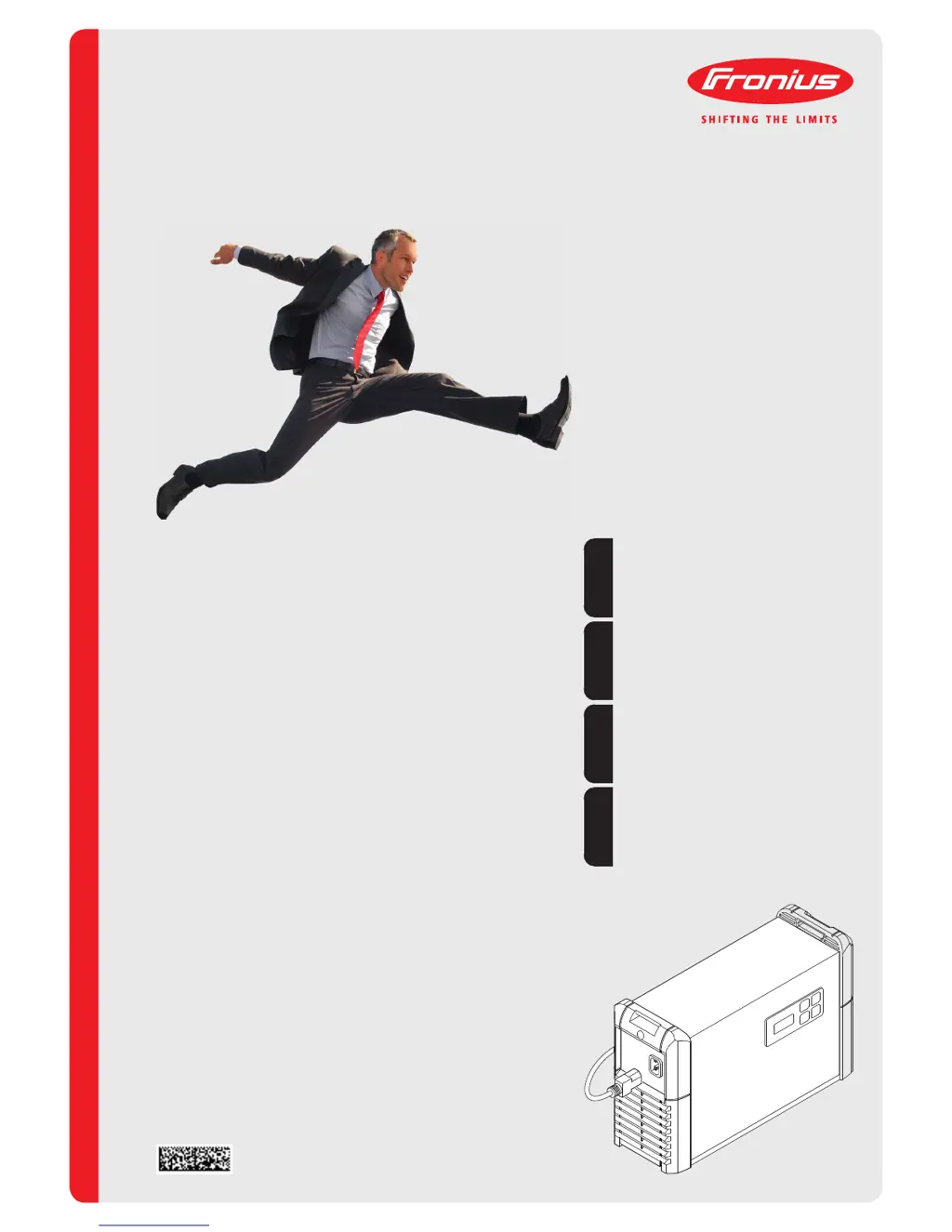
Fronius Acctiva Professional Flash - User Manual

Fronius Acctiva Professional Flash
160 pages
Go to English
Print Icon
To Next Page IconTo Next Page
Loading...
/ Battery Charging Systems / Welding Technology / Solar Electronics
42,0410,1286 001-10032014
Acctiva Professional Flash
Acctiva Professional Flash JP
Acctiva Professional Flash 30 A JP
Bedienungsanleitung
Batterieladesystem
Operating Instructions
Battery charging system
Instructions de service
Système de chargeur de batteries
Gebruiksaanwijzing
Acculaadsysteem
DE
EN
FR
NL

Table of Contents

Other manuals for Fronius Acctiva Professional Flash

Questions and Answers

  • S
    soniahaydenAug 7, 2025
    What to do if my Fronius Battery Charger shows over-temperature?
    • C
      Carl RochaAug 7, 2025
      If the Fronius Battery Charger is too hot due to over-temperature, allow it to cool down. Also, make sure that the air inlets and outlets are not obstructed.
  • K
    Kari HernandezAug 12, 2025
    Why is there nothing on the display of my Fronius Battery Charger?
    • Z
      Zachary LongAug 12, 2025
      If there is nothing on the display of your Fronius Battery Charger, first, ensure the mains supply is connected. If it is, the mains plug or mains cable may be faulty, and you should replace it. If the problem persists, the charger itself may be faulty.
  • A
    anita47Aug 15, 2025
    Why does the Fronius Acctiva Professional Flash show a safety cut-out?
    • J
      Jared MartinezAug 15, 2025
      If the Fronius Battery Charger safety cut-out is activated, check the battery for faults. Also, verify the charger settings for Ah and voltage, and ensure the correct battery type and number of cells (voltage) are selected.
  • K
    Kim LopezAug 19, 2025
    How to fix a Fronius Battery Charger that does not start charging?
    • K
      Katherine CarlsonAug 20, 2025
      If the Fronius Battery Charger does not start charging, the charging terminals or charger lead may be faulty. Replace the charging terminals or charger lead, ensuring the M8 nut torque is 15 Nm.
  • E
    evanscassandraAug 25, 2025
    What to do if Fronius Acctiva Professional Flash is not detecting the battery?
    • K
      Kevin WilliamsonAug 25, 2025
      If the Fronius Battery Charger is not detecting the battery, check that the charging terminals are properly connected, and press the Start/Stop button for 5 seconds.
  • A
    Aaron FlynnAug 28, 2025
    How to fix Fronius Acctiva Professional Flash Battery Charger charging terminals connected to wrong poles?
    • Y
      ybakerAug 28, 2025
      To resolve charging terminals connected to the wrong poles, swap the charging terminals around.
  • R
    Raymond WilliamsSep 1, 2025
    What to do if Fronius Acctiva Professional Flash Battery Charger charging terminals are short-circuited?
    • T
      tracy35Sep 1, 2025
      If the charging terminals of your Fronius Battery Charger are short-circuited, rectify the short-circuit on the charging terminals.

Fronius Acctiva Professional Flash Specifications

General IconGeneral
Output Voltage12 V / 24 V
Charging Current70 A
Mains Voltage230 V
Input Frequency50/60 Hz
Protection ClassIP20

Related product manuals