Reading the
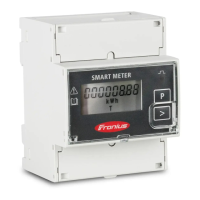
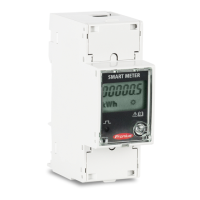
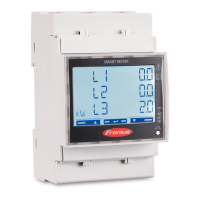
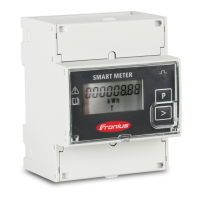
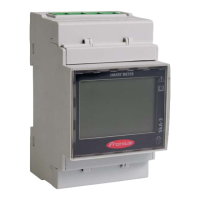
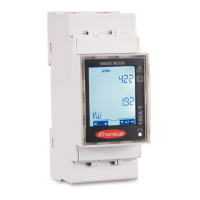
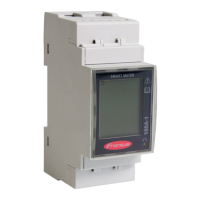
Fronius Smart
Meter operating
parameters
Symbol Name Event Function
Page
1 x
Continue to the next screen
Page
2 seconds
Reset value / change menu
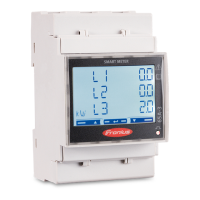
The following illustrations are symbolic representations. The values displayed
vary for each individual unit.
Display Description
Total active energy consumed
Total reactive energy
Total active energy feed-in
Maximum effective power av-
erage value
Press arrow key for 2 seconds
to reset the value
Effective power average value
Voltage and current menu
Press the arrow key and wait 2
seconds until the next display
(current phase L1) appears.
Current phase L1
Current phase L2
Current phase L3
18






 To Next Page