10
MAINTENANCE & SERVICE
Belt tension
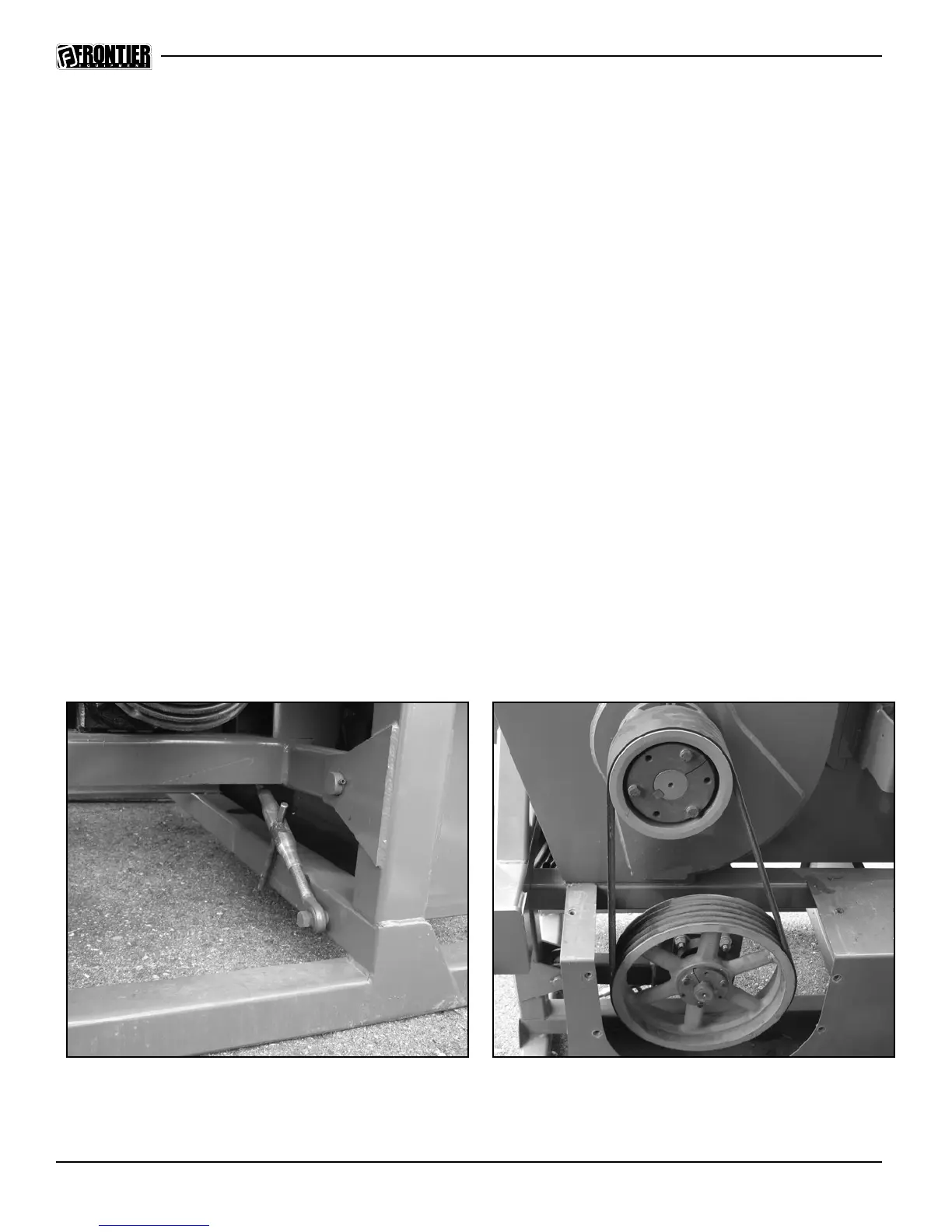
The belt tension is adjusted by turning the turnbuckles (Figure 9) and raising or lowering the
drive gearbox. Be sure to adjust the turnbuckles the same amount on both sides. The belts
should be snug but not stretched too tightly.
Replacing the belts
Follow these steps to replace the drive belt (Figure 10). The WC1208 chipper uses a 5-section
banded B-78 belt.
Remove the belt shield on the left side of the chipper to gain access to the belt
Loosen the turnbuckle adjustment to relieve the belt tension.
Remove the belt and replace with new.
Retighten both turnbuckles until the belt is tight. Keep both turnbuckles extended to the
same length.
•
•
•
•
Figure 10
Shield has been removed to show detail. All shields must be on at all times during operation!!
Figure 9



 To Next Page